In this edition: Scammers’ #1 goal is to get you on the phone.
A lot of the Cracker Barrel brand controversy was stirred up by robots on social media.
Plus, should you just delete a scam email? Or is there more to it?
Here’s how scammers are using email, texts, and voicemails to accomplish their #1 goal:
Get you on the phone.
Cybersecurity News You Can Use
Remember the Cracker Barrel rebranding controversy? Blame the bots.
The Wall Street Journal reports AI has made it much easier to spin up and manage large networks of fake social media accounts, allowing coordinated campaigns to amplify divisive topics and target brands quickly and at scale.
Monitoring firms say these AI-powered botnets have magnified backlash against companies, from Cracker Barrel to Amazon and McDonald’s, by flooding platforms with coordinated posts that make complaints appear far larger and more organic than they are. For brands, the takeaway is to treat sudden social spikes with skepticism, avoid directly engaging apparent bot activity, and invest in narrative management strategies to distinguish genuine customer concerns from manufactured outrage.
And for social media users, the Cracker Barrel case is a reminder: a lot of what you see on social media is being created by a computer to engage you and make you mad.
I’m hearing conflicting advice about what to do when I get a scam email. Do I delete it? Report it? Respond with “unsubscribe?”
Good question! MediaPost’s latest figures show that scammers’ messages make it through spam filters approximately 100 times a month and reach our inboxes. You’re more apt to receive a scam email at home, but the technology behind AI is making it harder for IT folks to block bad stuff at work every time.
The most crucial step is not to click links or open attachments in a suspicious message. Instead, delete the email or report it using your email provider’s “Report Phishing” option. If the message appears to come from your company, bank, or government, and you’re concerned, check in with them directly using a trusted phone number or by logging into your account on their website, rather than relying on the information in the email.
Are we protected from fake emails warning us about cybersecurity issues and advising us about what to do? If not, is that something we should be worried about?
It’s smart to be cautious. Fake emails pretending to warn you about cybersecurity issues are common, and they can be dangerous if you follow the instructions.
When you get a suspicious email, look closely at the address inside the brackets, not just the name that appears before it. For example, an email might say it’s from Microsoft Security, but the real address could be something like [email protected]. If the domain (the part after the “@”) doesn’t match the company it claims to be from, it’s almost certainly a scam.
When in doubt, don’t click anything. Instead, go directly to your company’s IT team, your bank’s official website, or the government’s trusted portal to verify the information.
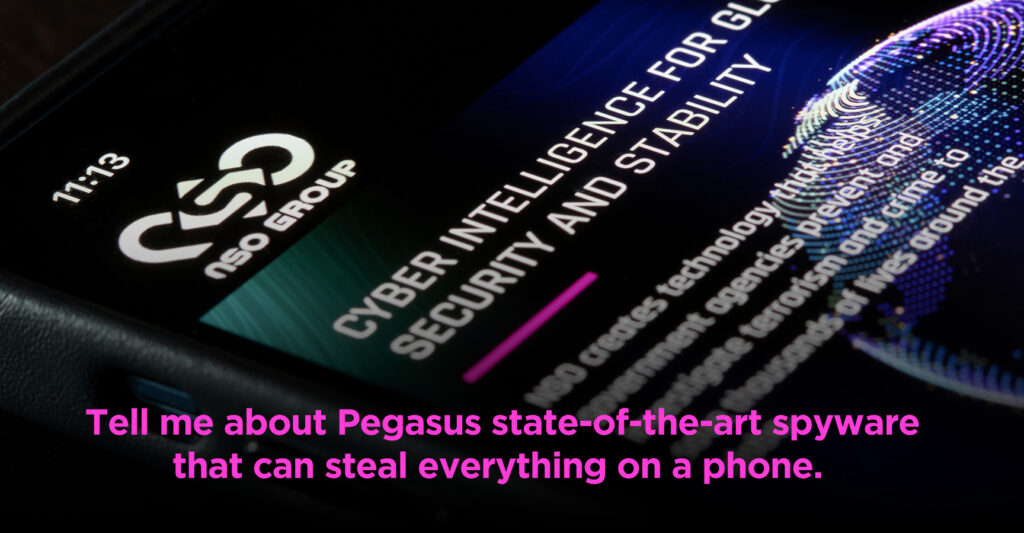
What is Pegasus, and how can we protect our devices against it being installed or remove it if it is already on our devices?
Pegasus is sophisticated spyware that targets iOS and Android phones. Once installed, it can secretly access everything from a phone including messages, emails, photos, recordings, and location information. Pegasus is typically used by agencies for targeted surveillance on high value individuals such as politicians, journalists, and activists. Pegasus is expensive to develop and maintain, so it’s less likely to be deployed against ordinary consumers.
There are reports that Apple’s new iPhone 17 models block Pegasus from being installed, but the software is constantly evolving. So, even a “new phone” is not immune indefinitely.
Send us your cybersecurity question for possible use in a future newsletter.