- In this edition: 5 surprising facts about the web that will change how you look at it.
- Why you should back up your home computer right now!
- One of history’s biggest breaches: keep an eye out for a letter from this company.
Live Cyber Poll
Cybersecurity News You Can Use
If you get a letter or email saying your data was part of a cyber breach involving a company called Conduent, treat it as your ticket to free help. You’ve probably never heard of this company, but it runs systems for Medicaid, SNAP, other government programs, as well as corporate HR and claims processing.
Early indications are that 25 million Americans have had their home addresses, Social Security numbers, and medical or insurance data stolen because of a cyber breach at Conduent. Consumers whose personal information has been stolen will be receiving letters in the coming weeks offering complimentary credit‑monitoring and identity‑protection services.

We’ve been telling you to use a search engine or a chatbot to confirm whether a product ad on social media is legit before buying it. Reuters says Facebook, Instagram, and WhatsApp were involved in about one‑third of all successful scams in the U.S. last year.
Now, another trend is emerging: An ad in your social media feed that looks like a new gadget, miracle supplement, or “must‑try AI app” can be both a scam and a way to get you to install dangerous software on your computer before making the purchase.
Again, before clicking and buying, do a web search or ask a Chatbot about both the product and the web address in the ad, rather than trusting it outright.
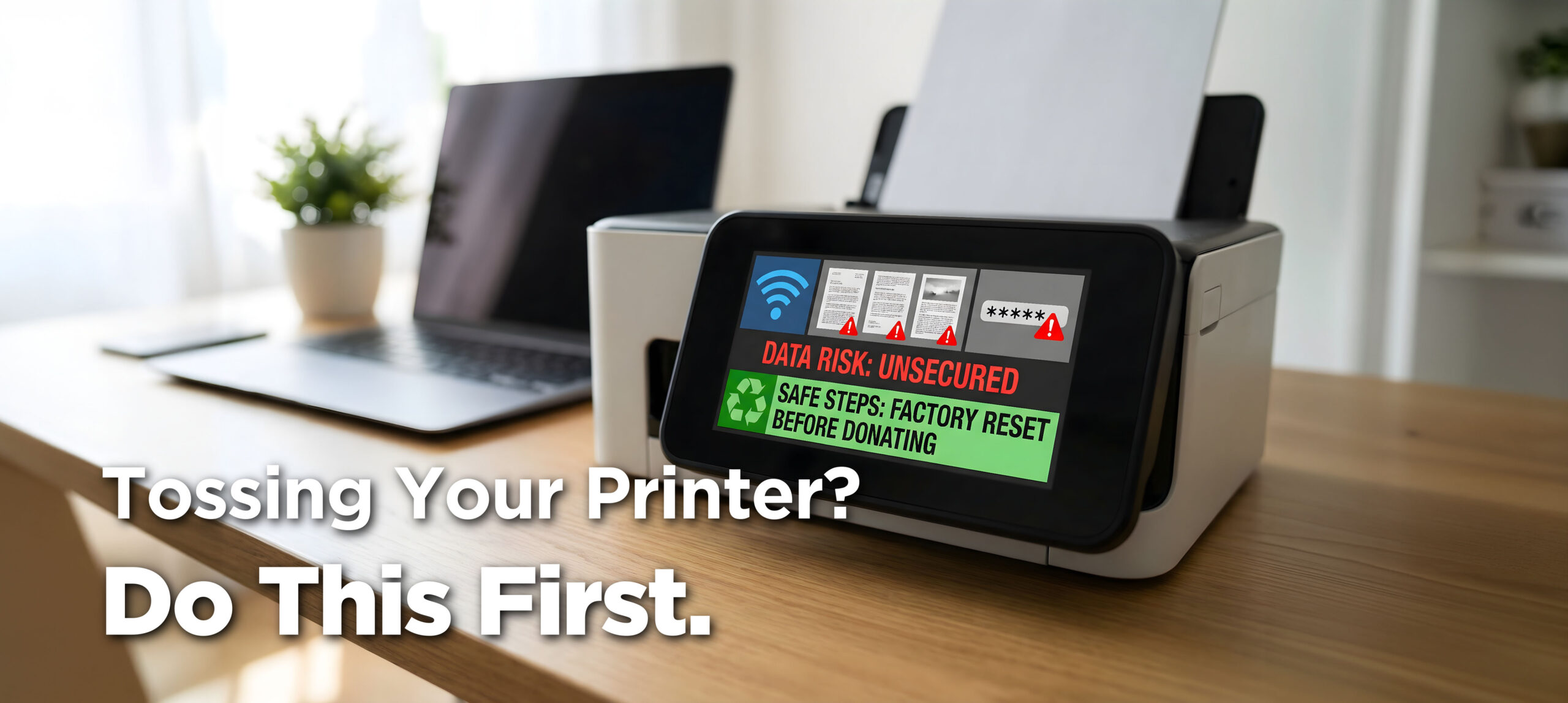
Did you know most office printers and copiers contain hard drives that store everything printed, copied, faxed, or scanned? Confidential documents, payroll records, client communications…wow! Two-thirds of businesses leave images of sensitive documents on the machine when they sell or dispose of it. Not good!
Remember to remove the internal drive, and either have it professionally shredded, drill through the platters, or run the printer’s secure‑erase function.
As for home printers, most don’t have hard drives but do keep images of recent jobs, fax logs, Wi‑Fi passwords, and address books in flash memory. So, before disposing of your home printer, do a web search for instructions on how to erase and reset it. If your model has an SD card, remove it before donating or recycling.
Phish of the Week
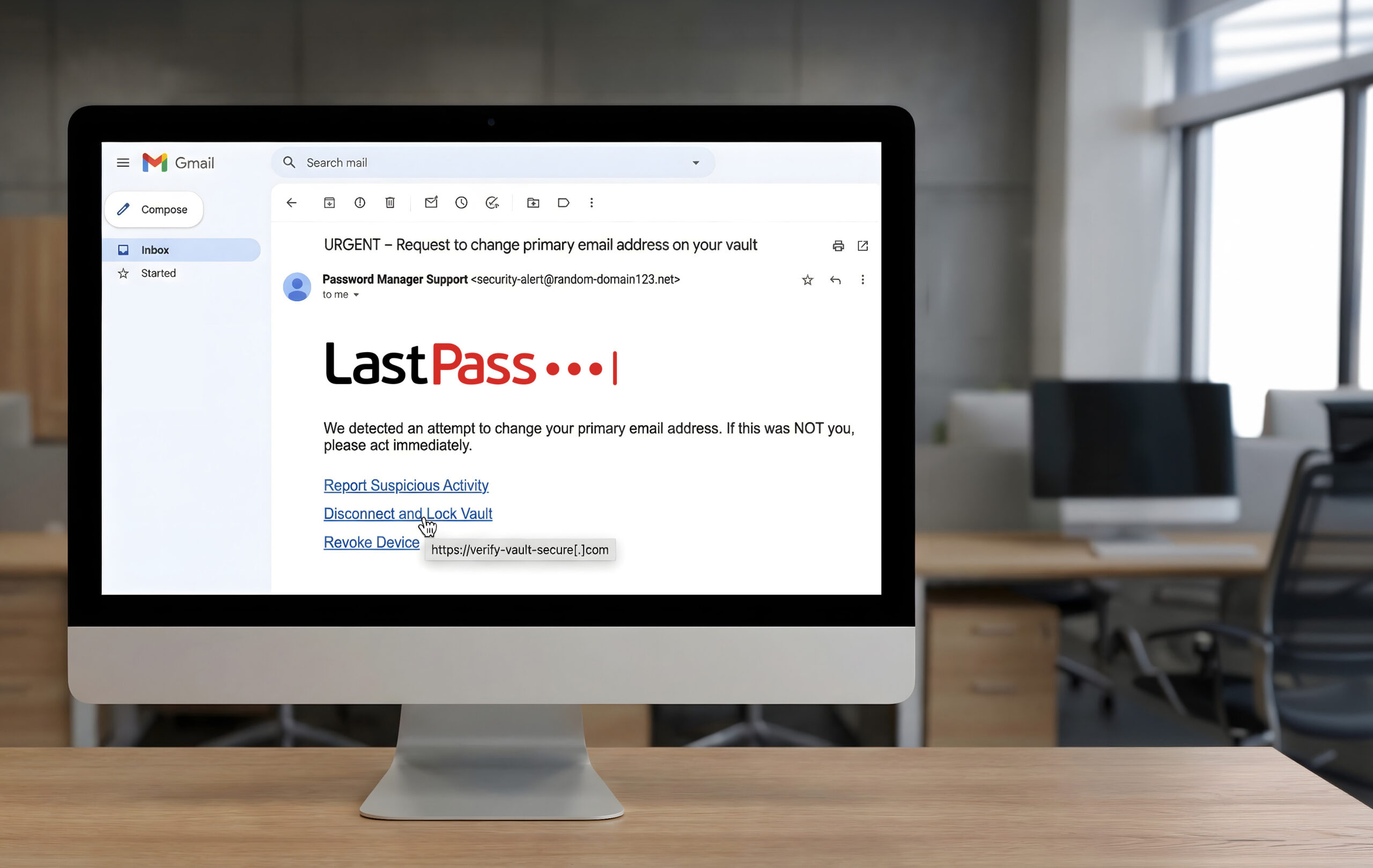
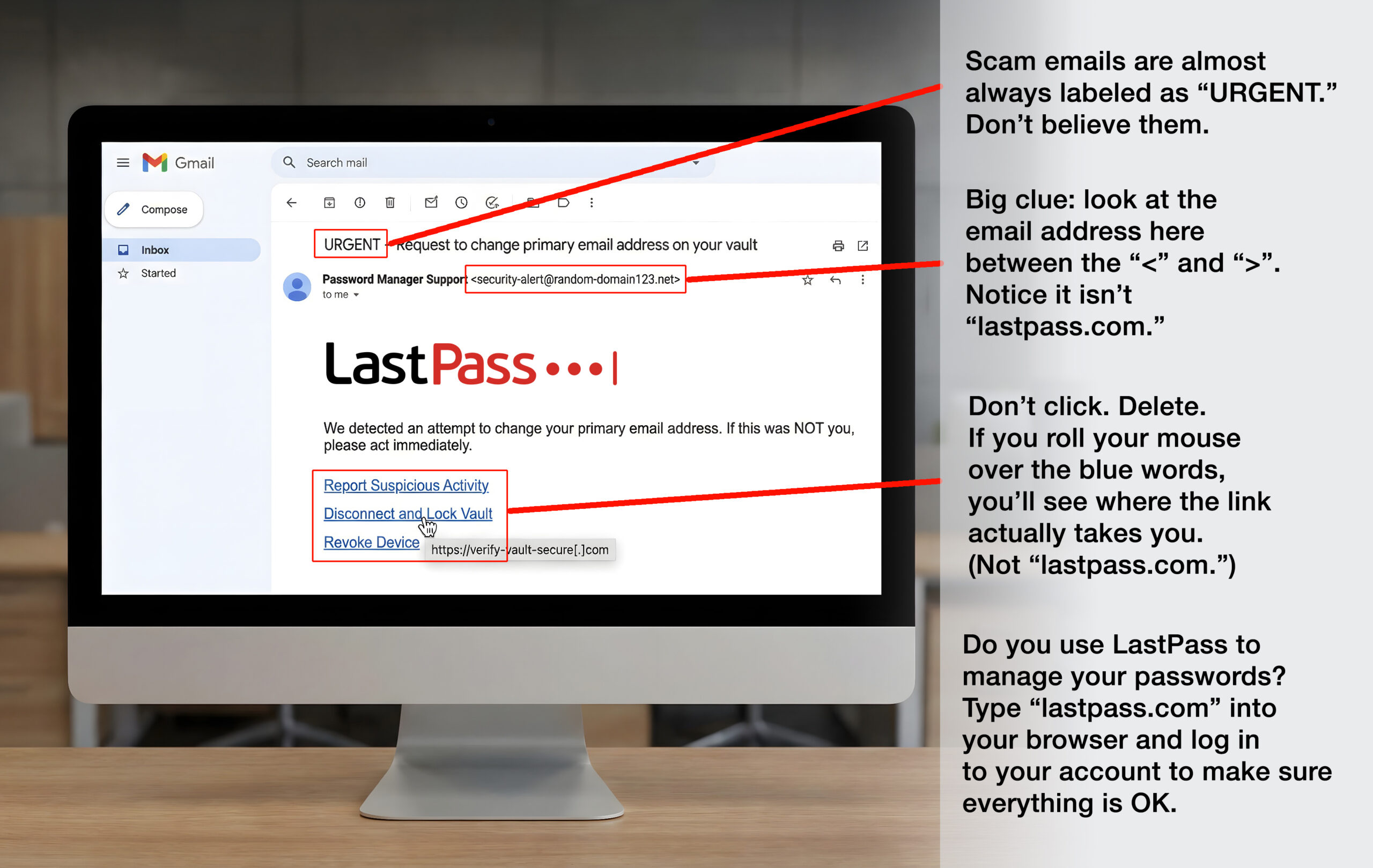
Cybercriminals know password managers are gold mines, and right now,
they’re going after LastPass users with convincing fake email alerts.
Here’s how to spot one of these phony “urgent” emails before you click.
Click and drag the red slider below from left to right to spot the clues.
![[XSI] World Backup Day](https://cdn.awareforcecyber.com/wp-content/uploads/2026/03/XSI-World-Backup-Day.png)
One more thing...
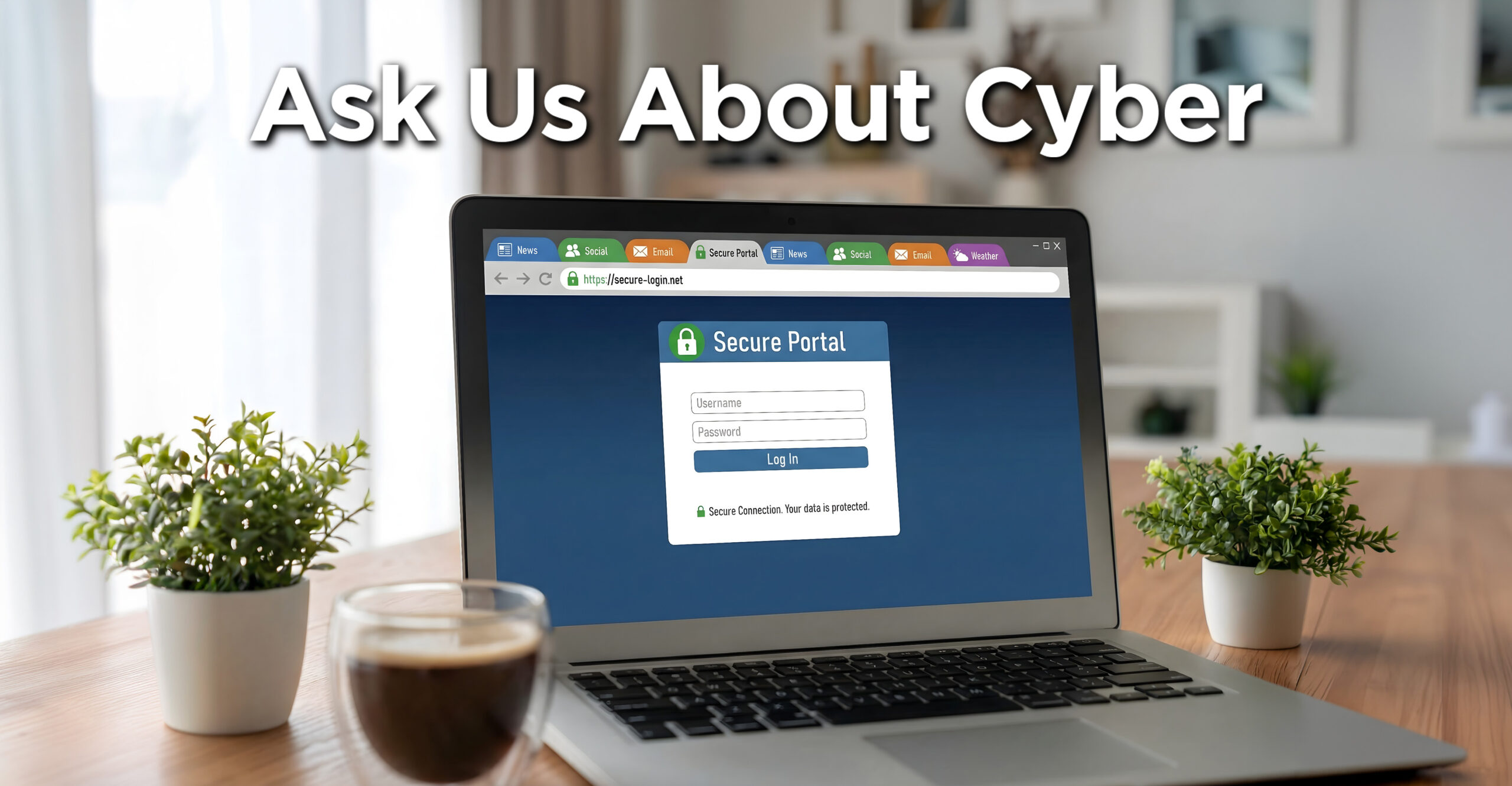
“Is it safe to log in to a secure account when you have multiple tabs open on your web browser? If not, is it safe to log in to the same account by opening a new login window and leaving the other window with multiple tabs open?”
On your personal computer, it’s generally safe to log in to a secure account even if you have multiple tabs open, provided your browser and operating system are up to date, and you aren’t visiting shady sites in those other tabs. Your risks come from visiting malicious websites and using dangerous browser extensions.
As a rule:
- Use a reputable web browser.
- Don’t install an extension on it unless you absolutely need it and are certain it came from a reputable source.
- Run good security software on your home computer.
“Can you recommend a privacy-focused video doorbell option to get away from Ring or Nest?”
If you’re trying to move away from Ring or Nest for privacy reasons, it’s worth considering video doorbells that store footage locally rather than automatically in the cloud. We’re not endorsing any specific brand, but in general, models that record to a memory card, a home hub, or your own network drive give you more direct control over who can see your video.
Cloud‑connected doorbells can be convenient, yet they also mean your footage may be stored on a company’s servers and could, in some cases, be shared with law enforcement under certain circumstances or legal requests.
Whatever you choose, check the privacy policy, how law‑enforcement requests are handled, and whether you can turn off or limit cloud storage, so your doorbell works more on your terms than the vendor’s.
“Once a child’s profile is set up, how easy is it for them to change their age/profile setting (18+) on their own?”
On kid-focused apps like YouTube Kids and most streaming services, bumping a child’s profile up to 18+ usually requires a parent PIN or logging into the parent account. But on many regular social media apps, kids can still lie about or change their age in profile settings or by opening a new account, often without a parent ever being notified.
On official sites like government portals, users generally can’t just change their birthdate or switch themselves to “18+” once the account is verified. Those systems usually lock key identity fields or require extra proof (such as ID documents or in‑person checks) before support staff will update your date of birth. That makes it hard for a child to quietly convert a child‑level government or official profile into an adult one on their own.
Send us your cybersecurity question for possible use in a future newsletter.
Cyber Content Archive: Always Available

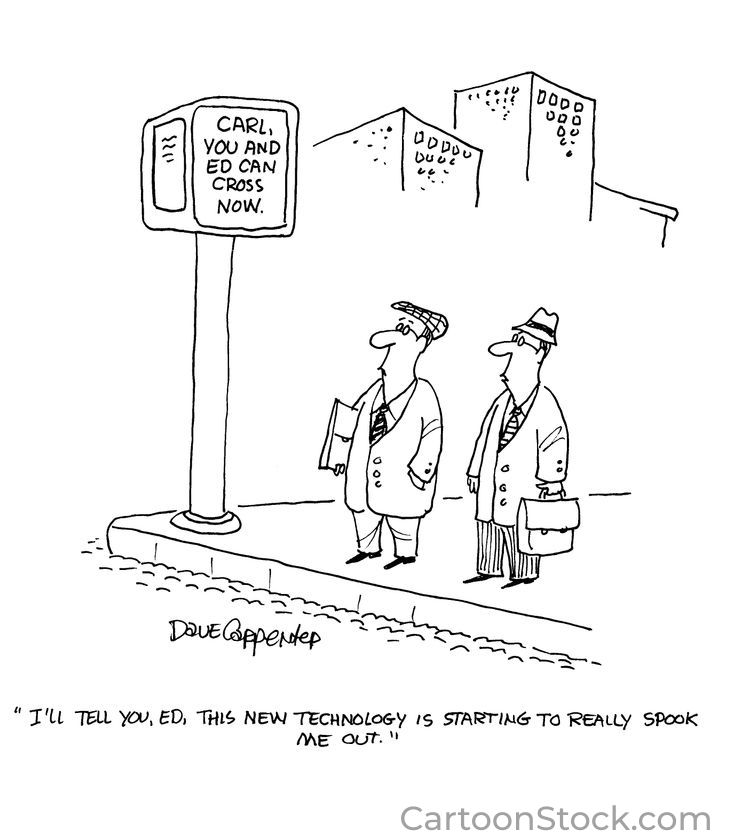
Cyber cartoon © 2026 CartoonStock | Original content © 2026 Aware Force LLC