
- In this edition: The wave of January 2026 email and social media ad scams coming your way.
- Your bank is calling. There’s a problem, they say. But the FBI says…hang up.
- To be safe, do you always need to log out of an account when you’re finished?
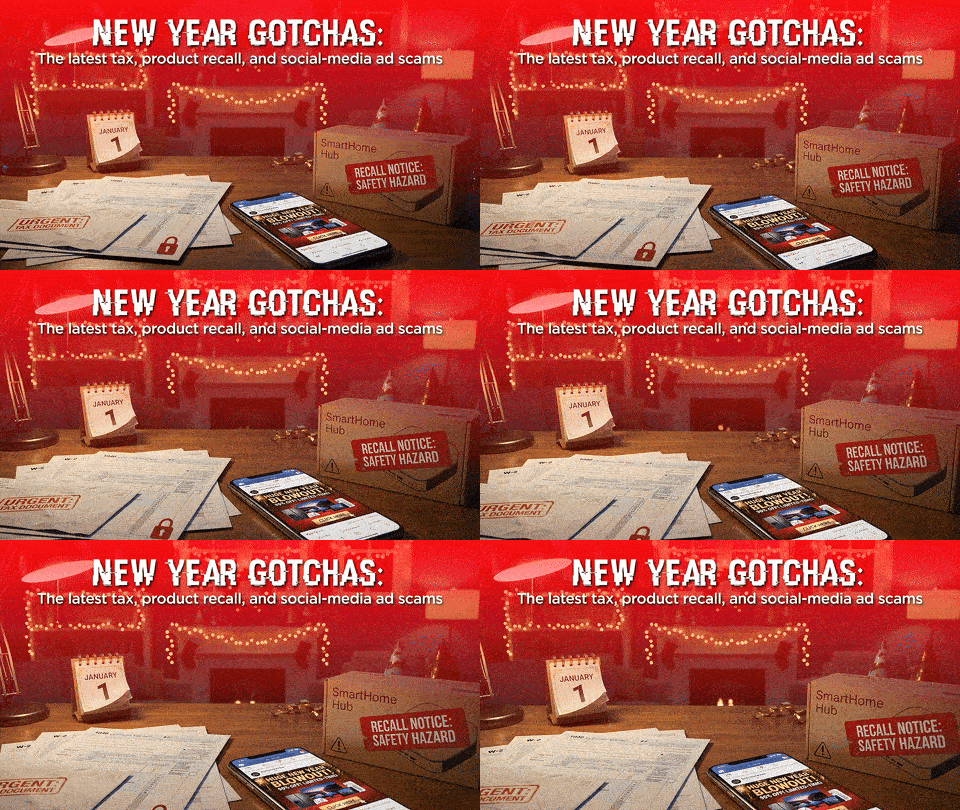
Your 2025 vacation time scam
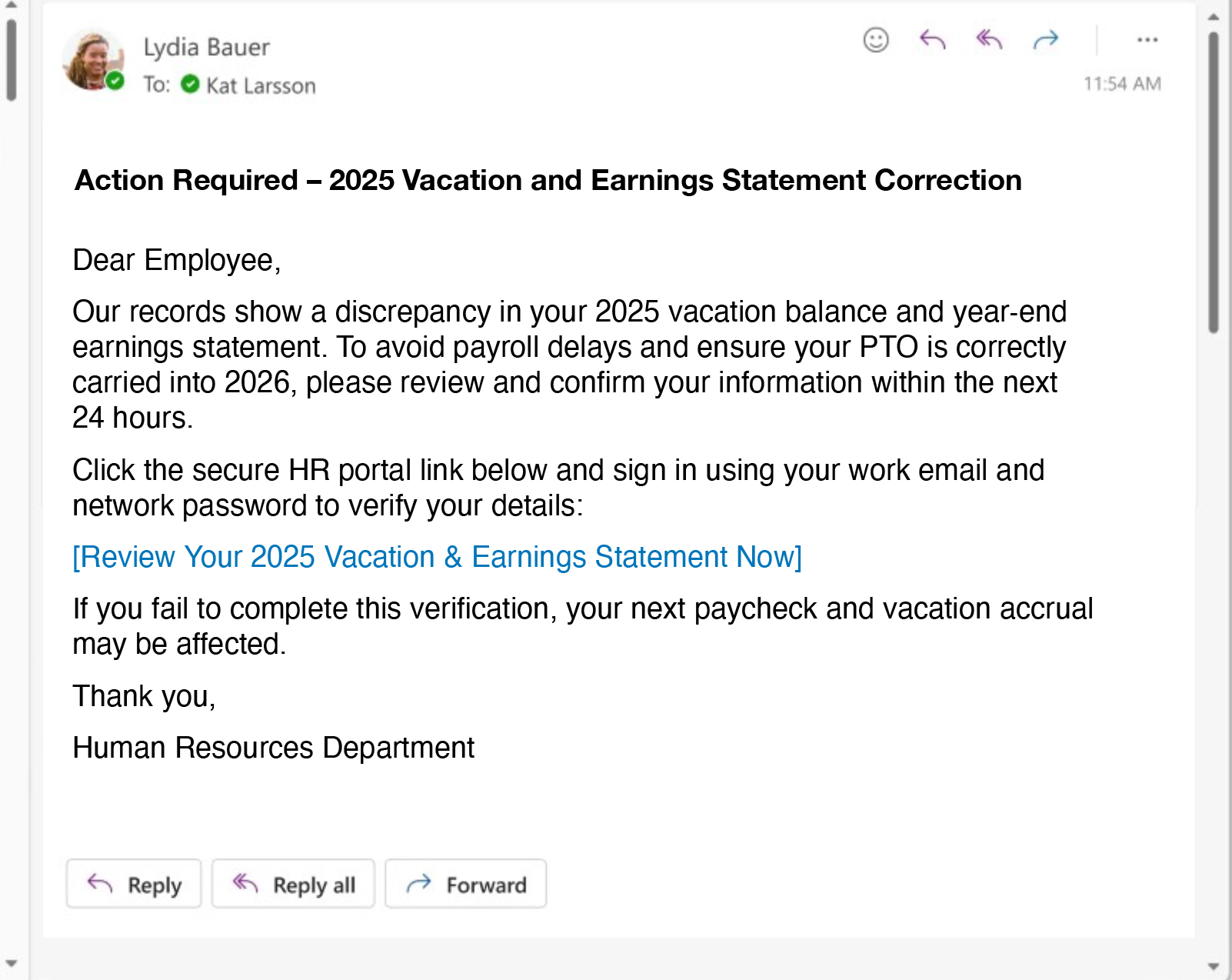
Treat any “HR” email about 2025 vacation or payroll errors as suspicious if it pressures you to click a link or log in. Instead of using the link in the message, open your HR or payroll portal from a saved bookmark or company intranet, or call HR directly using an internal phone number to confirm whether there’s really an issue. Never enter your work password on a site you reached through an unexpected email. Report the message to your security or IT team.
Your tax refund is ready early!
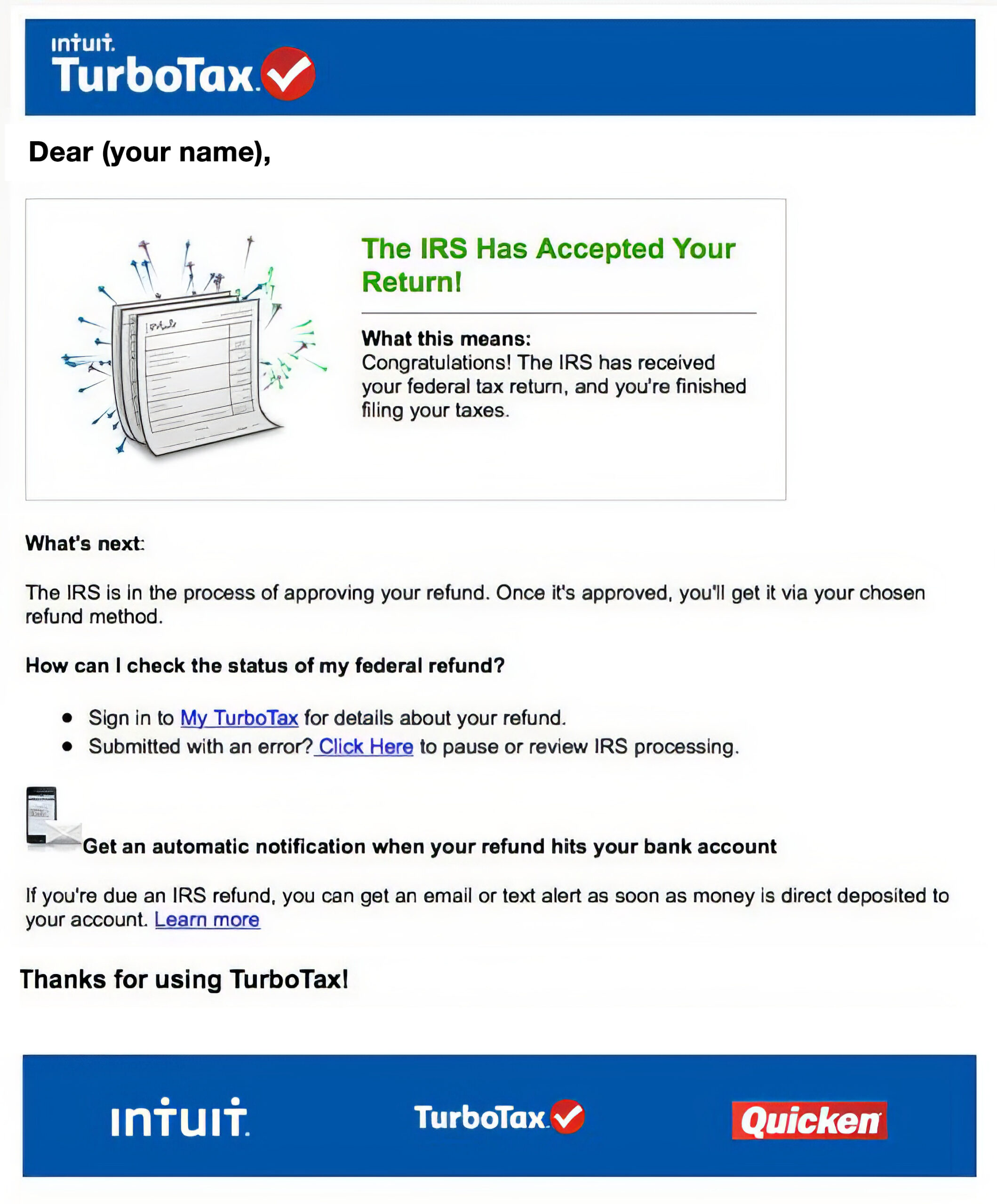
Scammers are already sending fake emails that appear to be from a tax preparer, claiming your refund is “ready early” and that you need to click a link to confirm your information. Legitimate firms don’t surprise you with early refunds or ask you to log in through random email links. Sign in through your tax app or call your preparer using a known number to check your status. Never enter your Social Security number, bank details, or tax‑account password on a site you reached from one of these messages.
The fake product recall from Amazon
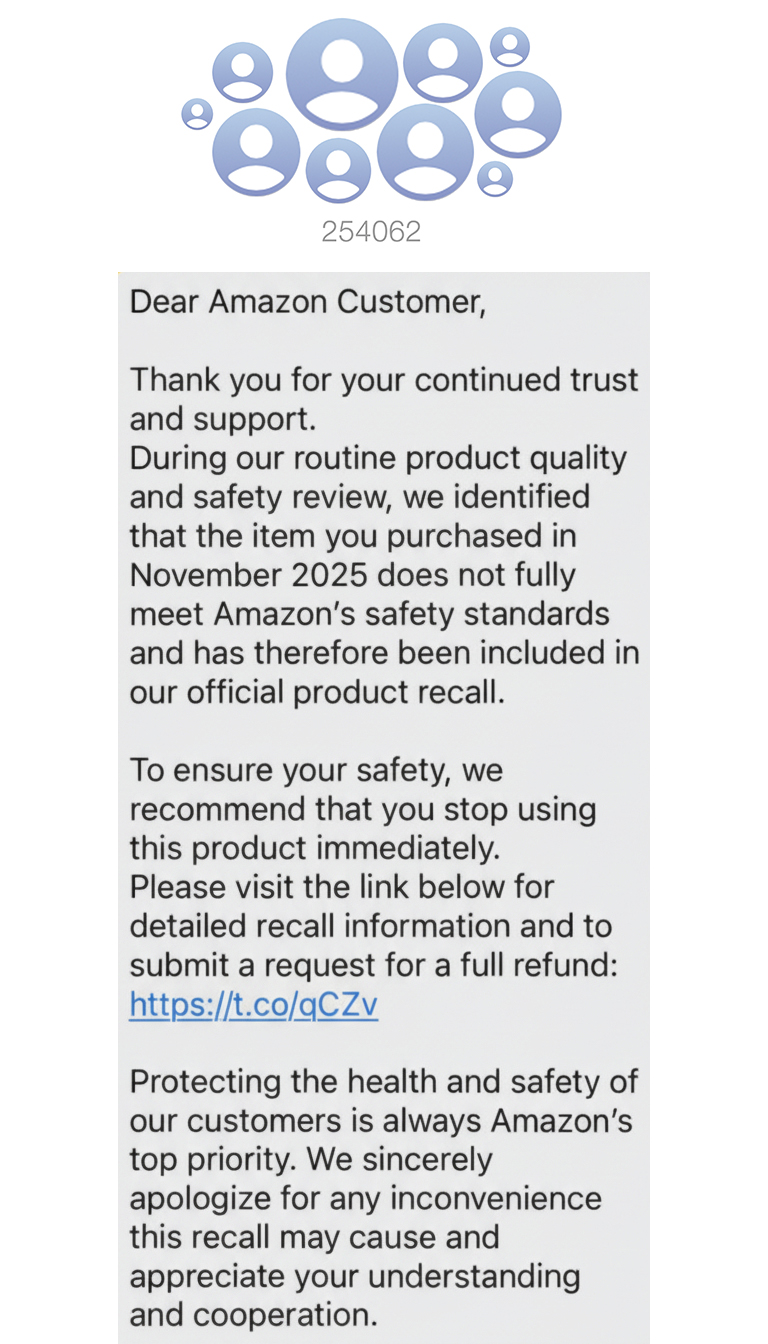
Ignore texts about “Amazon recalls” that don’t include your real order number, order date, and the product you bought. Instead of tapping a link in a message, open the Amazon app or go to the website directly and check “Your Orders” to see if there’s an actual recall or problem. Amazon will not ask for your credit card number to process a recall.
Fake retailers’ Winter Sales on social media
Scammers are spinning up fake “winter blowout” shops in social media feeds, using stolen photos and made‑up discounts, often claiming to be familiar brands, to lure people into entering card numbers and login details. These pop‑up “stores” usually disappear within hours, leaving buyers with no product, no refund, and sometimes a compromised account. All the ads in this video clip represent companies advertising on Instagram that Trustpilot has flagged. Before buying, type the exact name of the retailer’s website into a search engine and ask if it’s a scam.
Live Cyber Poll
Cybersecurity News You Can Use
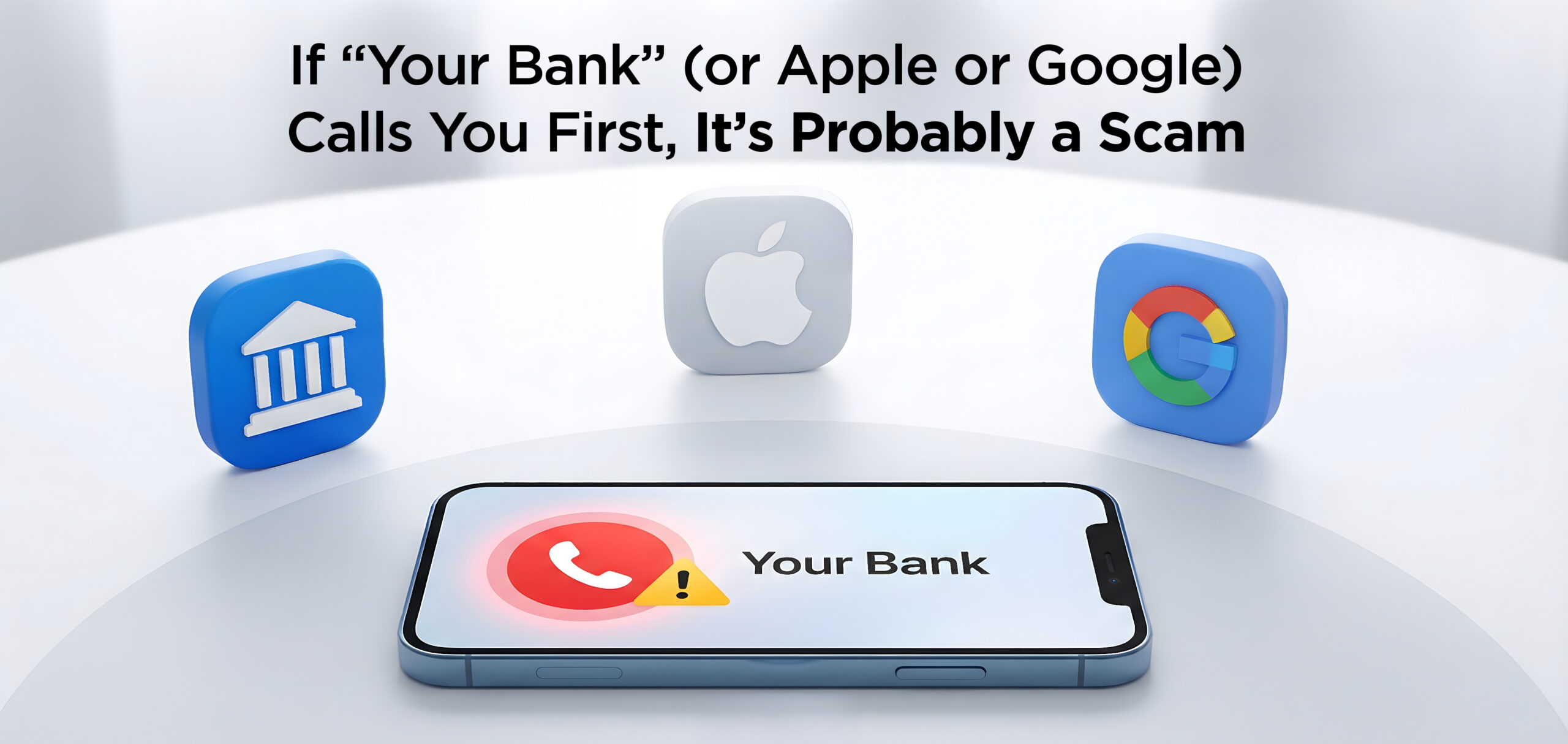
The FBI reports a new wave of crooks posing as bank staff or tech support from big names like Apple, Google, Netflix, and Amazon is tricking people into handing over login details and security codes to drain their accounts.
Scammers call, text, or email about “suspicious purchases,” and try to send you to a fake website that looks just like your bank or payroll site, then ask you to read back the code that an automated system just sent to your phone.
Remember, banks and retailers will not call you out of the blue to reset your password or fix your account.
They do send alerts by text or email, but never include links to log in or requests for passwords, PINs, or codes. They tell you what happened and expect you to sign in using your usual app or website if you need to act.
Update Your Passwords

These organizations say they have been hacked recently.
If you do business with any of these companies,
change your account password and use two-factor authentication wherever possible.
One more thing...

Ask Us About Cyber
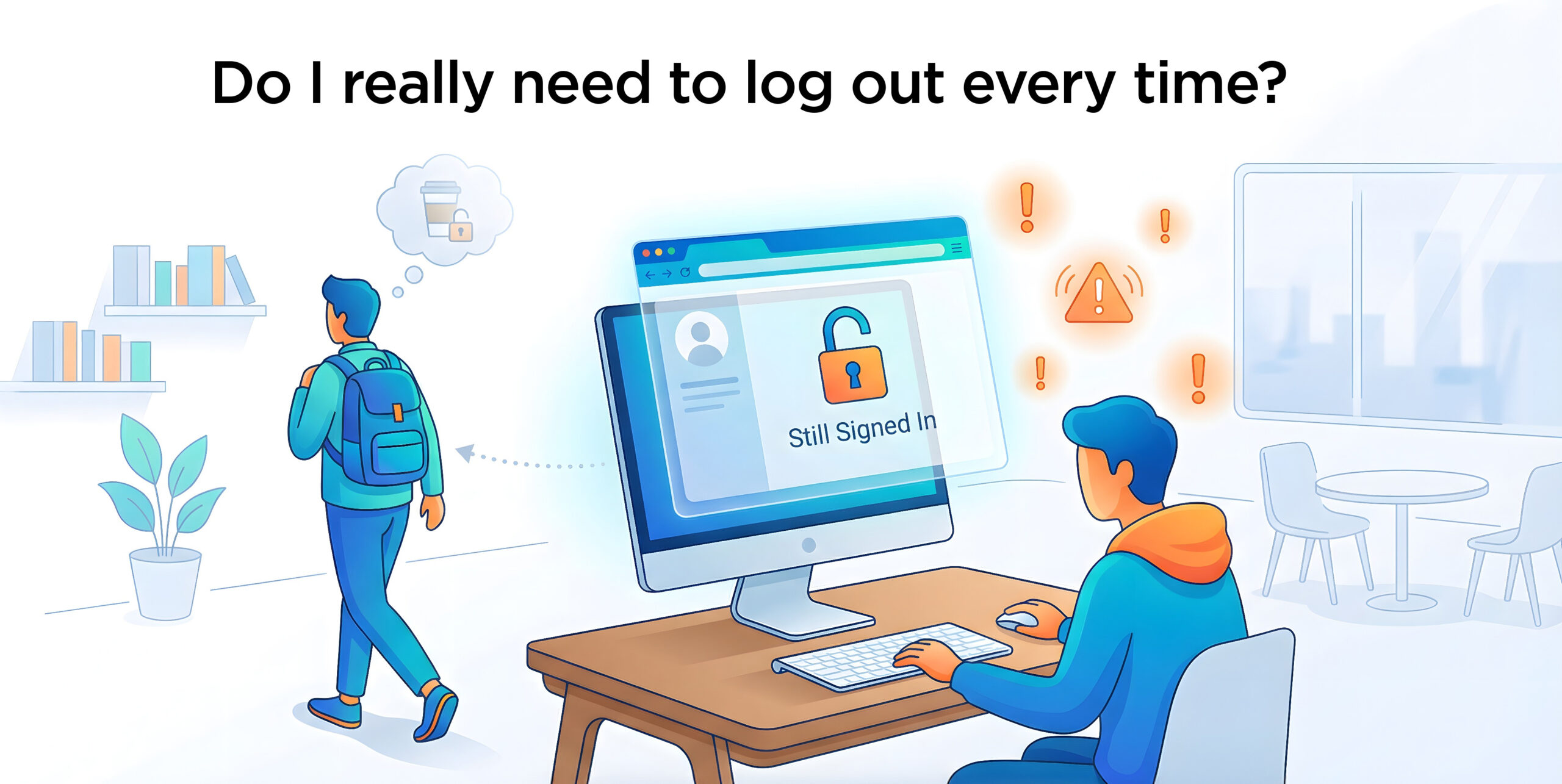
If you close a window on your computer without signing out, is this an issue?
If it’s your home computer and you’re the only one with access to it, closing a browser window without logging out first is usually not a big issue because most websites will log you out automatically.
But on a shared or public computer, closing the window without signing out is risky because your session can remain active, letting the next person reopen the site and access your accounts.
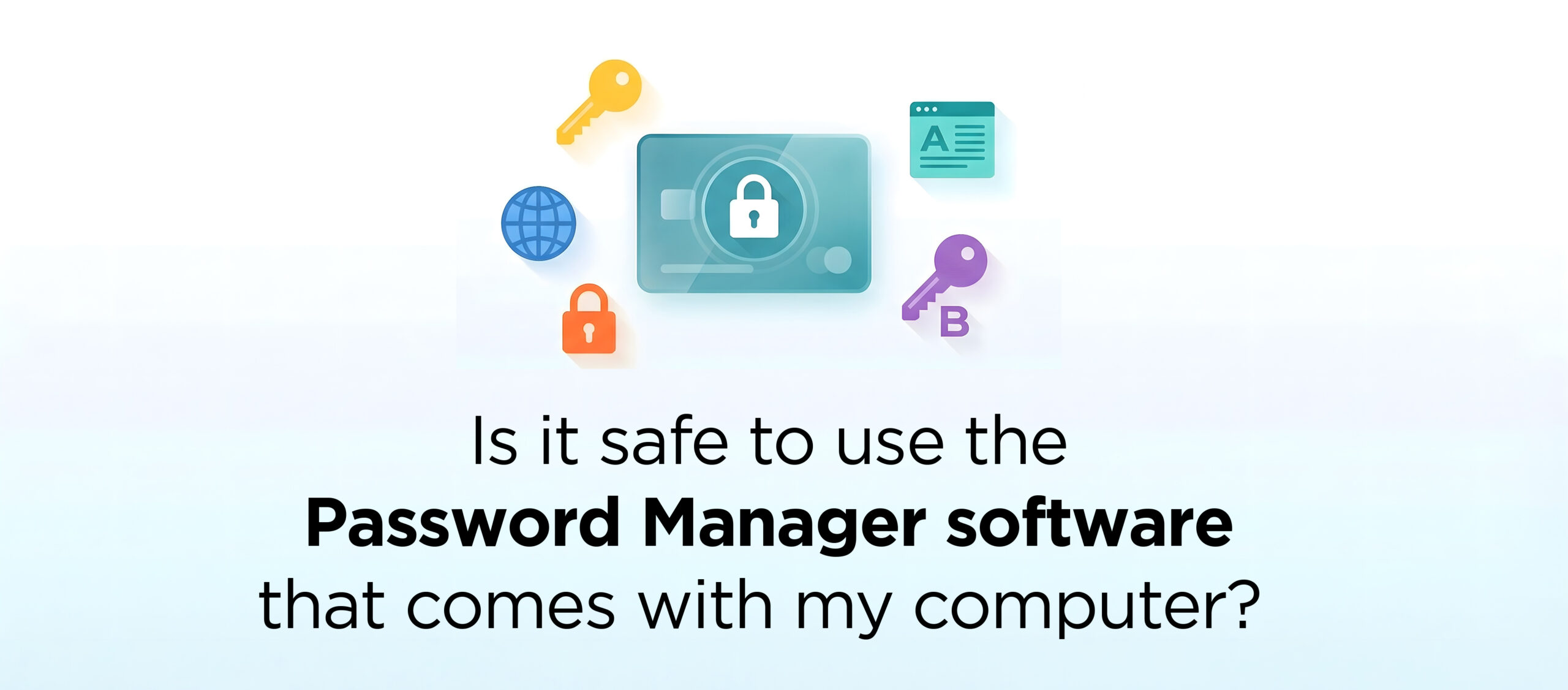
Earlier this year, my son had his identity stolen. It has been a nightmare for him. They apparently got into his email account because his email password was “password.” (I know, I know.) So, my New Year’s resolution is to make my computer safer. I’m going to start using a password manager. Can I use the one that comes with my computer?
Excellent question: the free password management software that now comes with Windows and Mac is super easy to use, secure, and may let you use your fingerprint or look through the device’s built-in camera to access your accounts. Easy!
The downsides: all those saved passwords aren’t portable. In other words, you can’t easily access them across different web browsers (Edge, Chrome, and Safari). You can’t move those passwords stored on a Mac over to a Windows machine. And if your device gets hacked, scammers might be able to misuse them.
Purchasing a separate password manager is the gold standard. But, hey, built-in password software is a much better solution than trying to remember all your passwords or keep a written list.
Send us your cybersecurity question for possible use in a future newsletter.
Cyber Content Archive: Always Available

Cyber cartoon © 2026 CartoonStock | Original content © 2026 Aware Force LLC