Crooks love it when you post a lot of personal stuff to social media. Here’s how they use that information.
Oh, no! Your reward points are about to expire! Here’s how scammers get the password to your wireless account.
The app you use to keep your online communications safe could be the most dangerous. (Hint: you have to pay for a subscription.)
Was this content helpful?
Live Cyber Poll
Phish of the Week
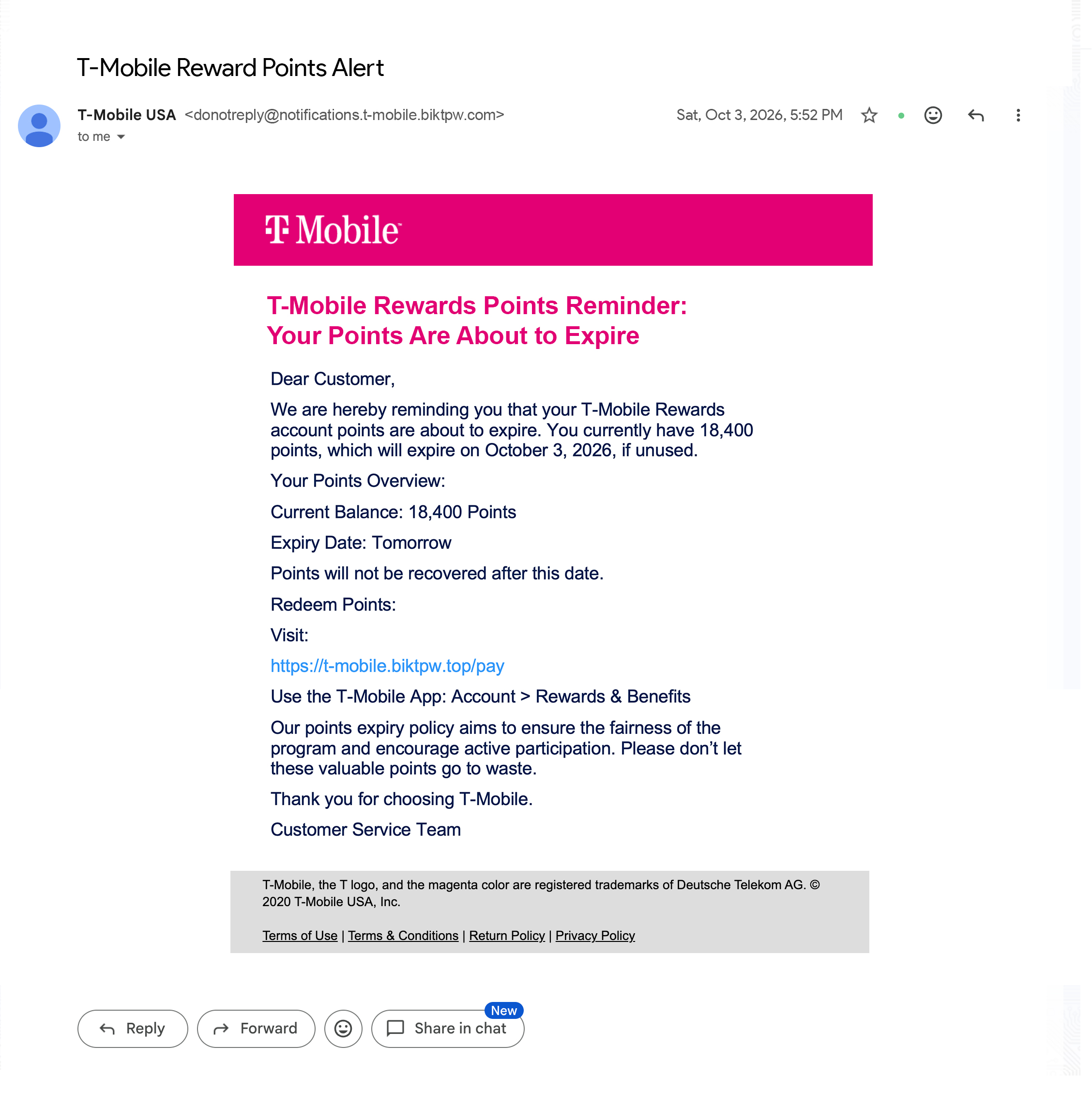
Be aware of fake T-Mobile email alerts claiming that your rewards points—often stated as “18,400 points”—are about to expire are a scam that’s been running all summer long across more than 80 look-alike web addresses.
These messages push you to click a link and log in before your points “disappear,” but that link leads to a fake site built to steal your password, payment details, or one-time verification codes.
Malwarebytes has been tracking the scam and advises that if you get one, don’t tap the link, instead; open the real T-Mobile app to check your rewards balance.
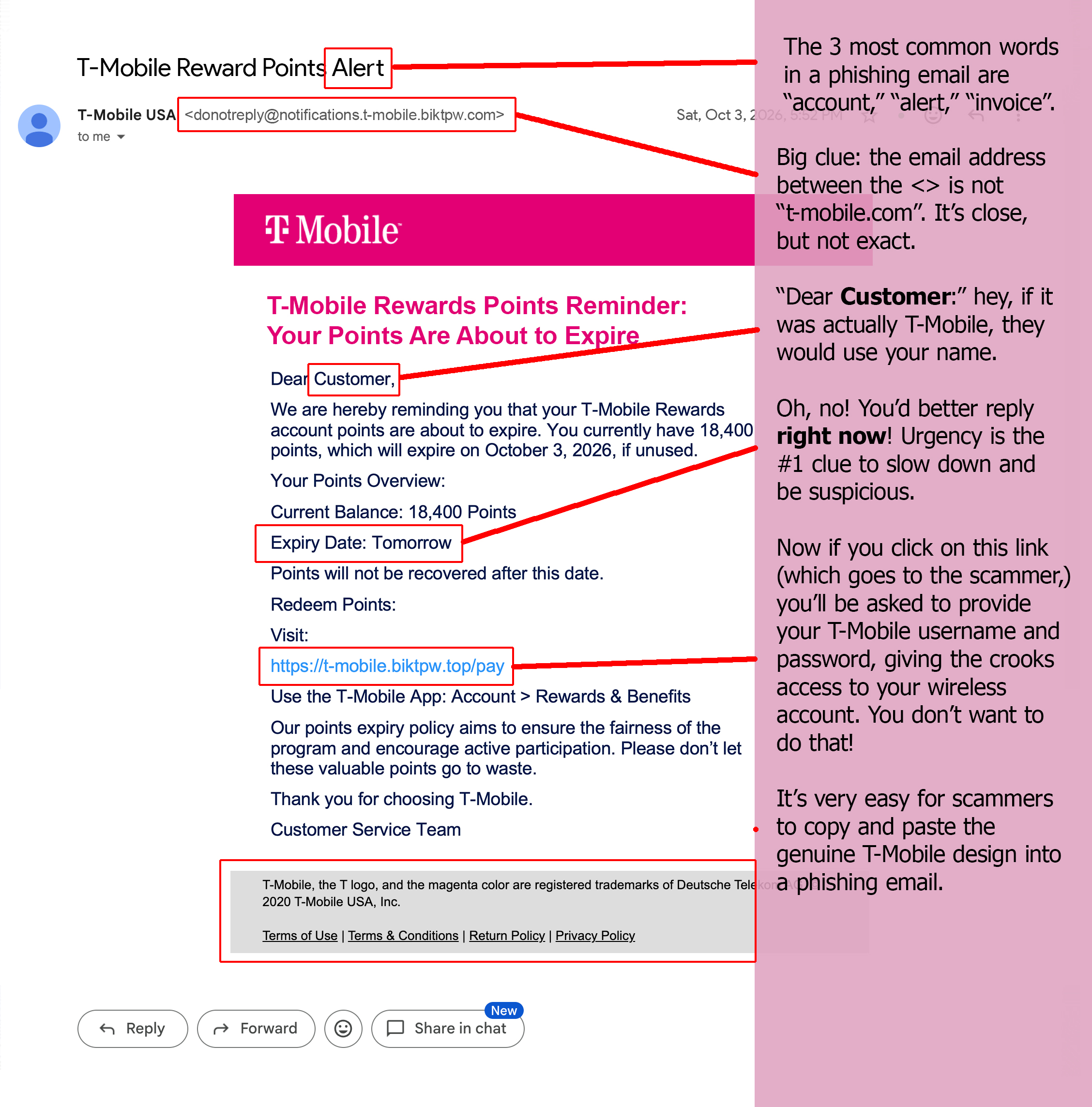
Use your mouse to move the red slider bar below to spot the clues this is a phish.
Before
After
Was this content helpful?
Cybersecurity News You Can Use
Free VPN apps promise to hide your internet activity, but a new investigation finds that one in five of the most popular free VPN apps in the U.S. App Store are secretly owned by Chinese companies, ones legally required to hand data over to the Chinese government on request. These aren’t shady, unknown apps either. The Tech Transparency Project found these apps, downloaded more than 70 million times, use offshore shell companies to hide their real ownership. Familiar names like Turbo VPN, X-VPN, and VPN Proxy Master all made the list.
Ownership isn’t the only issue. Separate research found most free VPN apps are loaded with trackers, ask for access to your camera and contacts, and share your data with outside companies. One analysis of over 800 free VPN apps even found hundreds offering no real encryption, despite claiming to protect you.
The takeaway: use a search engine or a platform like ChatGPT to research safe VPNs. All require a paid subscription; a free VPN might be doing the opposite of what you think it does.
Cybersecurity Awareness Month Reminder
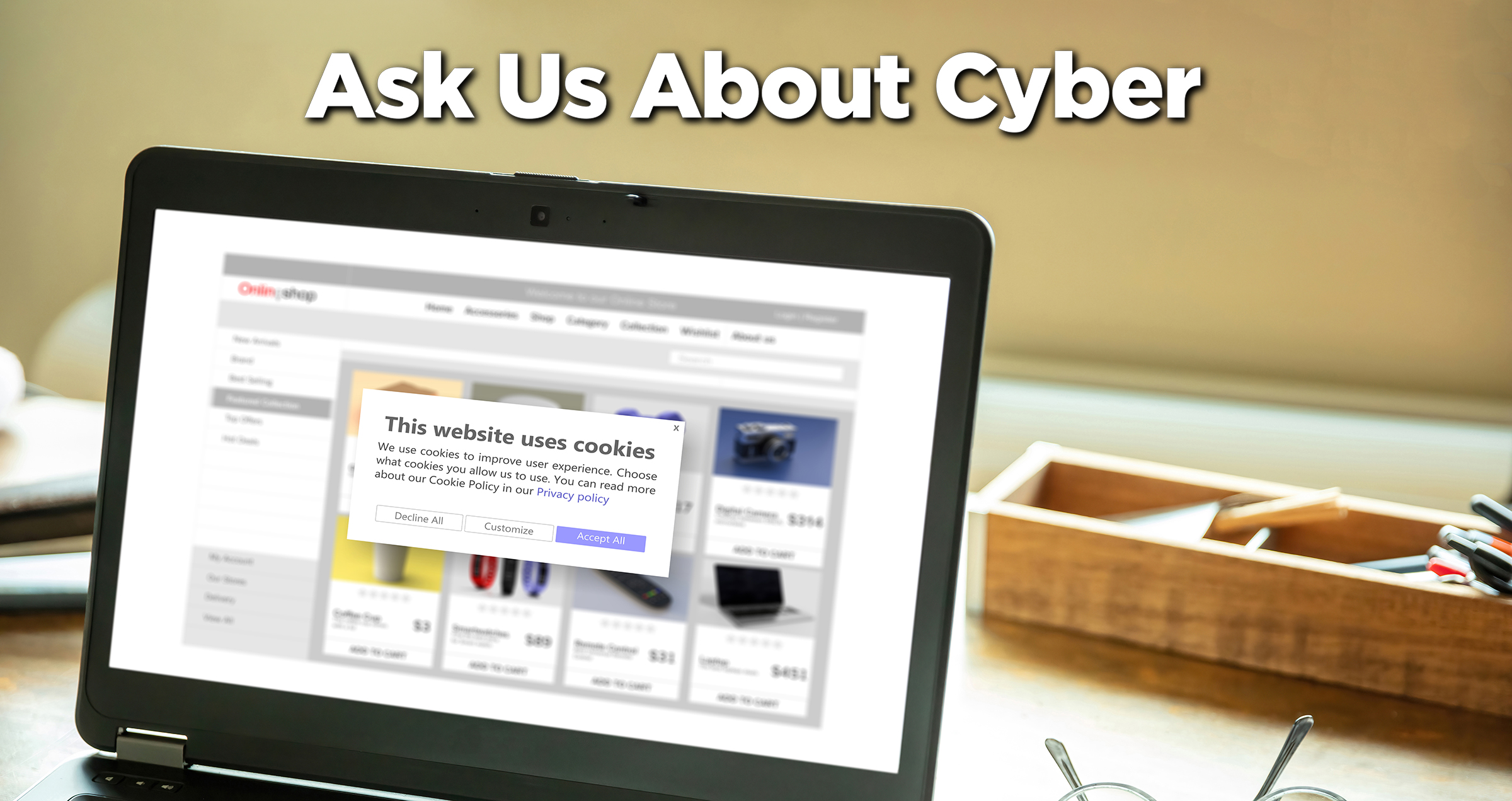
How do I know when I can click to accept cookies or not?
Cookies aren’t dangerous on their own. They’re just small files stored in your browser that websites use to remember you, so accepting them on a site you trust (like your bank, a store where you shop) is generally fine. If you’re unsure, hitting “reject” or “necessary only” usually keeps the site working fine, you’ll just skip the extra tracking. One thing we’re watching: cookies are being phased out industry-wide in favor of newer methods of tracking what you do online, so those “accept or reject” pop-ups may start disappearing.
Is it safe to click unsubscribe from unwanted email?
It’s safe to unsubscribe if the email is from a company you’re familiar with. But if the email is from someone you never signed up with, just skip the unsubscribe link. For spammers, clicking it just confirms your email address is active and can lead to more junk. In those cases, mark it as spam/junk and then delete it.
What’s the best way to defend against having my phone or tablet hacked when I’m traveling in airports, on planes, on buses, on trains, and in hotels and restaurants?
The biggest step you can take is not using public Wi-Fi networks regardless of what they’re named. “Airport Free Wi-Fi” could easily be a scammer who wants to intercept everything you’re doing. Instead, look up how to tether your laptop to the network your smartphone is using. Fair warning, though: if you don’t have an unlimited data plan for your phone, limit how much surfing you do because this type of use can quickly raise your bill.
While you’re on the road, turn off Bluetooth and Wi-Fi auto-connect when you’re not using them, and stick to using your own power cord to charge your device instead of using those public USB charging ports, which can be hacked to steal data.
Send us your cybersecurity question for possible use in a future newsletter.
You don’t have to provide your name or email address. If you do include an email address, we’ll do our best to respond to your question.