
- In this edition: It’s Time For Data Privacy Week — and we’re going to make you a privacy wizard.
- Check out how long it would take a hacker to guess any of your passwords.
- Has your Instagram account been hacked? That’s a big problem right now, but you can avoid it.
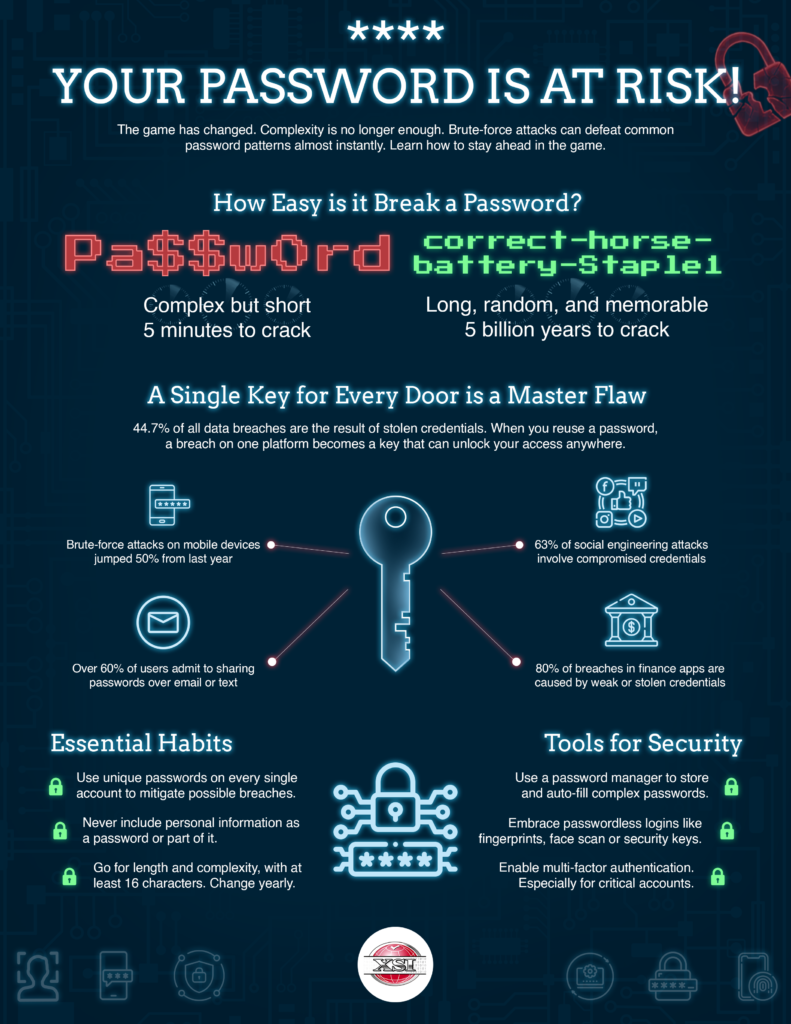
How long would it take for scammers to guess your passwords? Give our calculator a try.
Live Cyber Poll
Cybersecurity News You Can Use
Insta users: heads up. Leaked info on over 17 million people apparently includes usernames, email addresses, and phone numbers — but not account passwords.
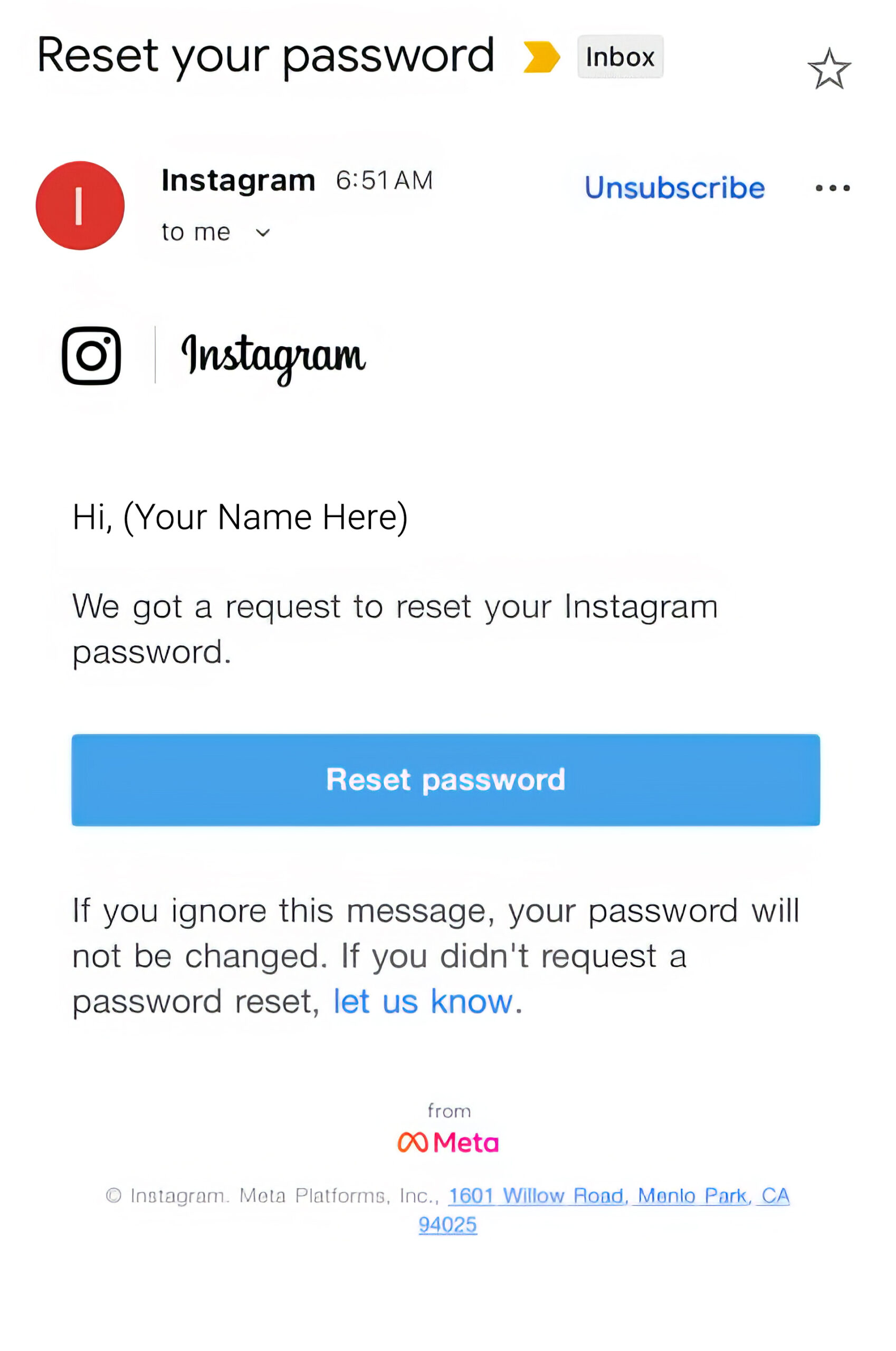
That’s why many of us are seeing real Instagram password-reset emails, even though we never clicked “Forgot password?”.
If you follow instructions to reset your password, scammers can hijack your account and lock you out.
And if you click the link that says, “let us know,” scammers will then know your email address is active.
What Instagram users should do
- Change your Instagram password to a long, unique one (not used on any other site).
- Turn on two-step verification (2FA) by going to Profile > Settings > Password Security > Two-factor authentication.
- Treat every unexpected message about your Instagram account as suspicious.
- If you get an email or DM about your account, don’t click on links in the message.
- Instead, open the Instagram or website app yourself, go to Settings → Security, and check for alerts there.
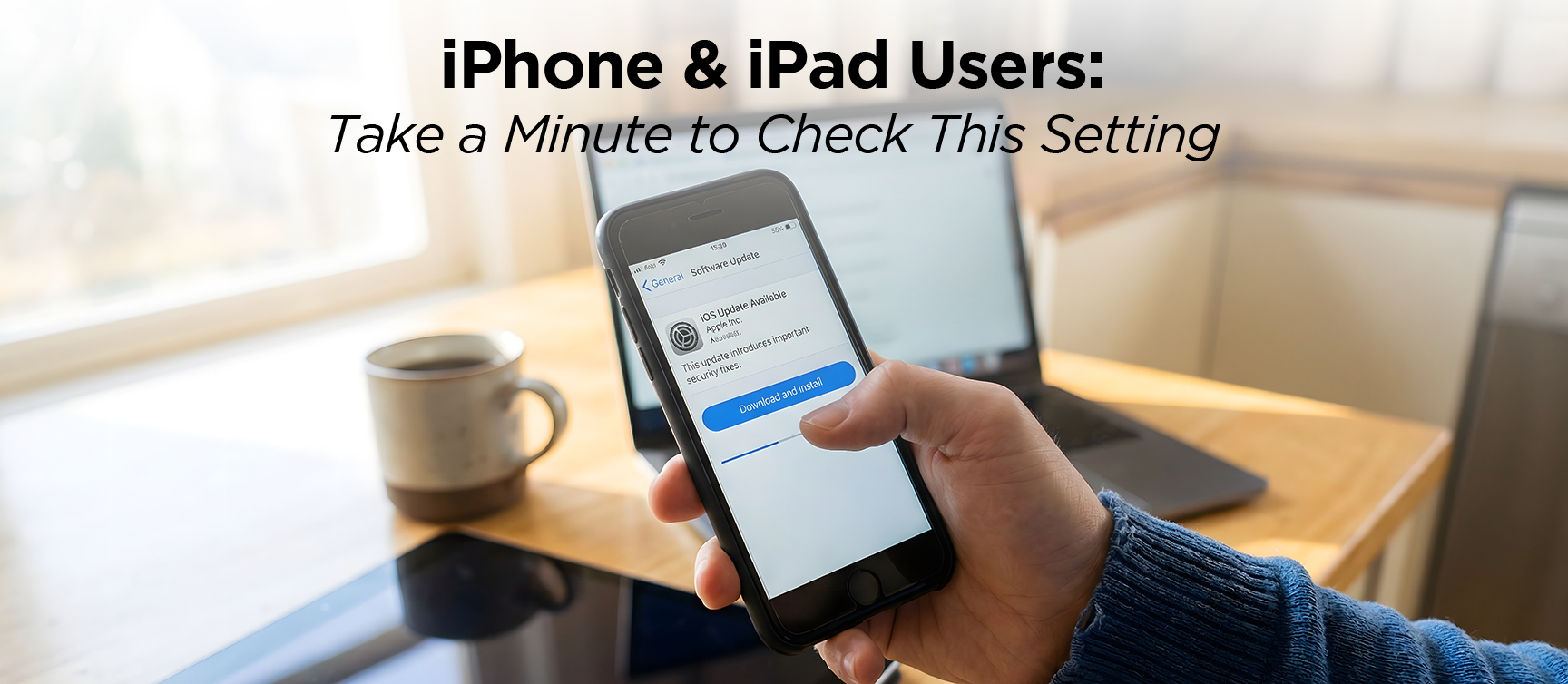
Apple is warning that some iPhones and iPads have a serious security flaw that bad guys can abuse just by getting you to visit a malicious website.
To stay safe, you need to be on the latest version of iOS or iPadOS (called “Tahoe”), because the fix is only included in the most recent software.
To check, go to Settings → General → Software Update; if it says you’re up to date, you’re protected, and if you see an update waiting, tap Download and Install.
Plug in your device or make sure the battery is healthy, connect to Wi‑Fi, and let the update finish.
Even though it’s a bit inconvenient, it’s one of the easiest ways to protect your data.
One more thing...
Ask Us About Cyber
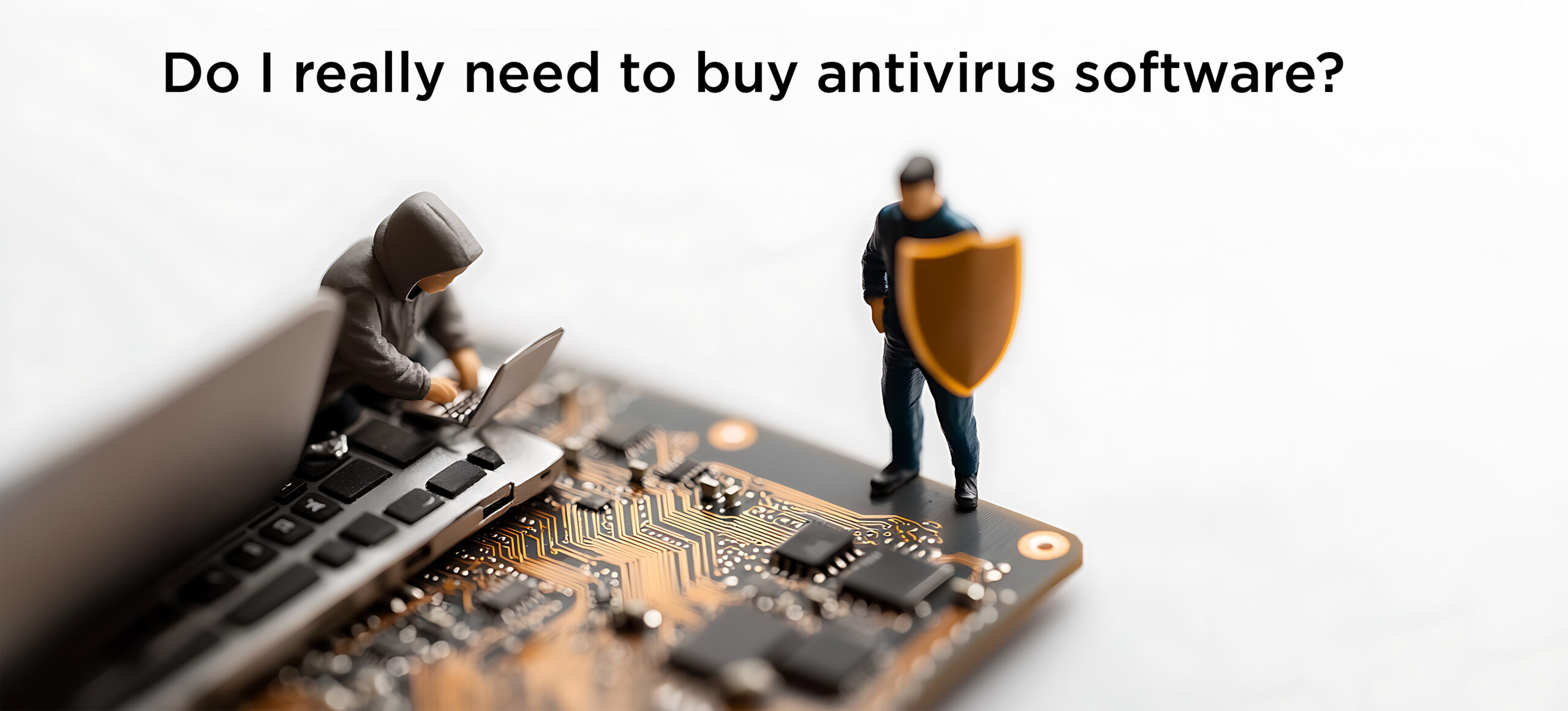
Most of us need some additional antivirus protection on our home computers. Antivirus software continuously scans your computer to block malicious software, protecting it and the data on it from being stolen by scammers.
The best brand for you depends on what type of computer you have: Windows or Mac?
Could you also benefit from having built-in parental controls or a VPN for greater privacy?
Some offer discounts to install it on more than one device. Others offer free options that provide minimal protection.
Use Google or Bing to search for “Best anti-virus” and consider your options.
Are the conversations I have with ChatGPT used for anything else?
Generally, yes, by default, ChatGPT conversations can be used to train and improve OpenAI’s models, unless the user (or the organization) has explicitly turned that off or is on a plan that specifically does not use data for training.
Depending on the version of ChatGPT (and other similar apps) you use, you may be able to manually turn off that training function.
But if you are handling confidential data or personal information, the best practice is to assume they might use it elsewhere for training.
Never ask highly detailed personal questions or input sensitive information like passwords.
How do I stop annoying pop-up ads that are trying to get me to download something called Total Ad Block?
First, let’s check whether Total AdBlock is already installed. On your phone, look through all the apps and delete “Total AdBlock” if you see it.
- Now, on your personal computer, if you use the Chrome web browser to surf the web, click the three vertical dots up there on the upper right, then → Extensions → Manage Extensions.
- If you use the Edge browser, click on the three horizontal dots in the upper right, then → Extensions → Manage extensions.
- On Safari, click on the word “Safari” at the upper left, and select “Privacy Extensions.”
- Look through the list for Total AdBlock. If you see it, it’s installed.
Step two: stop the annoying pop-ups at the source by opening your browser’s notification settings and removing any sites you don’t recognize or that you don’t remember approving.
Finally, run a reputable antivirus scan (such as Windows Defender, Bitdefender, Norton, McAfee, or Malwarebytes) to ensure no adware is left behind.
Going forward, don’t install any software promoted by ads or pop-ups.
Send us your cybersecurity question for possible use in a future newsletter.
Cyber Content Archive: Always Available

Cyber cartoon © 2026 CartoonStock | Original content © 2026 Aware Force LLC