
- In this edition: What you should know about using ChatGPT and other AI apps.
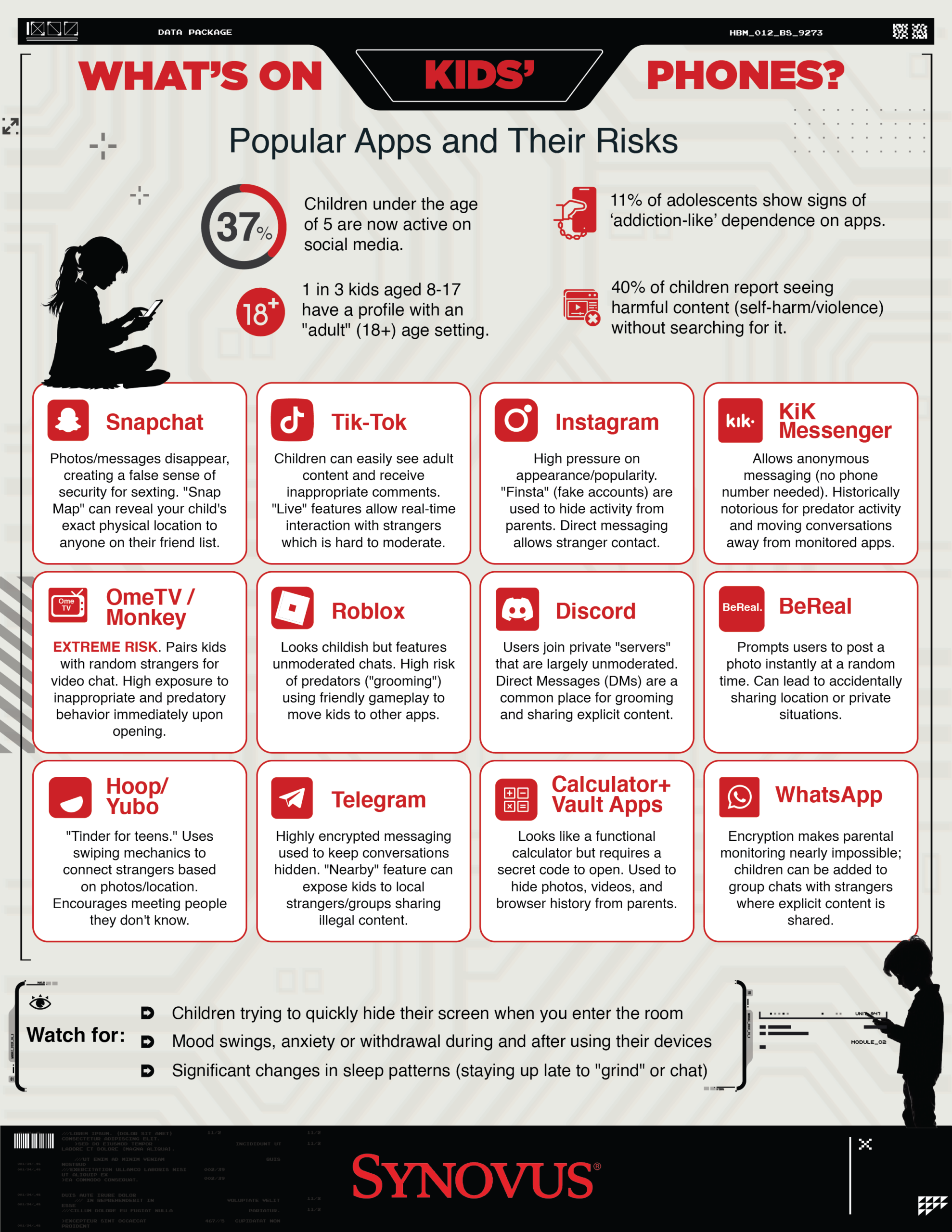
- Understand the apps on your teen’s phone.
- Your doorbell camera is joining a surveillance network: sometimes that’s good, sometimes it’s not.
Live Cyber Poll
Cybersecurity News You Can Use

Scammers are running “calendar spam” campaigns that stuff your Google Calendar with fake meetings and disgusting events, hoping you’ll click their links. They do this by blasting out spam invites to email addresses they’ve collected from data breaches, data brokers, and other lists.
In Google Calendar, go to Settings → Event settings → “Add invitations to my calendar” and change it to “Only if the sender is known” or “When I respond to the invitation in email” so random invites can’t auto‑add. Then, open any spam events you already have, choose the three dots, report them as spam, and delete them so they disappear.
Don’t click any links or phone numbers in those invites, even if they pretend to be Google, your bank, or tech support.
If you receive anything like this at work to contact Team Member Support at 611 or 855-435-7768 or Report an Information Security Incident from the One Synovus homepage.
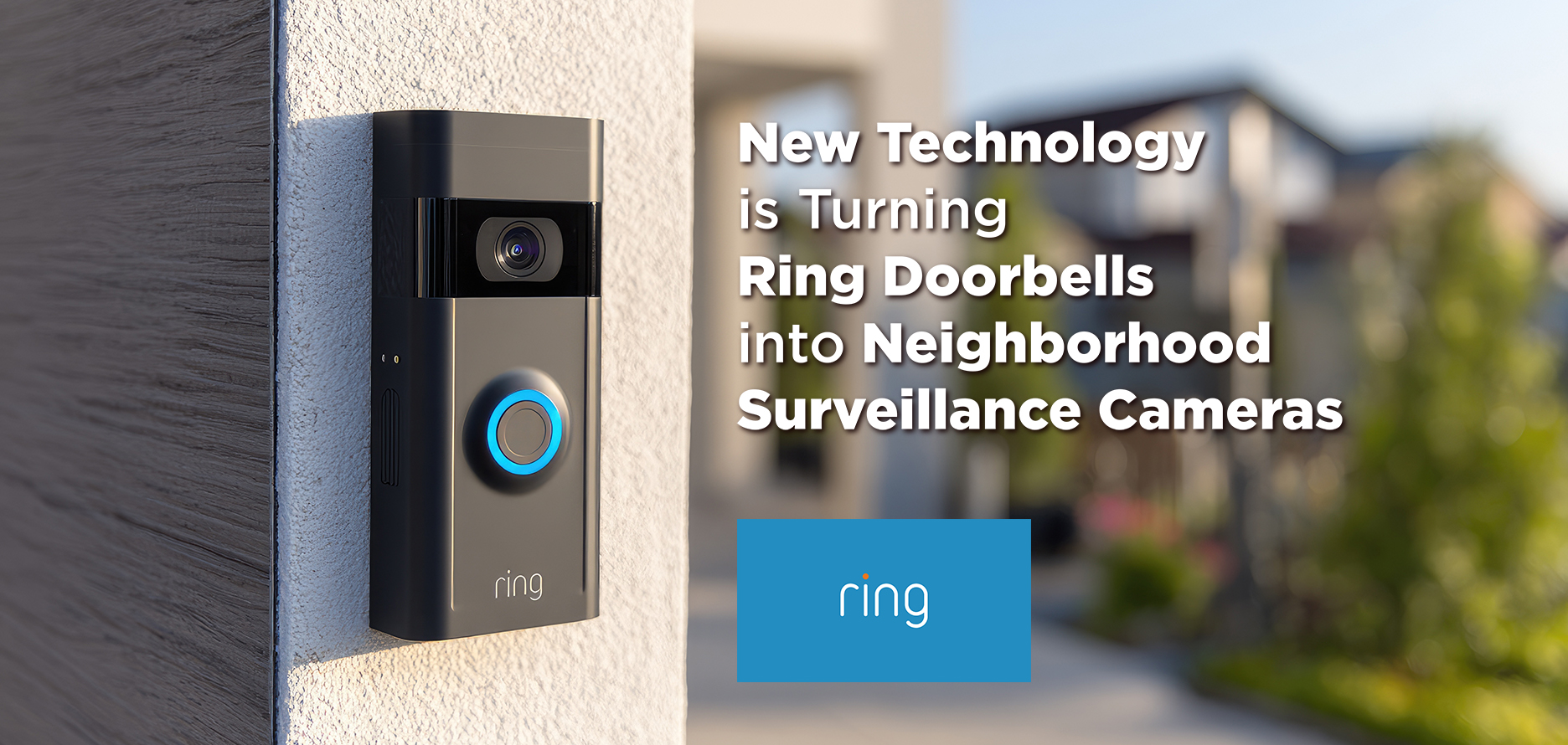
Ring, the popular AI-powered doorbell, has rolled out a feature called Search Party that uses AI to scan outdoor Ring cameras for lost dogs. Because it’s turned on by default, your Ring may already be analyzing and sharing snapshots from your cameras with Ring’s wider search system unless you opt out.
Ring is also expanding Familiar Faces (off by default), which lets you save images of people so your camera can recognize and label who is at the door. That effectively turns your doorbell into a node in a much larger AI-driven surveillance network, raising real questions about privacy and consent for visitors and neighbors.
Your next step: Decide which settings you’re comfortable with. Before spring break, take five minutes to open the Ring app, review Search Party, Familiar Faces, and other sharing options, turn off anything you don’t want, and decide how much of your front porch you’re willing to feed into Ring’s AI and potentially to others.

What It Is:
A romance scam occurs when a fraudster builds an online relationship and then uses emotional manipulation to steal money or access accounts.
How it starts:
Dating apps, social media, or messaging apps. Scammer moves fast, avoids meeting, and claims to be overseas, military, widowed, or working remotely.
How the scam works:
- Grooming: Daily contact, love bombing, emotional dependence
- Crisis or Opportunity: Medical emergency, travel fees, business issues, or “investment”
- Payment: Wires, Zelle/P2P, gift cards, crypto, or cash pickups
- Control: Victim coached to lie to bank staff and distrust warnings
Red flags:
- Sudden large withdrawals or first‑time wires
- New P2P recipients
- Emotional or defensive behavior
- Scripted explanations
- Resistance to questions
Why it’s dangerous:
Victims often don’t believe it’s a scam and may fight bank intervention. Losses are frequently severe.
What you can do:
- Stay calm and non‑judgmental
- Ask open‑ended questions
- Focus on patterns, not accusations
- Escalate concerns early
Key takeaway:
Romance scams are emotional crimes—money movement may be the only chance to stop them.
Update Your Passwords

Users’ passwords from these organizations have recently been found for sale on the dark web.
If you do business with any of these companies, change your account password and use two-factor authentication wherever possible.

The Synovus IRR Team is dedicated to keeping you and your family safe online.
Have you received what you think is a fake phishing email?
Let the IRR team know right away.
The faster we know, the more we can do to protect everyone.
> First, click the phishing icon in your email browser to forward the email to the IRR team.

Do you have a question we can use in an upcoming edition of Cybersecurity News?
Send it to [email protected].
One more thing...

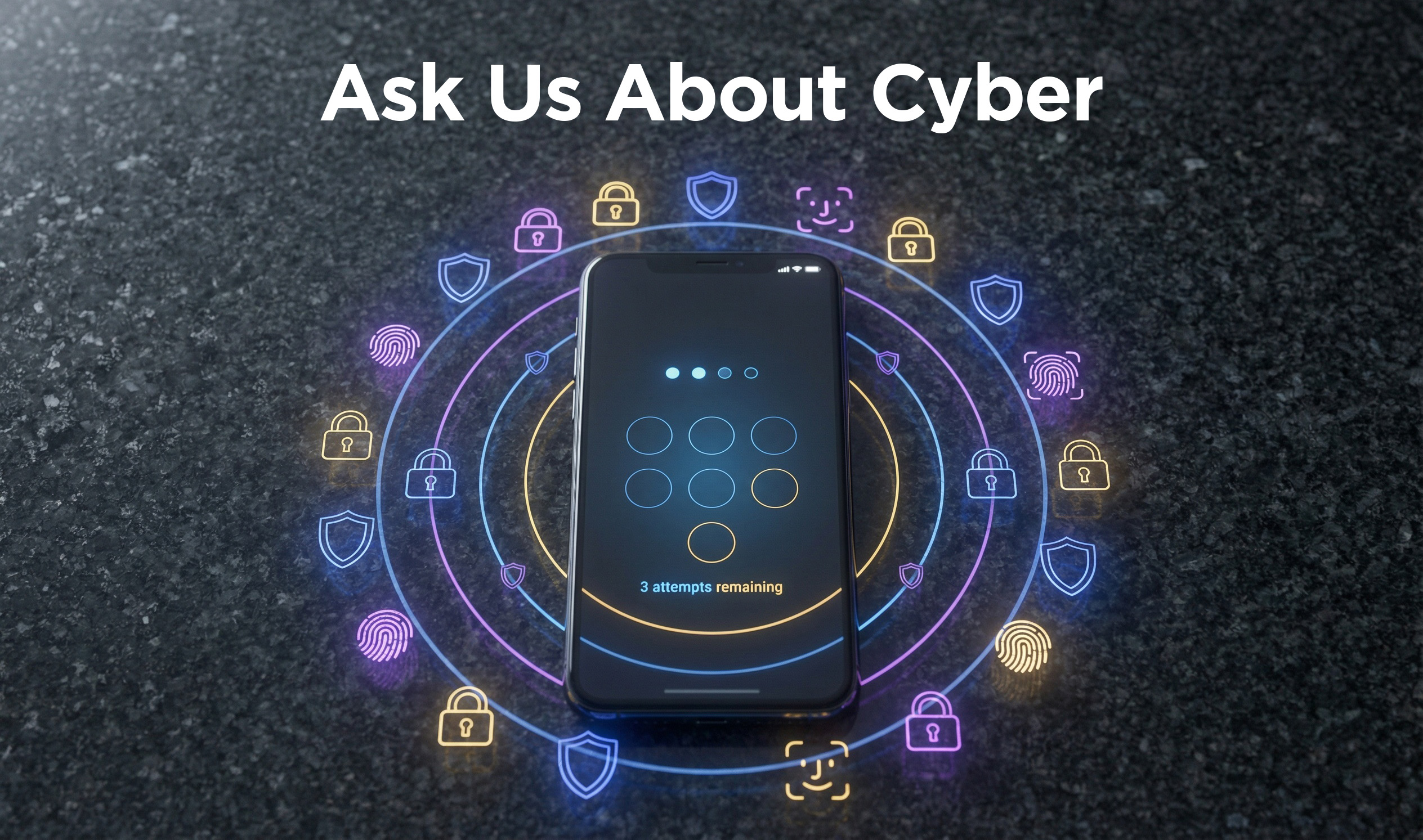
“In a recent newsletter, you provided a calculator to determine how long it would take scammers to guess a password. Forget passwords — I want to know how secure a passkey (a four-digit PIN you use instead of a password) is for accessing your account.”
A passkey is different than a password. A passkey is a code you enter on your phone or computer. To tell the device it’s you. The code doesn’t get sent over the internet.
Even if someone wanted to guess the code, they’d need your device and would only get a few tries before it locks. That’s why passkeys with a PIN are much safer than most passwords.
To start using passkeys, go to an account’s security settings and choose “Use a passkey.” Then confirm with your phone or computer using a code, fingerprint, or face scan. After that, you’ll sign in by approving the login on your device instead of typing a password.
“I received an email from Experian stating that my credit usage had gone up and asking me to click to review it. How do I know if it is really from Experian?”
Treat credit alert emails like smoke alarms: verify them before you react. Skip the link in the email. Instead, open a new window on your web browser, and sign in to Experian.com directly. Or you can call them at 866-617-1894.
“Do I really need to buy Antivirus software? Are the free versions good enough? I typically use the free version of Avast, and it seems to perform well. There are other free antivirus options that also receive good ratings.”
You don’t necessarily have to buy antivirus software if you keep the software on your home computer and phone up to date. Free tools like Avast, Microsoft Defender, and others do a solid job at basic malware protection. Paid versions primarily add extras such as identity monitoring, ransomware recovery, and family controls, which some folks want.
Send us your cybersecurity question for possible use in a future newsletter.
Cyber Content Archive: Always Available

Cyber cartoon © 2026 CartoonStock | Original content © 2026 Aware Force LLC