Special edition: watch our new video exposing three scams readers are reporting.
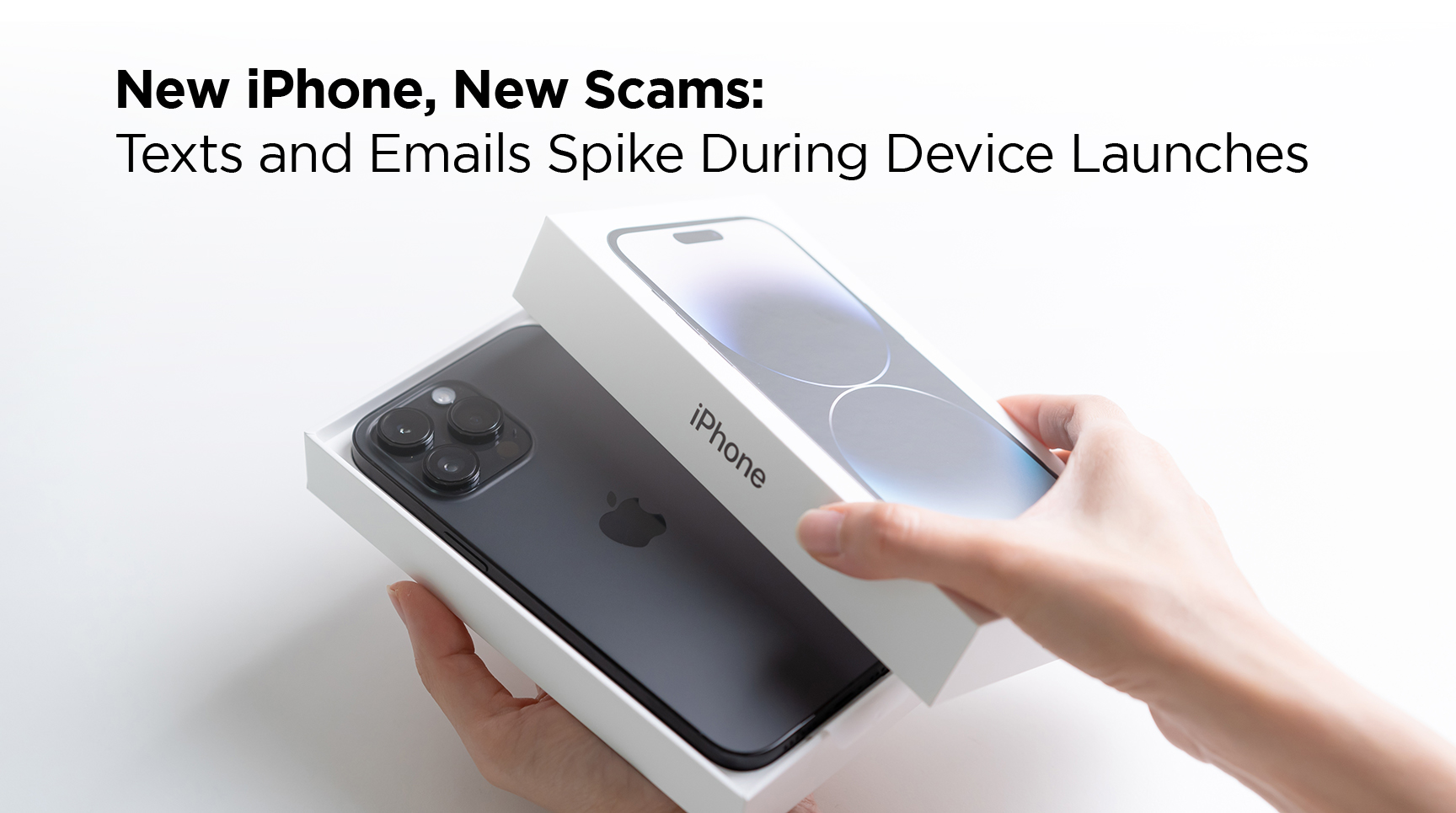
New iPhone means new text message rip-offs. Check out the clues.
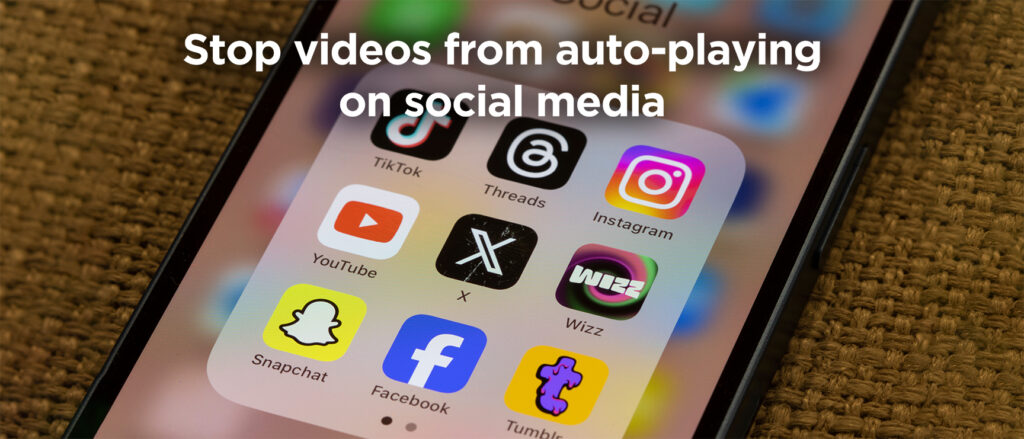
Plus, learn simple steps to stop violent videos from auto-playing on your social media feed.
This dynamic team leads the charge in protecting data, managing risk, and building a resilient security culture.
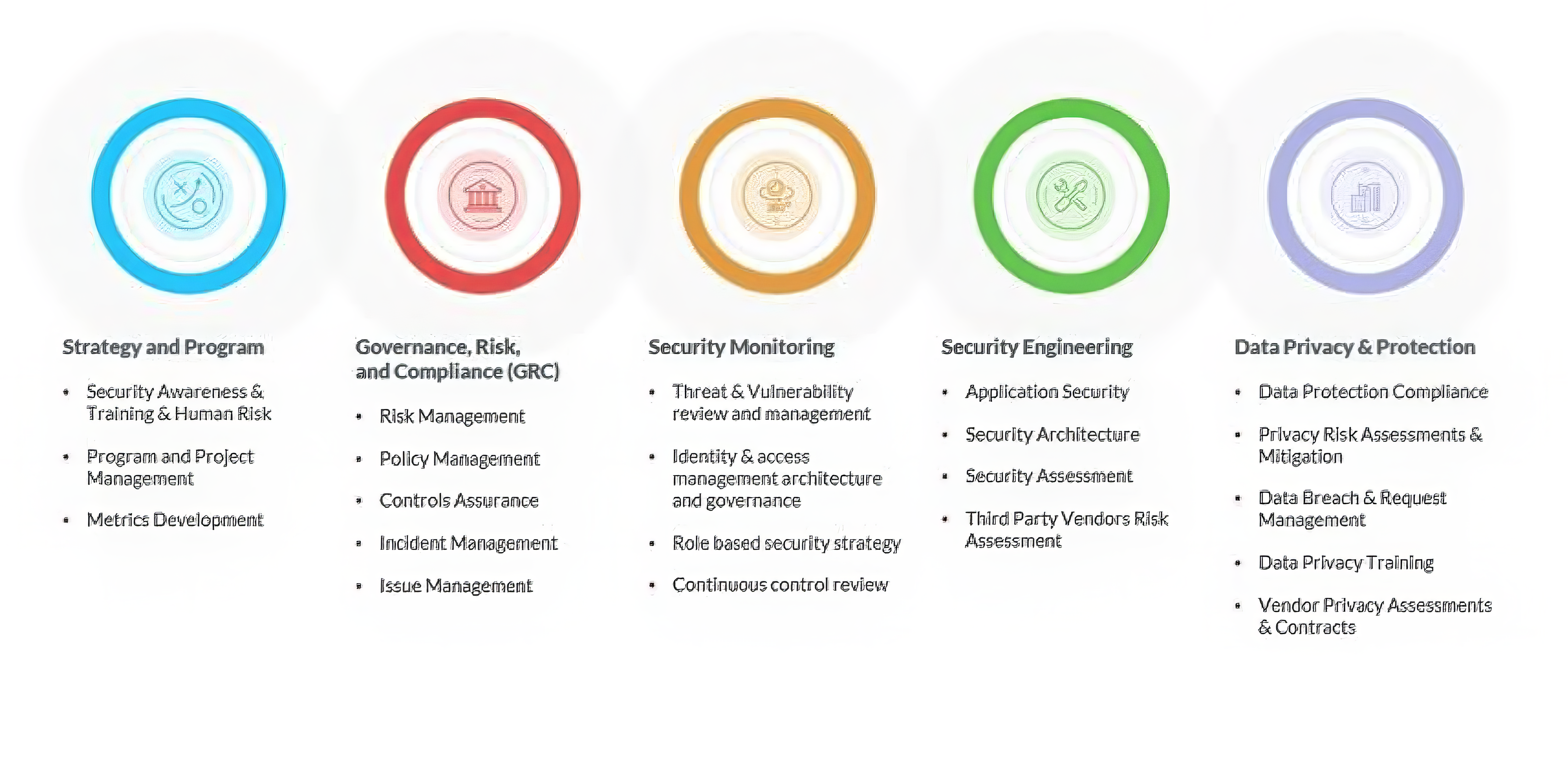
From shaping strategy and governance to engineering secure systems and safeguarding privacy, they work across disciplines to ensure the organization stays ahead of threats and compliant with evolving standards.
Their collaborative approach and deep expertise make them a cornerstone of trust and protection in a digital-first world.
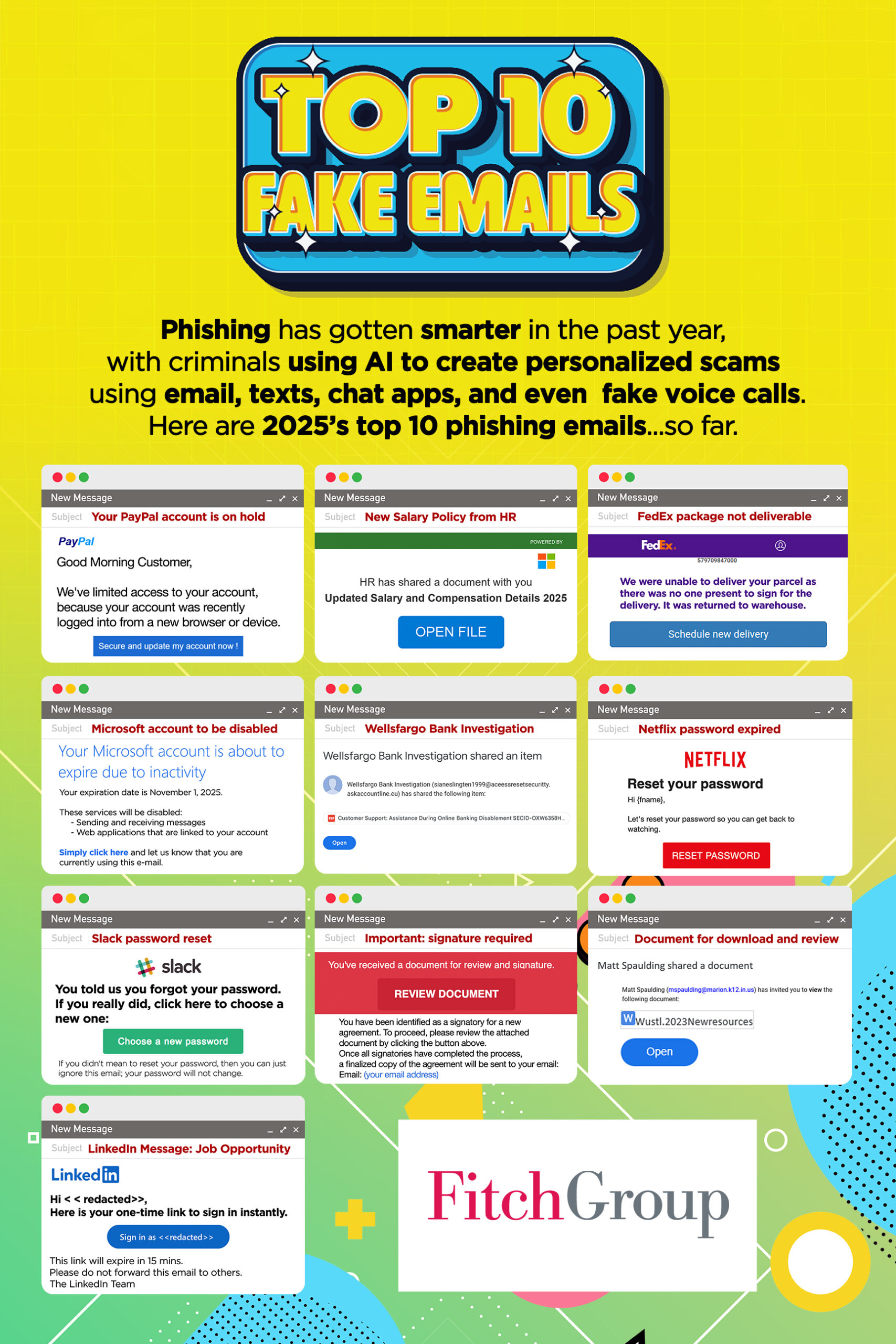
Using artificial intelligence, criminals are generating emails and fake websites that look very authentic, tailoring them to local banks, telecom providers, and government agencies.
This video spotlights three new scams that our readers have reported to us.
Phish of the Week
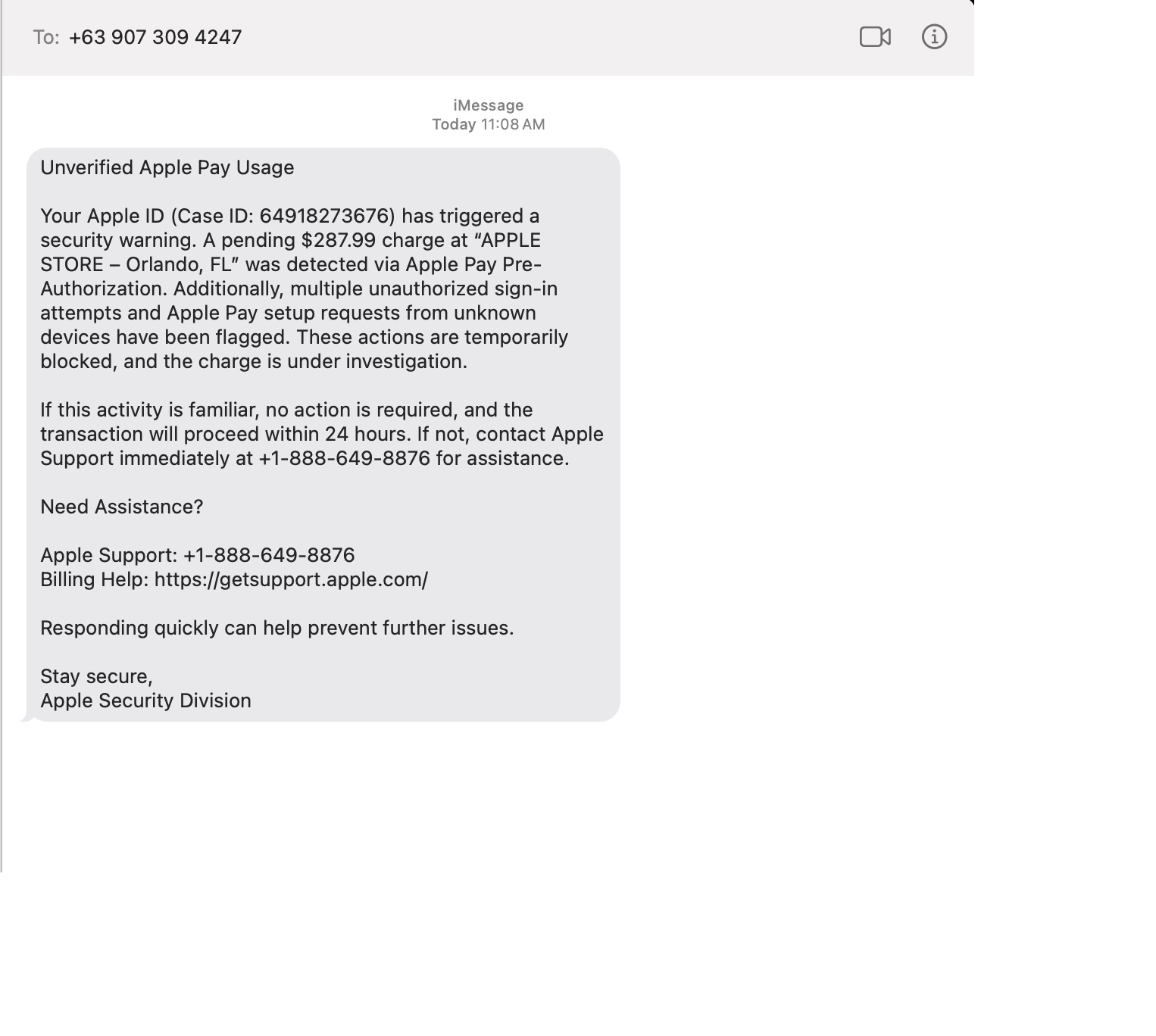
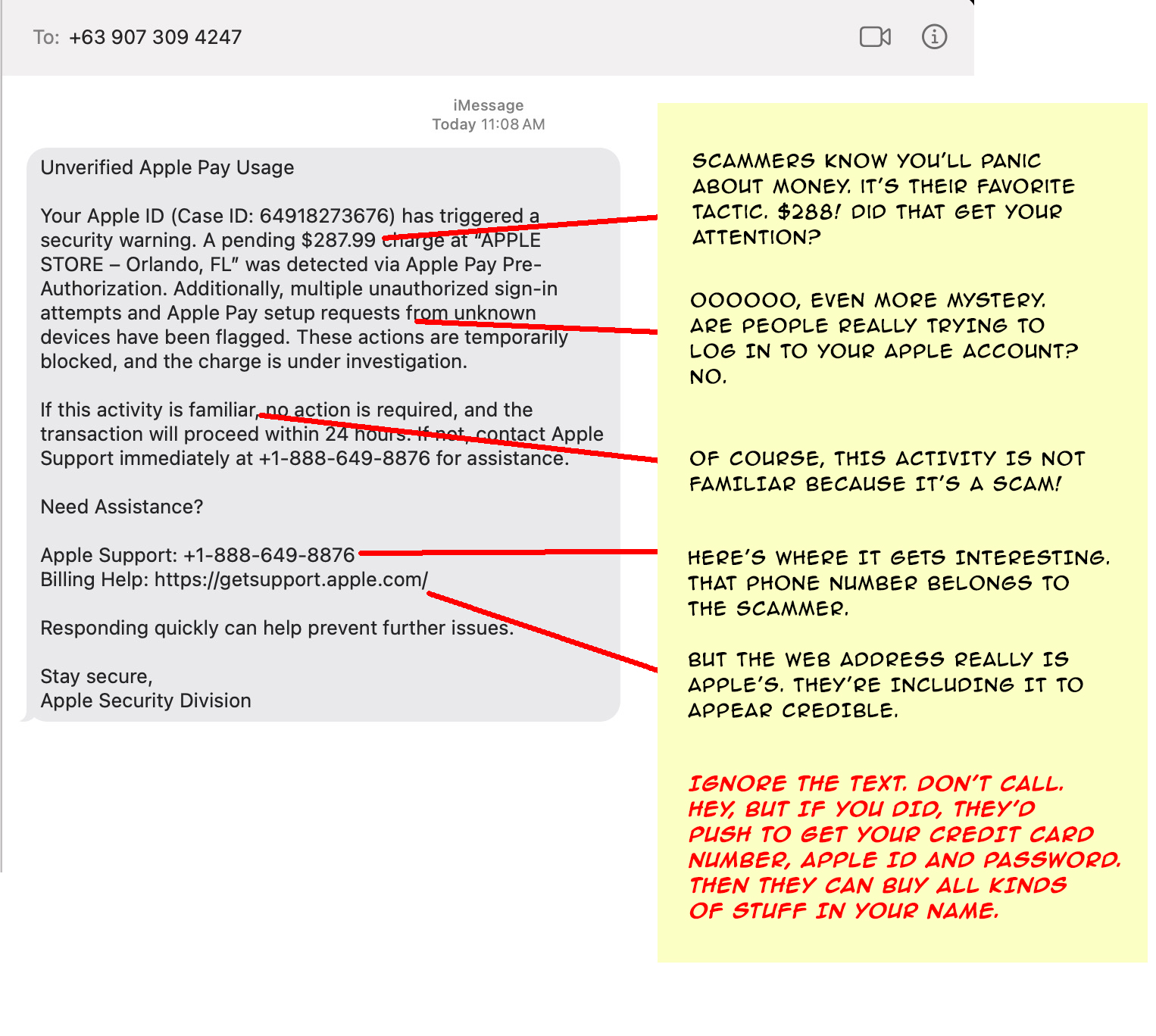
Scammers often ramp up text- and email-based phishing when Apple releases new iPhones. The messages often involve fake receipts and urgent payment notices that try to trick people into clicking malicious links or handing over account details. Here’s an example from a few days ago.
Drag the slider with your mouse to spot the clues it’s a scam.
Before
After
Remember: never open links in unexpected messages.
To check on your account, open the Apple app or go to appleid.apple.com (type the address yourself).
If a message seems suspicious, be suspicious! Don’t click on it.
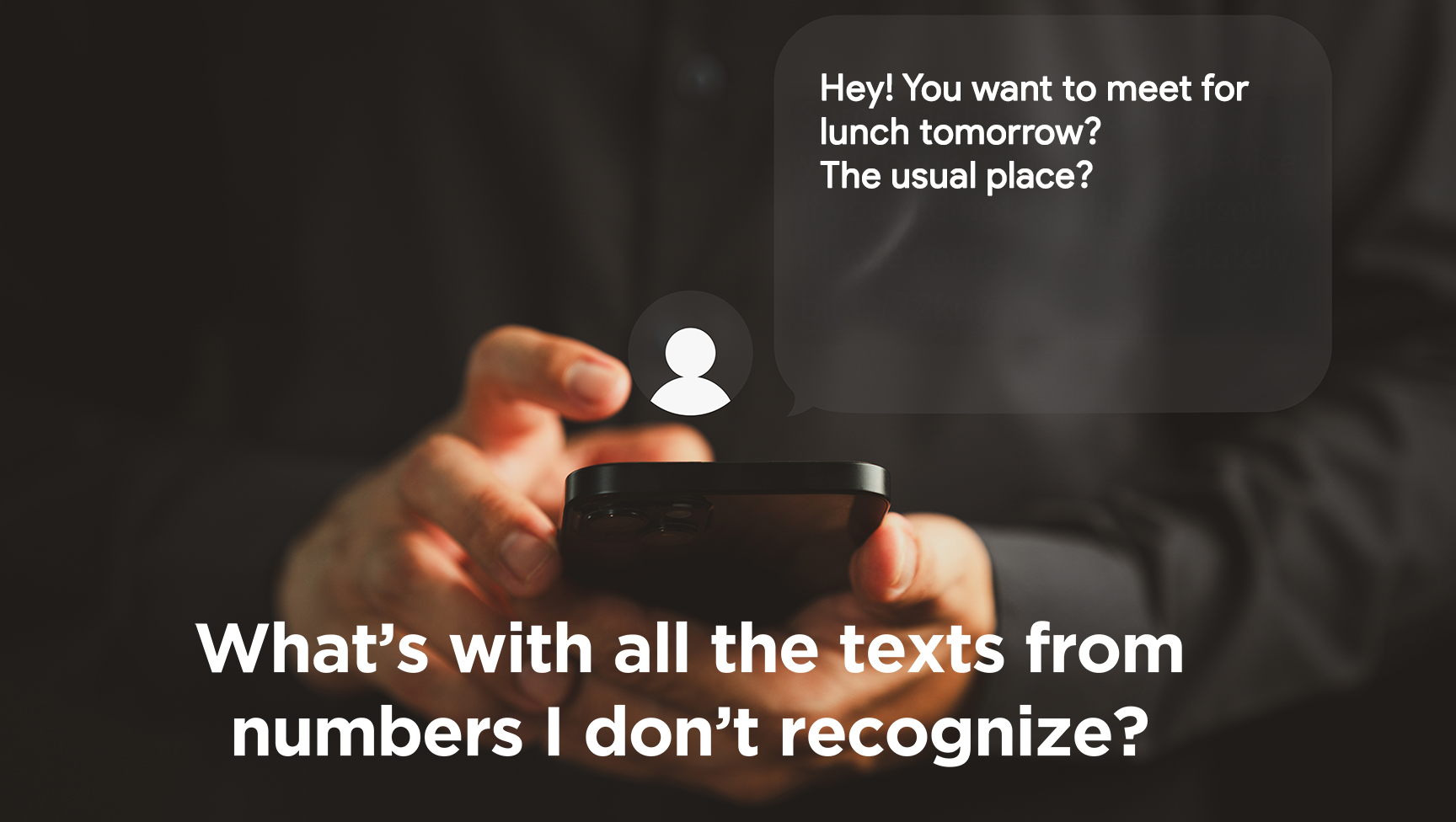
I just got another strange text message. They arrive multiple times a day. They don’t say who they are and then act like I know them. Should I respond?
You’re referring to messages like, “Are you feeling OK?” or “Let’s meet for coffee this week and catch up.” Another common one is “You showed up in my friends’ list. Do we know each other?”
Spam texting is one reason we alert you to companies that have suffered a cyber breach because that’s one way scammers get your cell number. If you respond to an anonymous text, they’ll know the number is active and try other ways to get a response. So, don’t respond. Delete messages you don’t recognize.
By the way, there is a solution to this, but there’s a tradeoff. Enabling “Filter Unknown Senders” (iPhone) or “Spam Protection” (Android) in your phone’s settings will hide unknown senders’ texts in a separate folder, but you’ll have to check that folder when you’re looking for one of those authentication codes to log into a website.
I have a terrible problem. My teenager is on social media all the time and the videos play automatically. There was an awful video on his feed and he’s very upset. Is there a way to change the settings so the videos don’t play?
Social media platforms prioritize keeping users engaged for as long as possible. Auto-playing videos is one way they do it.
Fortunately, you can turn it off. On TikTok, go to Settings → Accessibility → Autoplay and switch it off; on YouTube, toggle the Autoplay button at the top of the video player; and on Instagram and Facebook, disable autoplay under Settings → Media.
I get so many ads in my email, I am tired of deleting them all. How do I get off these lists?
Unfortunately, marketers can get your email address pretty easily. If you buy something online, chances are good they’ll sell your information to others. But here’s a trick.
If you use Gmail, make sure you’re logged in and visit mail.google.com/mail/#sub. You’ll see everything you’re subscribed to and manage all it in one place.
Outlook doesn’t have a direct equivalent to that. If you use the web for Outlook, Go to Settings (gear icon) → View all Outlook settings. Navigate to Mail > Subscriptions and unsubscribe from there.
No matter what app you use, if a sender looks suspicious, do not click the unsubscribe link because it can be abused. Instead mark the message as junk or block the contact.
Send us your cybersecurity question for possible use in a future newsletter.