
- In this edition: AI’s Powerful New Tools, Growing Cyber Threats Require Vigilance
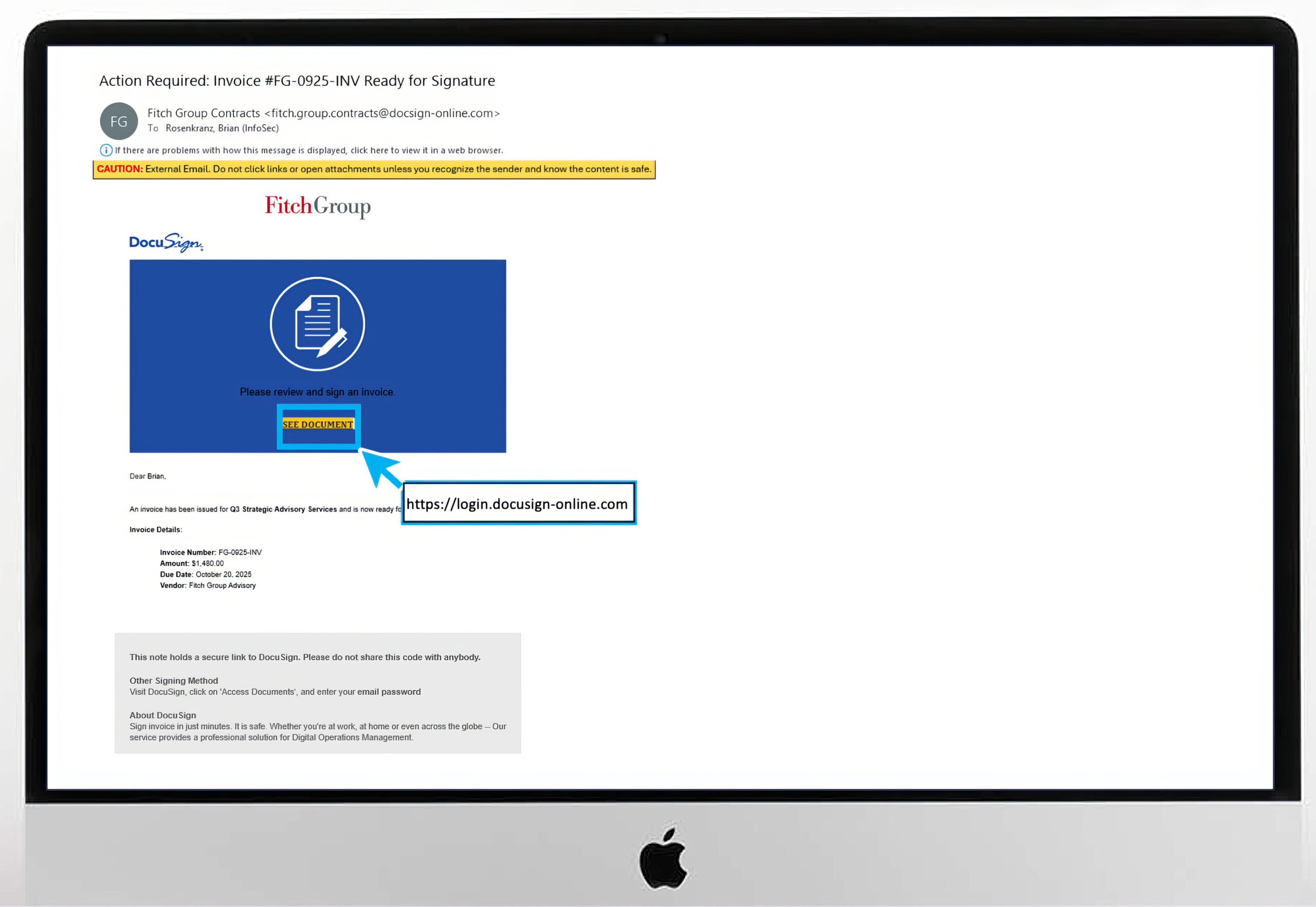
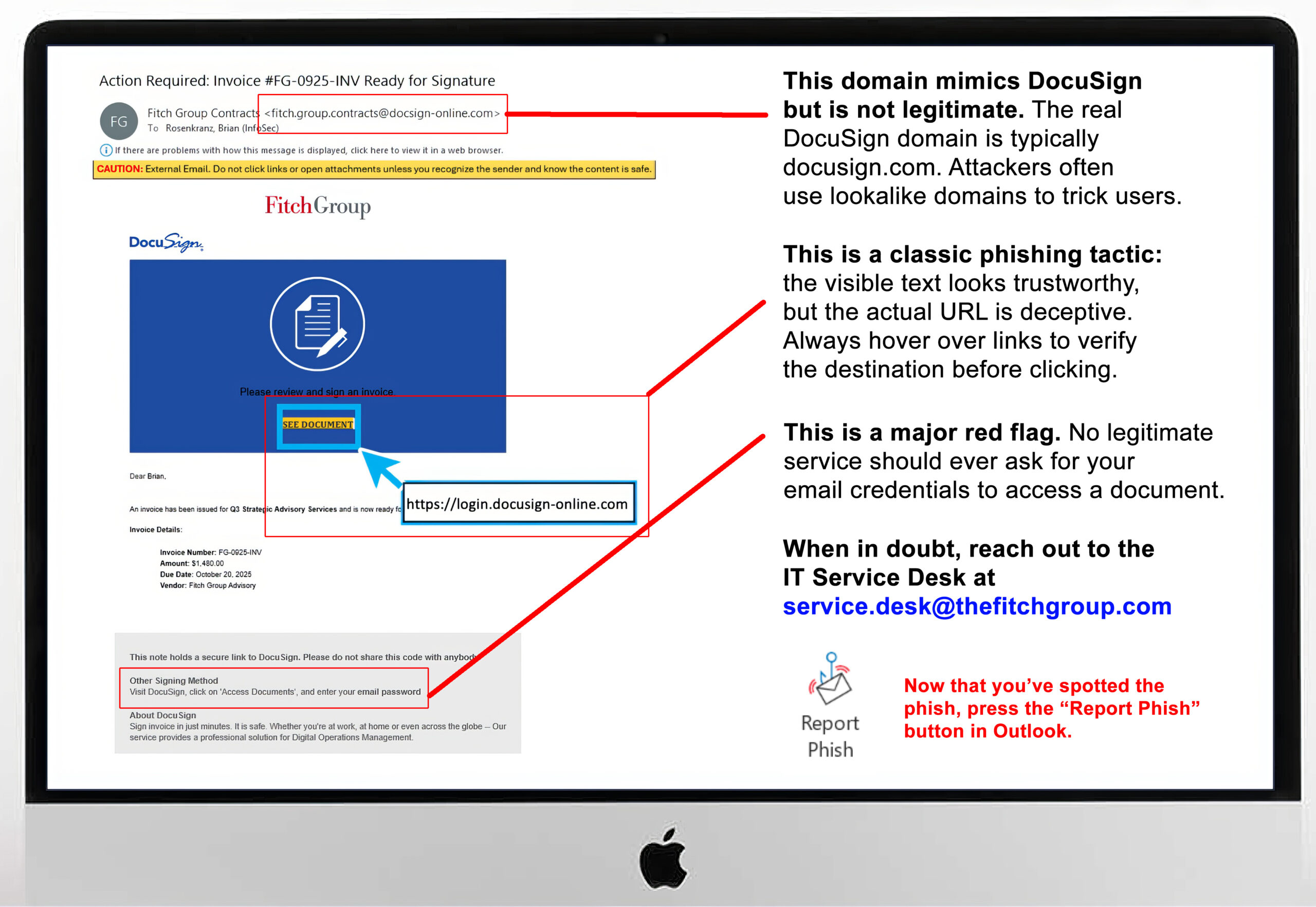
- The Fitch DocuSign email: Did you catch the scam?
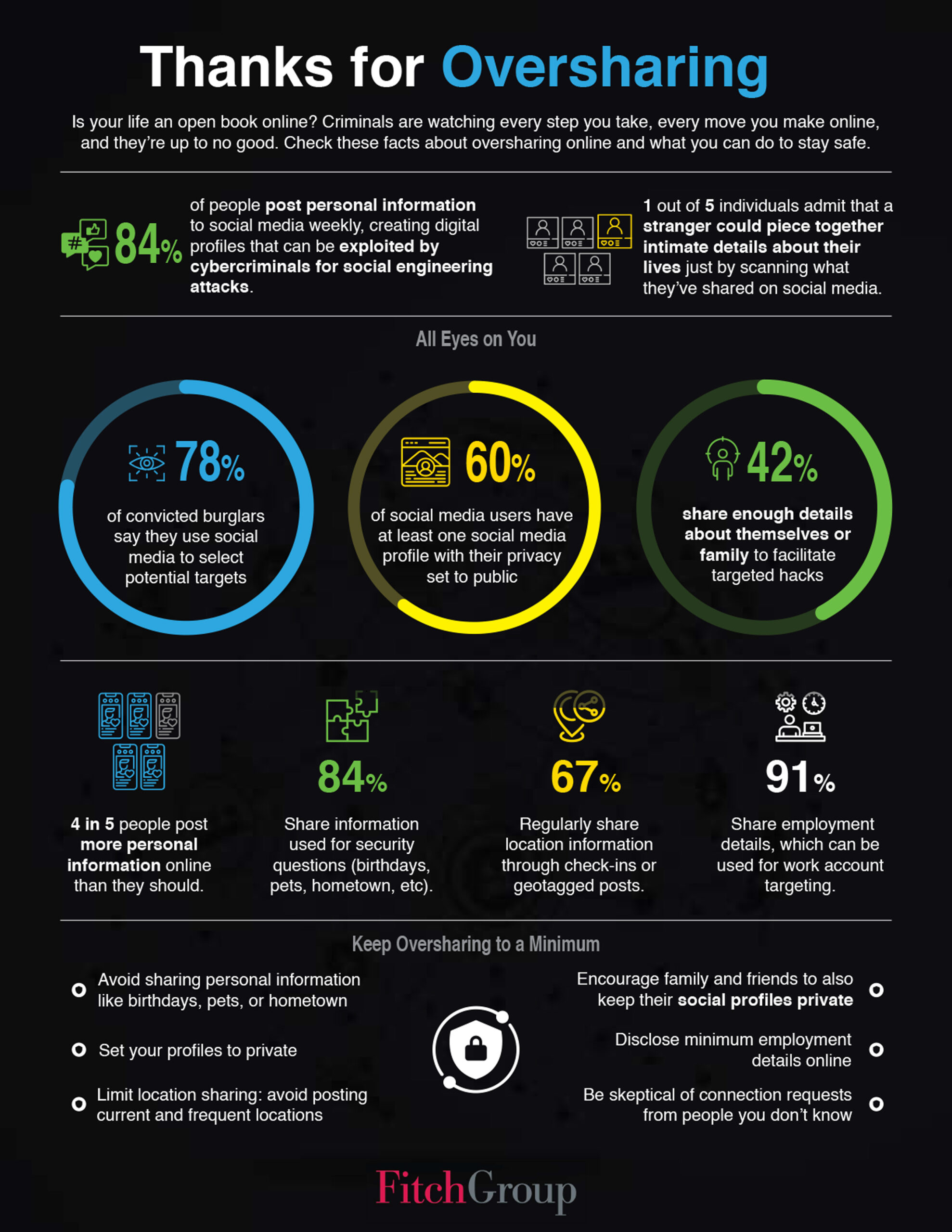
- Sharing lots of your life on social media? Here’s what can happen.

From email assistants to productivity platforms,
AI features are rapidly being integrated into tools we use daily.
It’s critical that we remain vigilant about how we interact with these technologies.
Recent Threats Highlight Growing Risks
Cybercriminals are exploiting AI in sophisticated ways. The “ShadowLeak” attack demonstrated how hackers can embed invisible prompts into emails that hijack AI assistants to steal sensitive data from inboxes. Meanwhile, the SesameOp malware abused OpenAI’s API to establish backdoor communications with compromised systems. These aren’t theoretical risks—they’re happening now.
Additionally, AI misinformation continues to cause real-world harm. Air Canada was fined after its chatbot invented a non-existent refund policy, and lawyers faced sanctions for citing fictitious cases generated by ChatGPT.
Your Role in Safe AI Use
• Never input confidential information into unapproved AI tools. FitchGPT and DeepL Pro are approved for confidential data.
• Never input personal data unless your use case has explicit approval from the AI Review Panel and Data Privacy Office.
• Always verify AI output for accuracy, bias, and appropriateness. AI can hallucinate or fabricate information.
• Stay aware of what tools contain AI capabilities, including newly added features.
• Never use unapproved AI tools. Always follow official guidance or consult the AI @ Fitch website to confirm approved tools and usage policies.
Your inputs may be used for AI training. What you share today could leak in the future. Remember: AI is powerful, but you are responsible for how you use it.
Visit AI @ Fitch on FX for approved tools and guidelines, or contact Emerging Technology at [email protected] with questions.
If you’d like to engage with information security, submit a ticket by emailing [email protected].
For more information, watch all four “Responsible Use of AI” videos:
• Responsible AI Series – New Opportunities New Risks
• Responsible AI Series – AI Dos and Don’ts
• Responsible AI Series – Mind Hallucinations
• Responsible AI Series – Using AI with Common Sense
Signs You Are Being Hooked
Slide the red bar left and right to see the “before” and “after” —
how the phishing email first appeared and where the warning signs are hidden.
Cybersecurity News You Can Use

Keep this in mind as the big holiday online shopping season begins. Scammers are impersonating Amazon support using phone calls and text messages claiming there’s a fraudulent charge or refund due to the customer. Their goal: trick you into revealing your bank password. But remember, Amazon won’t ever call, text, or email you about a refund or ask for banking information. If you get contacted, just hang up or delete the suspicious texts. Still worried? Visit your Amazon account directly.
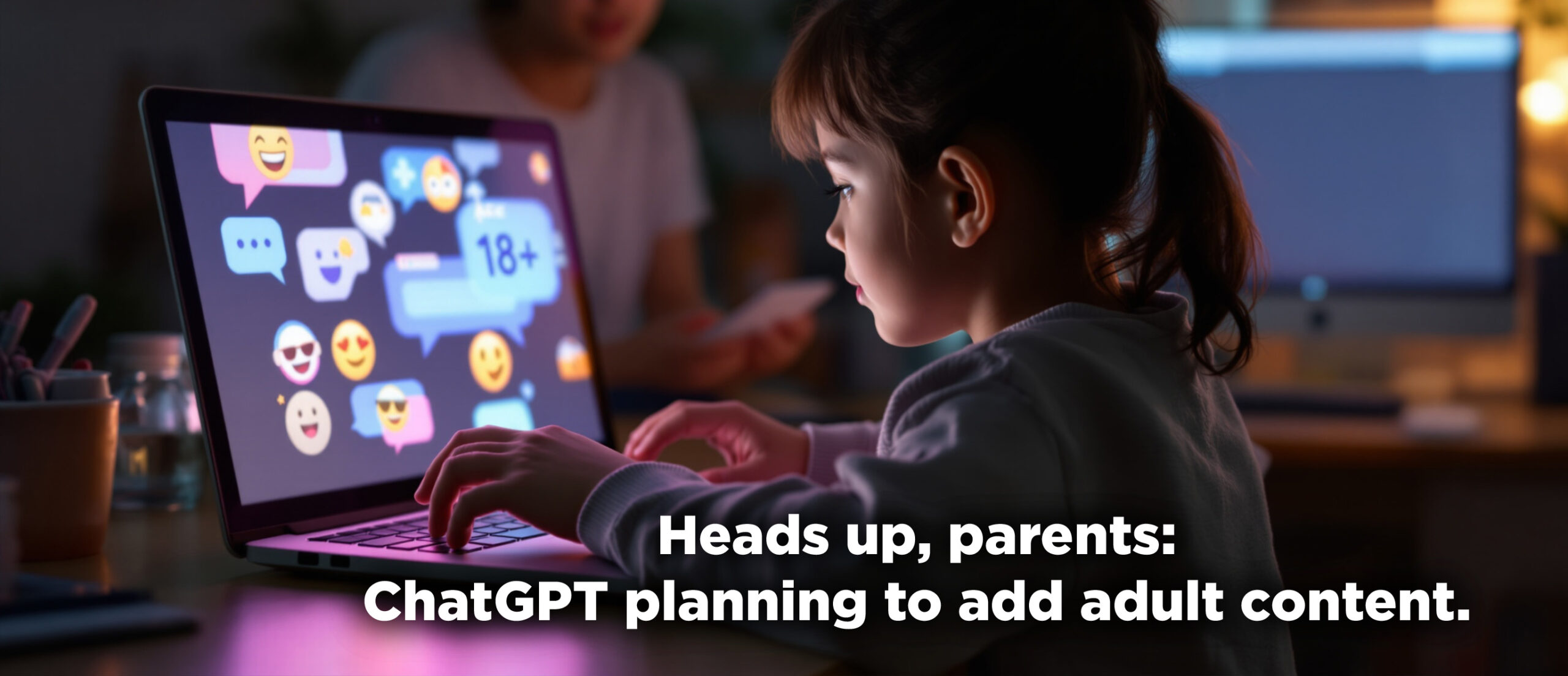
8% of children in the US and Canada now use ChatGPT regularly. Parents, take note: later this month, the next ChatGPT update will allow interaction with more “spirited” personalities, complete with emojis and banter. And once age limits are in place, the company plans to allow “erotica for verified adults.”

You’re familiar with these. They’re called “CAPTCHAs” and they’re designed to prove you’re a real human before you can log into a website.
Did you know CAPTCHA is an acronym for “Completely Automated Public Turing test to tell Computers and Humans Apart?”
Recently, attackers have started leveraging AI to defeat traditional CAPTCHAs. To counter this, companies are turning to adaptive CAPTCHA models and combining them with other defenses like rate limiting, bot management platforms, and anomaly detection.
Want to learn more?
Visit us at the Information Security Team FX site for helpful resources
or contact us at information.securitygroup@
to share interesting articles or suggestions for future newsletter topics.

One more thing...
Ask Us About Cyber
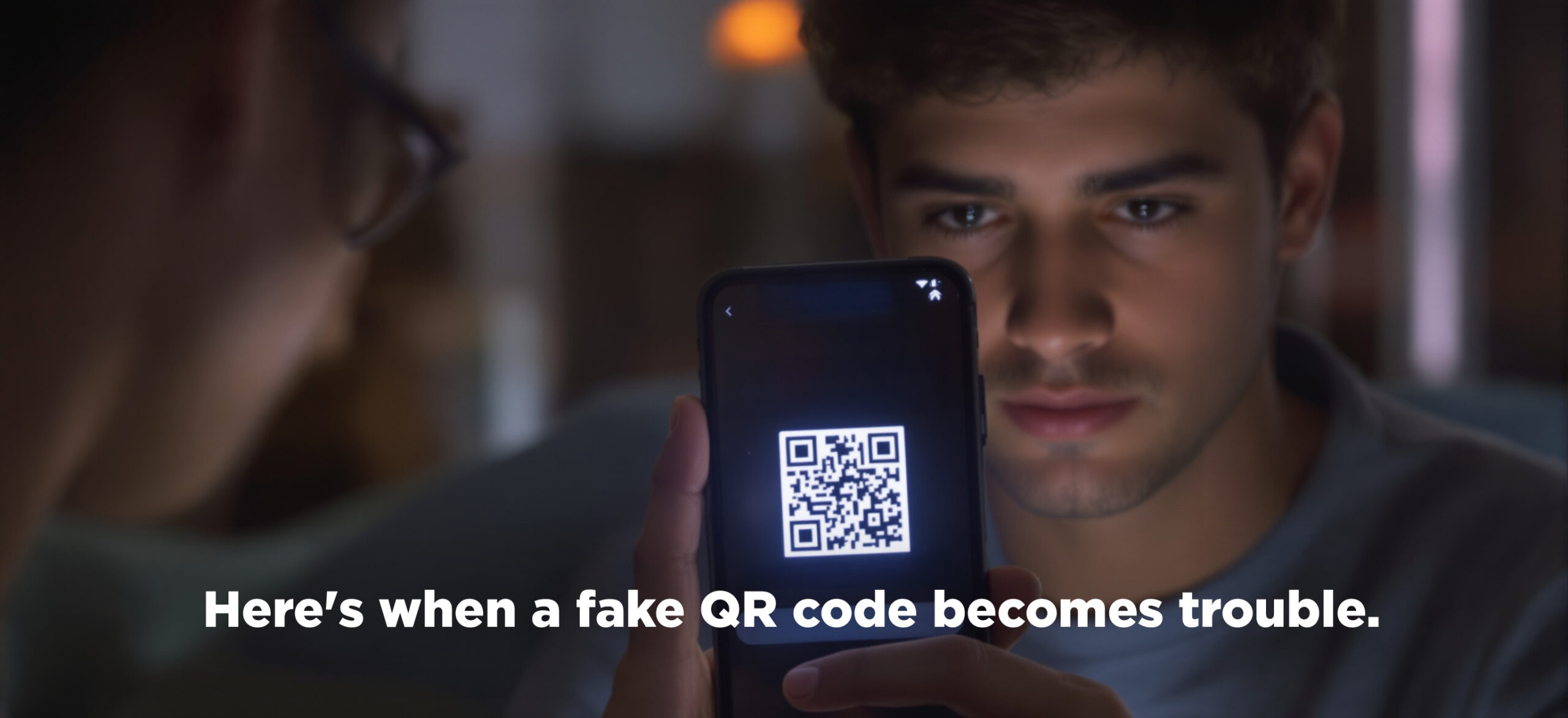
If I scan a dodgy QR code, at what point will it affect me? At the point of scanning the QR code or is it where it takes you and you still need to give details to be scammed? My 13-year-old ask me, and I couldn’t answer it.
Just scanning a dodgy QR code does not harm your device. The risk comes from what happens next: if the code leads you to a malicious website, prompts you to enter sensitive information, or asks you to download something, that’s when you can be scammed or infected with malware. Most QR code attacks trick you into giving away your details or downloading bad apps after scanning, not when you point your camera at the code.

I’ve started getting invitations on my Google Calendar at home from people I don’t know. Some are even disgusting. How did this happen? What can I do to stop it?
This is an annoying problem for a lot of us. Scammers collect email addresses from data breaches like last month’s big Salesforce hack, dark web marketplaces, social media, data brokers, and automated email‑harvesting bots.
They use that data to exploit Google Calendar’s setting that automatically adds events from anyone who sends an invitation, letting them insert fake or explicit events with malicious links directly onto users’ calendars. These are designed to trick us into clicking links to fraudulent or adult sites or sharing sensitive information.
To stop them, open your Google Calendar → Settings → Event settings → Add invitations to my calendar…and change it to “Only if the sender is known” or “When I respond to the invitation in email”.

In last month’s article about how bots flooded social media with posts about Cracker Barrel changing their logo, you said, “for social media users, the Cracker Barrel case is a reminder: a lot of what you see on social media is being created by a computer to engage you and make you mad.” It would be great to have some more context here. What do the scammers gain by this?
Bots flood social media with posts because it’s one of the fastest ways to reach huge numbers of people and grab attention. They stir up drama to make posts go viral, either by making users mad, confused, or eager to join in. That keeps everyone scrolling, sharing, and talking about the topic. Scammers, often based in other countries, cash in by sending you to ad-heavy or scammy websites, influence what people believe or vote for, build an audience for future scams, or just keep everyone fired up so they’ll see more ads or sponsored content the scammers profit from later.
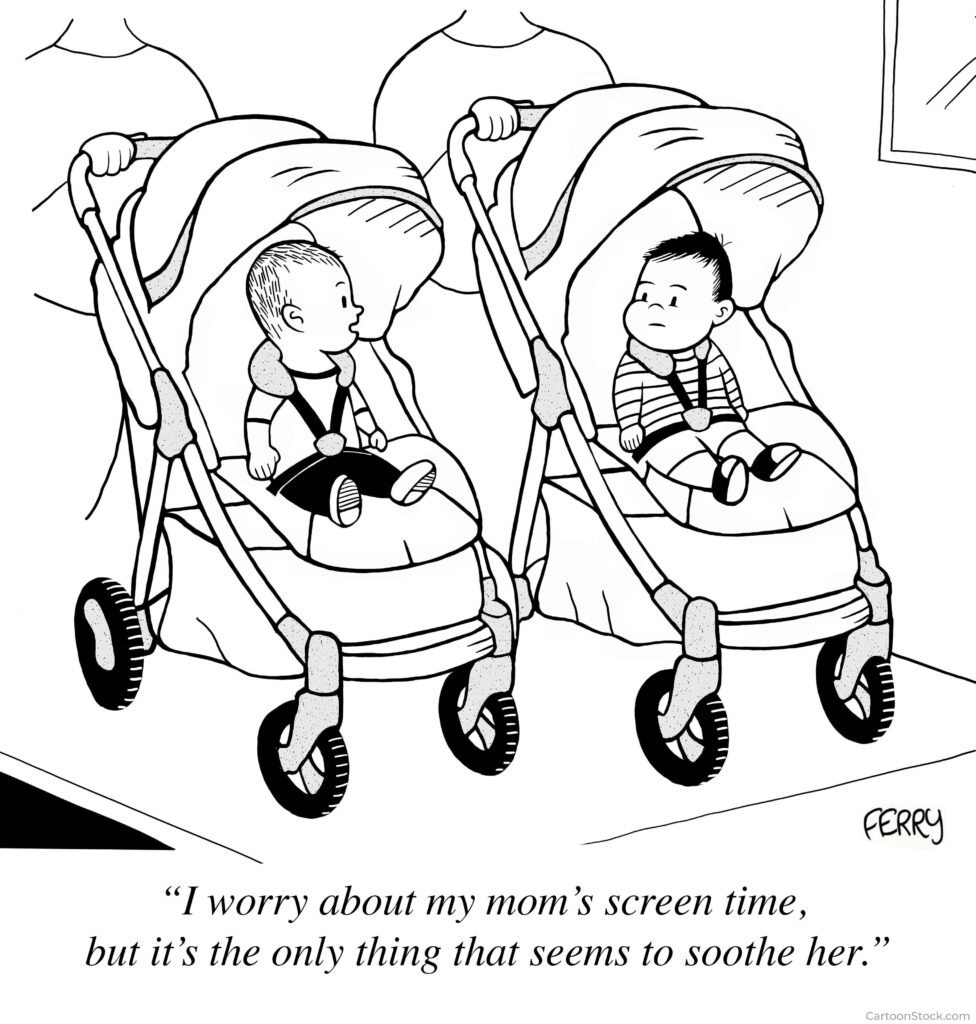
Cyber cartoon © 2025 Marketoonist | Original content © 2025 Aware Force LLC