In this edition: Why you’re getting so many scam emails and texts, and what to do about it.
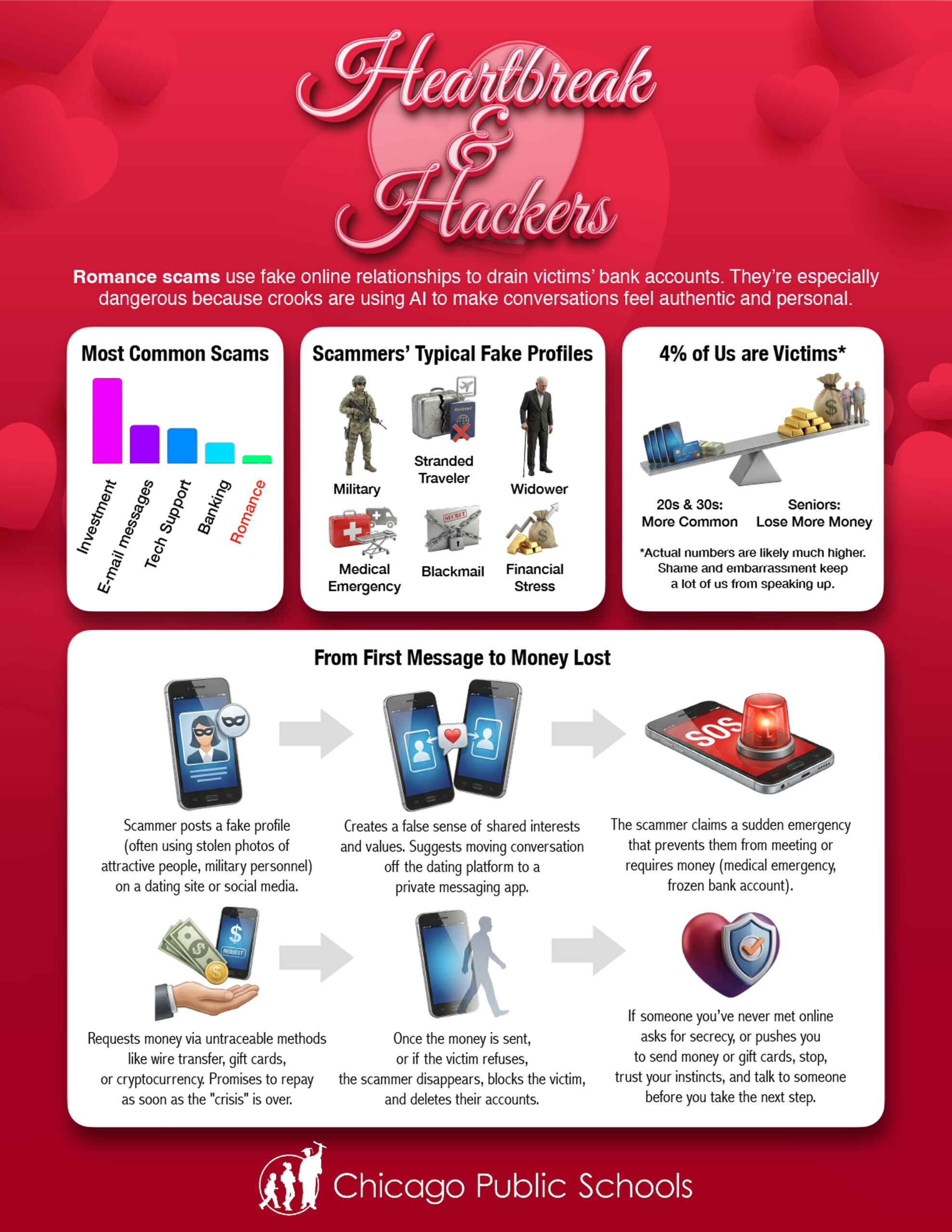
With the help of AI, romance scammers are becoming much more dangerous.
Here’s how you can tell if an online store is safe.
Cybersecurity News You Can Use
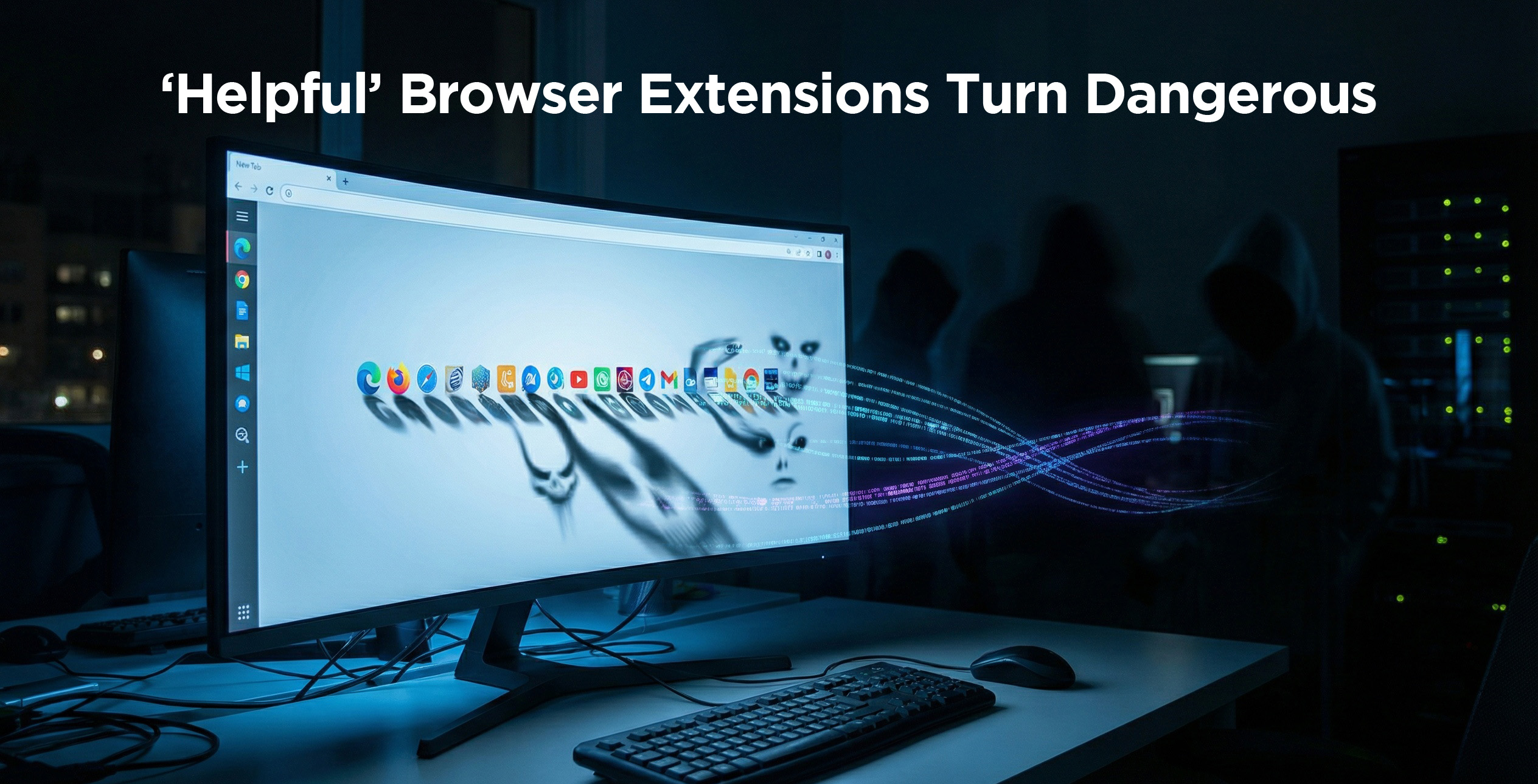
Security researchers have identified 18 popular browser extensions, used for tasks such as translating pages, downloading videos, and tracking prices, that secretly run malware campaigns that track users’ online activity to sell the data to third-party brokers. Mozilla and Microsoft have pulled them from their stores, but anyone who installed them needs to uninstall them manually.
Page Screenshot Clipper
Full Page Screenshot
Convert Everything
Translate Selected Text with Google
YouTube Download
RSS Feed
AdBlocker Ultimate
AdBlocker
Color Enhancer
Floating Player – PiP Mode
One Key Translate
Cool Cursor
Google Translate in Right Click
Translate Selected Text with Right Click
Amazon Price History
Save Image to Pinterest on Right Click
Instagram Downloader
Urban VPN Proxy
Even when an extension is available from an official app store, only download it if you recognize the company it’s from, read user reviews, and limit the app’s permissions.
Phish of the Week
The password management app LastPass is warning customers about a new phishing campaign. The email impersonates a LastPass message about a 24‑hour “vault backup” maintenance notice. It was sent over the MLK Jr. holiday, designed to create urgency and catch people while many offices were closed. These emails are fake. LastPass reminds users that it will never ask for master passwords or demand immediate action under tight deadlines.
Update Your Passwords
Users’ passwords from these organizations have recently been found for sale on the dark web.
This latest trove of Gmail passwords is in addition to passwords found for sale late last year. Gmail users should update their passwords with passphrases at least 15 characters long and not used anywhere else.
If you do business with any of these companies, change your account password and use two-factor authentication wherever possible.
If you think you’ve clicked on a phishing email, immediately change your password via the Account Management Portal at https://portal.id.cps.edu and notify us immediately by emailing [email protected] so we can check it out.
One more thing...
How can I determine if an advertised product on Facebook will be shipped from another country?
Before buying something, look for a shipping policy that mentions 10–30 business-day delivery, “international warehouse,” or customs/VAT fees. That’s a red flag.
Here’s another way: copy the product’s web address and paste it into a search engine or AI platform like ChatGPT or Gemini. Then ask whether the retailer’s web address is a scam and where it’s based.
I got an alert saying a “new device” signed in to my PayPal account. What should I do?
If you just logged in to PayPal, it’s not necessarily a red flag. But if you didn’t, visit paypal.com or open the PayPal app, sign in, and check your recent activity. If you see anything you don’t recognize, report it in PayPal’s Resolution Center, then change your password and make sure two‑factor authentication is turned on.
Even if everything looks normal, visit Settings → Security → “Manage your logins” and delete any devices in the list that you don’t recognize.
Send us your cybersecurity question for possible use in a future newsletter.