the logo for Citizens Business Bank, featuring a bold maroon “CB” icon on the left made of geometric shapes forming a stylized letter “C” and “B”. To the right of the icon, the words “CITIZENS BUSINESS BANK” appear in uppercase serif letters, with “A Financial Services Company” written in smaller, lighter text below, separated by a thin horizontal line. At the bottom, the phrase “Always keeping you safer online.” is displayed in large, bold black letters, highlighting the bank’s commitment to cybersecurity and customer protection. The design is clean, professional, and set on a white background.
  • In this edition: It’s Time For Data Privacy Week — and we’re going to make you a privacy wizard.
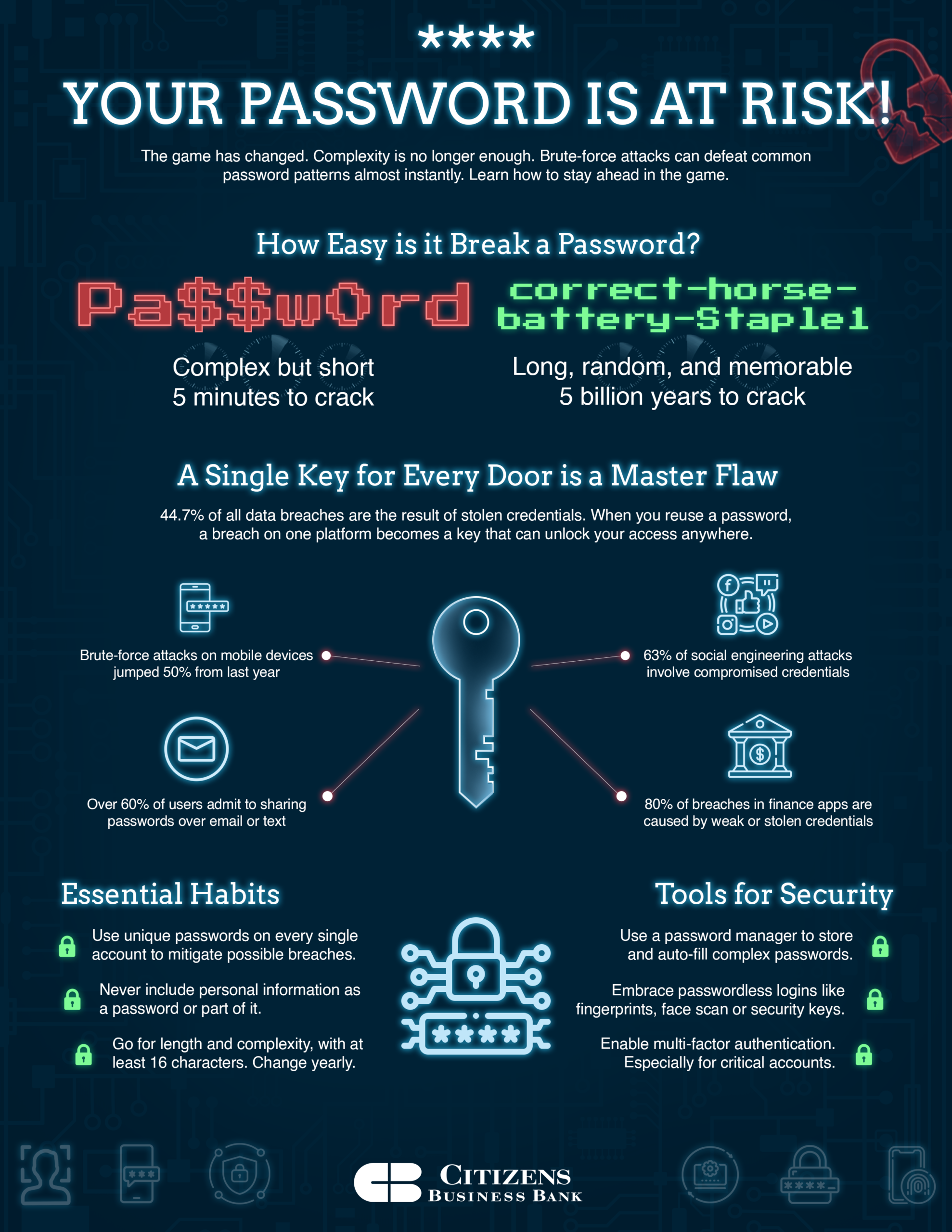
  • Check out how long it would take a hacker to guess any of your passwords.
  • Has your Instagram account been hacked? That’s a big problem right now, but you can avoid it. 
Change your password Day CBB

How long would it take for scammers to guess your passwords? Give our calculator a try.

Password Security Analyzer // PSSWD-BRUTE-FORCE-ESTIMATOR

// How long to break your password

Lowercase (a-z)
Uppercase (A-Z)
Numbers (0-9)
Symbols (!@#$)

ESTIMATED BREAK TIME: N/A

Entries are 100% secure and not stored in any way or shared with anyone.

Live Cyber Poll

Which password habit do you think is hardest to stick with?
Join in if you’d like. Everything you share is anonymous, and we don’t collect any personal information. Your privacy stays yours.

Cybersecurity News You Can Use

Instagram Hacked
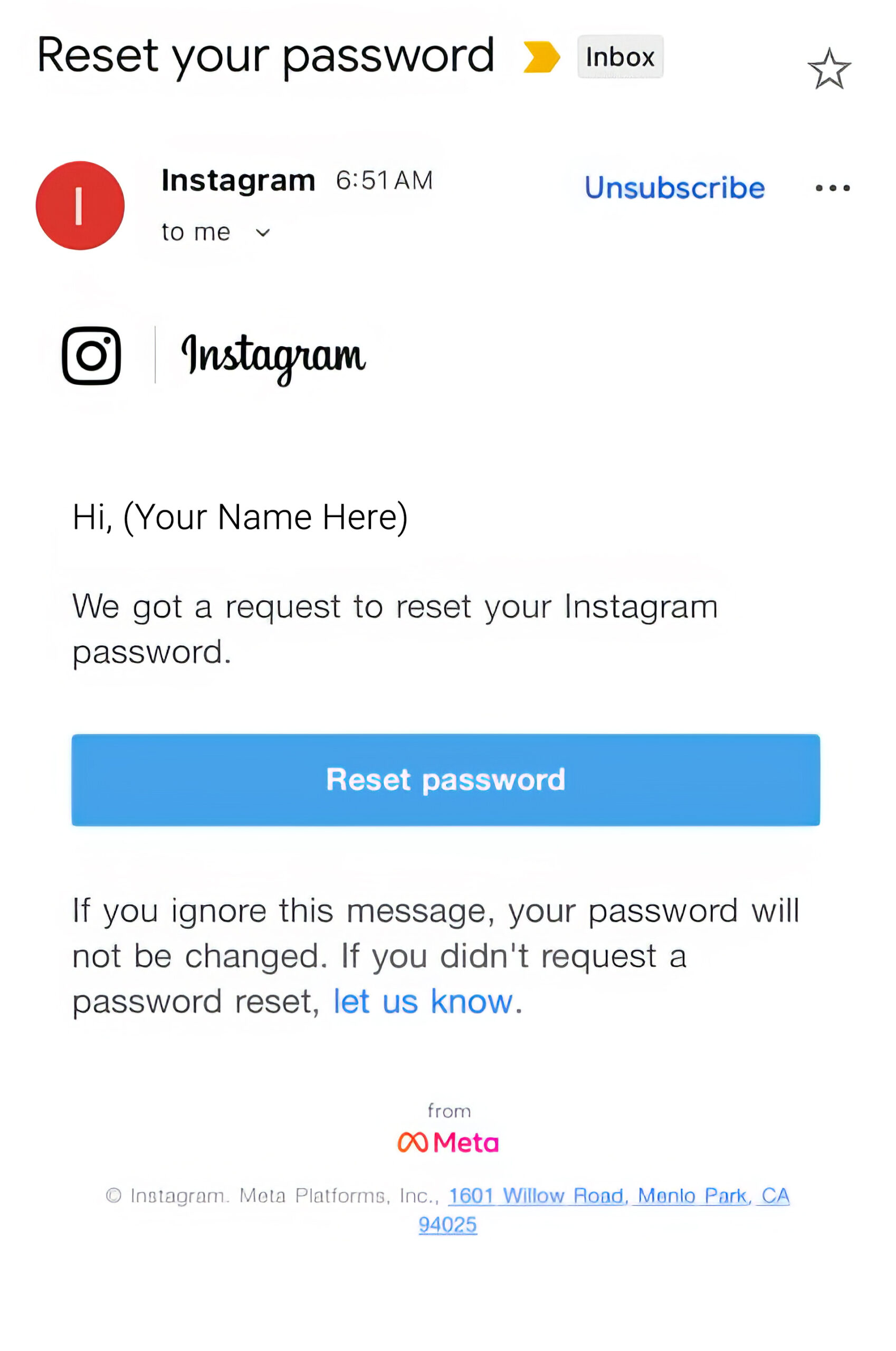
Instagram scam email

Insta users: heads up. Leaked info on over 17 million people apparently includes usernames, email addresses, and phone numbers — but not account passwords.


That’s why many of us are seeing real Instagram password-reset emails, even though we never clicked “Forgot password?”.


If you follow instructions to reset your password, scammers can hijack your account and lock you out. And if you click the link that says, “let us know,” scammers will then know your email address is active.

What Instagram users should do

  • Change your Instagram password to a long, unique one (not used on any other site).
  • Turn on two-step verification (2FA) by going to Profile > Settings > Password Security > Two-factor authentication.
  • Treat every unexpected message about your Instagram account as suspicious.
  • If you get an email or DM about your account, don’t click on links in the message.
  • Instead, open the Instagram or website app yourself, go to Settings → Security, and check for alerts there.
IPhone iPad Update

Apple is warning that some iPhones and iPads have a serious security flaw that bad guys can abuse just by getting you to visit a malicious website. To stay safe, you need to be on the latest version of iOS or iPadOS (called “Tahoe”), because the fix is only included in the most recent software.


To check, go to Settings → General → Software Update; if it says you’re up to date, you’re protected, and if you see an update waiting, tap Download and Install. Plug in your device or make sure the battery is healthy, connect to Wi‑Fi, and let the update finish. Even though it’s a bit inconvenient, it’s one of the easiest ways to protect your data.

One more thing...

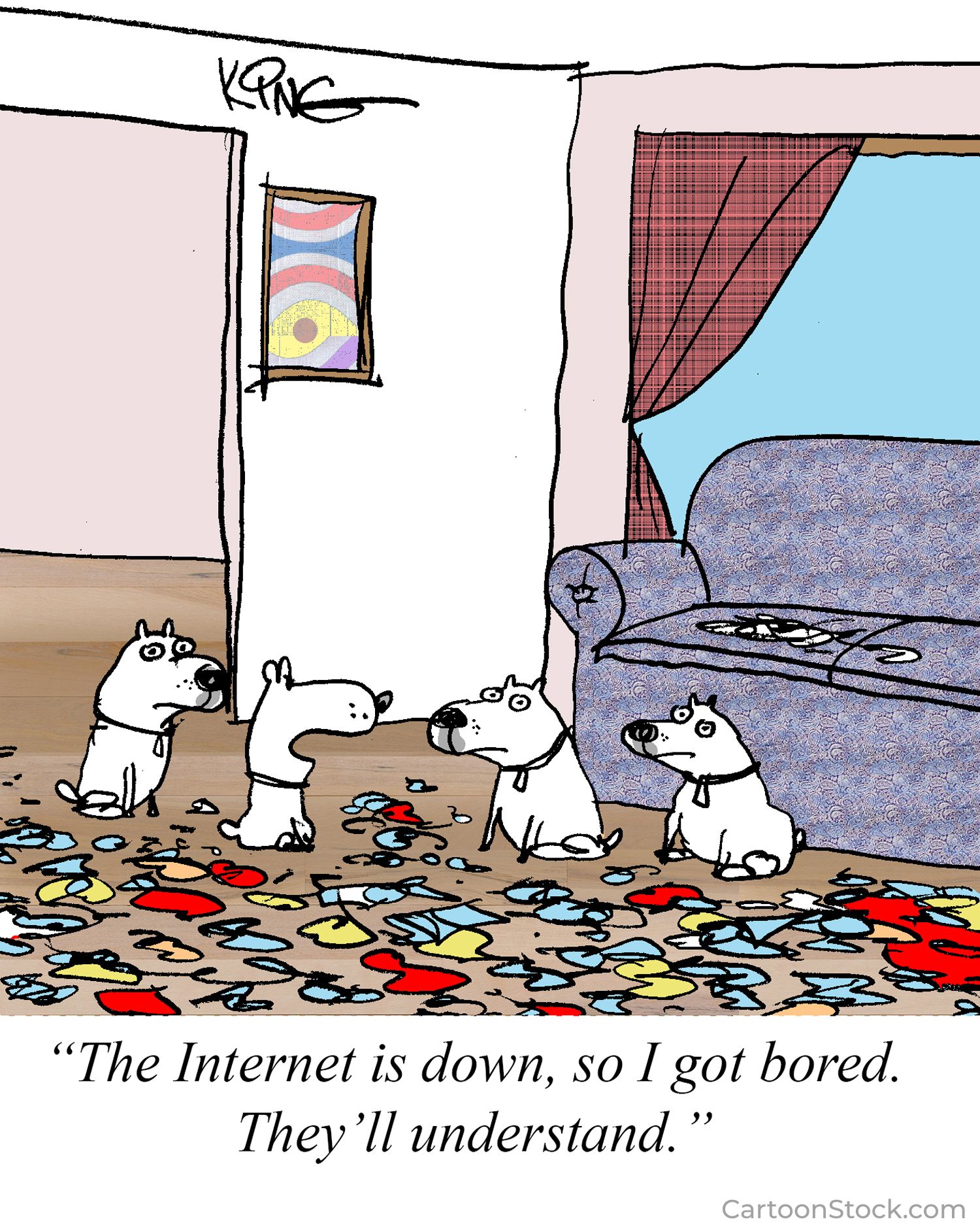
CartoonStock 680056 CS499973

Cyber cartoon © 2026 CartoonStock | Original content © 2026 Aware Force LLC