- The incredibly powerful computers coming our way in the near future: how they’ll change your life online.
- Alert your parents and grandparents: there’s been a big cyber breach this month that could impact them.
- The massive cyber threat impacting companies more this year than ever before.
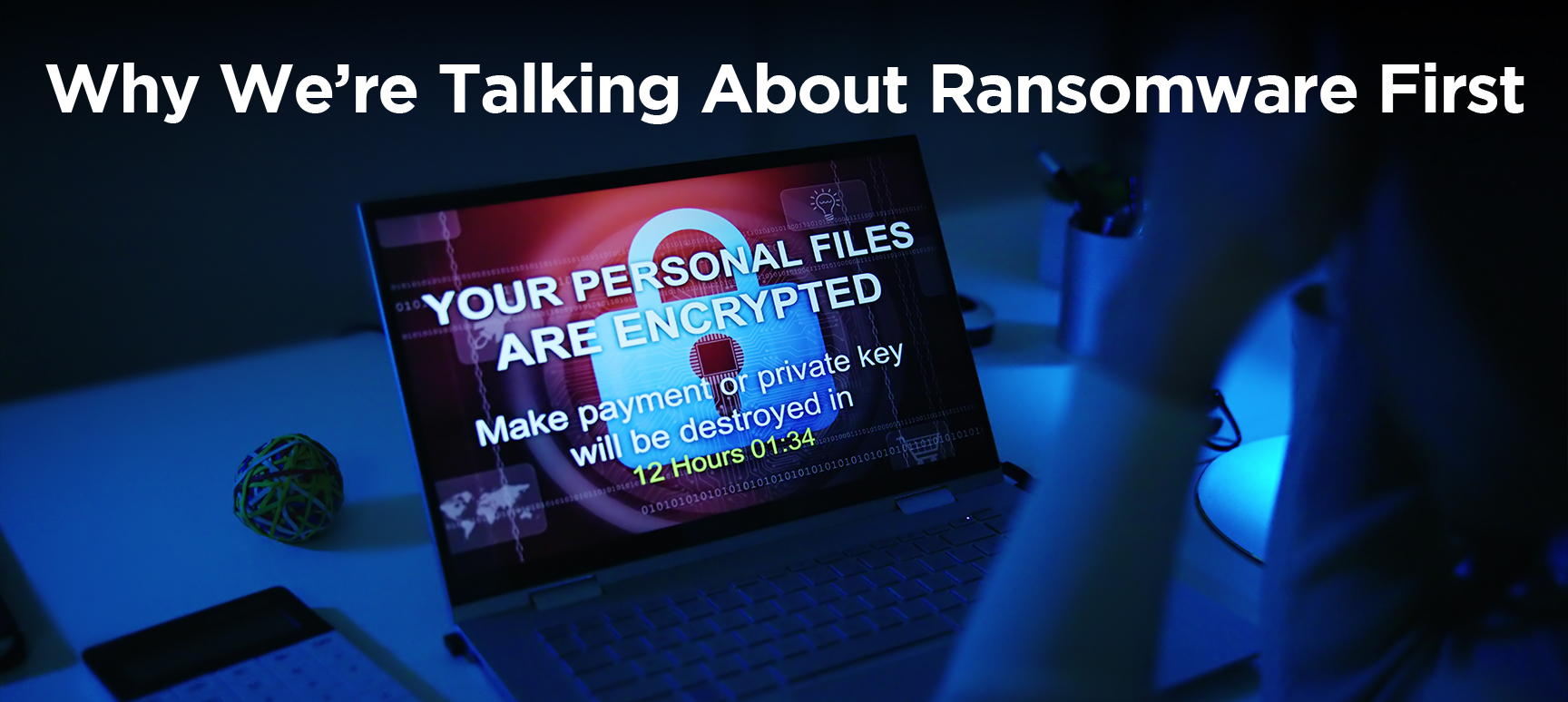
Ransomware is behind roughly 44% of cyber breaches so far this year,
turning simple phishing clicks into weeks of outrage,
personal risk, and financial losses.
![[MAIN] Ransomware v3](https://newsletter.awareforcecyber.com/wp-content/uploads/2026/06/MAIN-Ransomware-v3-scaled.png)
Live Cyber Poll
Cybersecurity News You Can Use
Cybercriminals are exploiting World Cup hype by spinning up thousands of fake FIFA websites that look nearly identical to the real thing, all designed to steal fans’ logins, card details, and money.
There are now more than 4,300 malicious domains impersonating FIFA and World Cup brands ahead of the tournament, tied to at least six distinct fraud campaigns run by four separate threat actors focusing on credential phishing, fake ticket sales, counterfeit merchandise, fake streaming sites, and infostealer‑driven credential theft.
Fans should only buy tickets, merch, or streaming passes by typing official FIFA or known partner URLs into the browser themselves or using the tournament’s official app, and they should treat links in emails, texts, and social posts—no matter how good the deal looks—as guilty until proven innocent.
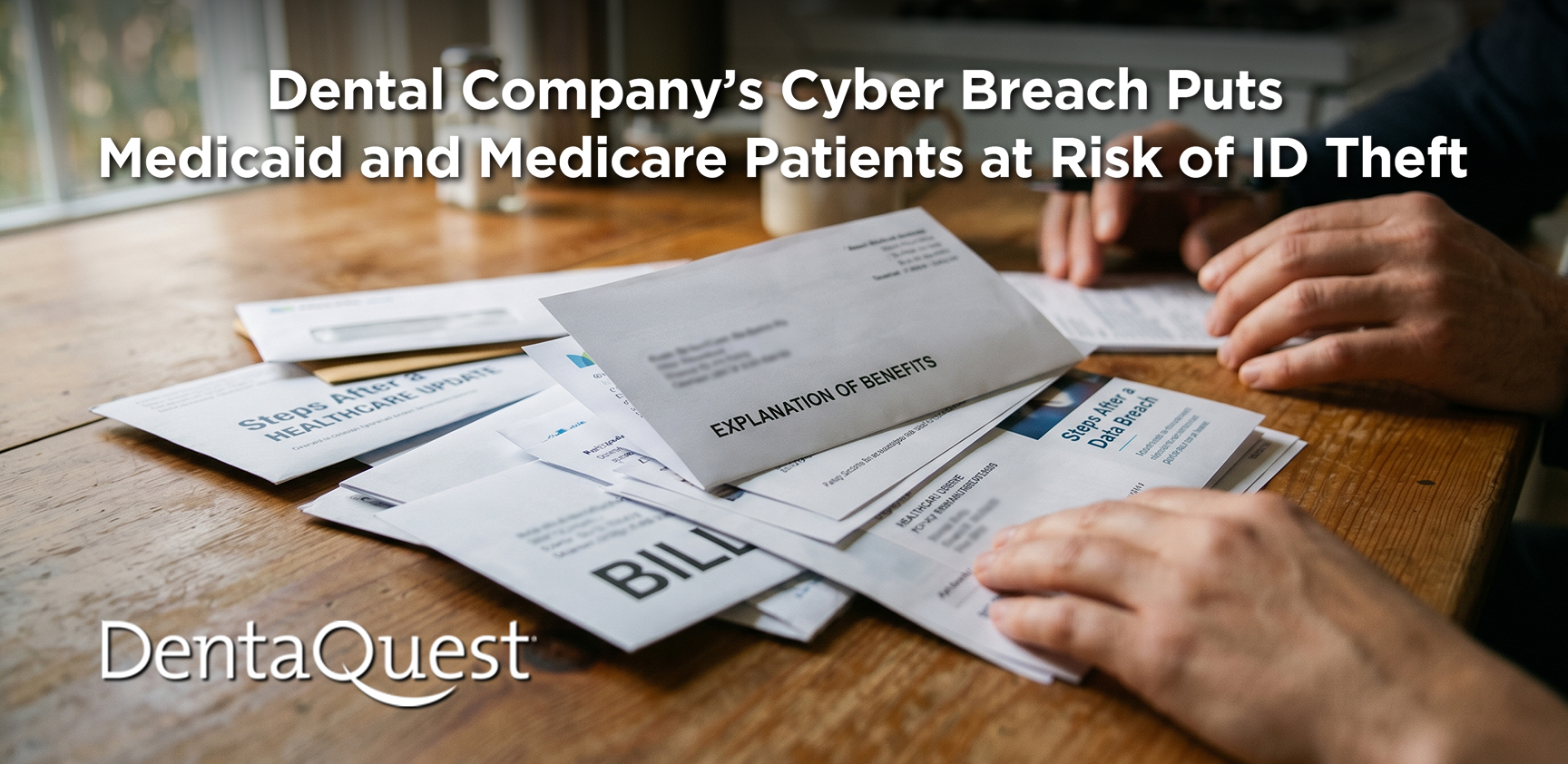
A major cyber breach has hit DentaQuest, a company that quietly runs dental coverage for many people on Medicaid, Medicare Advantage, and some employer plans.
The stolen files include your name, address, birthday, ID numbers, and insurance details. This is information is exactly what a criminal needs to open credit in your name or file fake medical claims.
To protect yourself, freeze your credit with the major bureaus, read your insurance letters for charges you don’t recognize, and be wary of calls, texts, or emails asking you to share more information.
Was this content helpful?
Phish of the Week
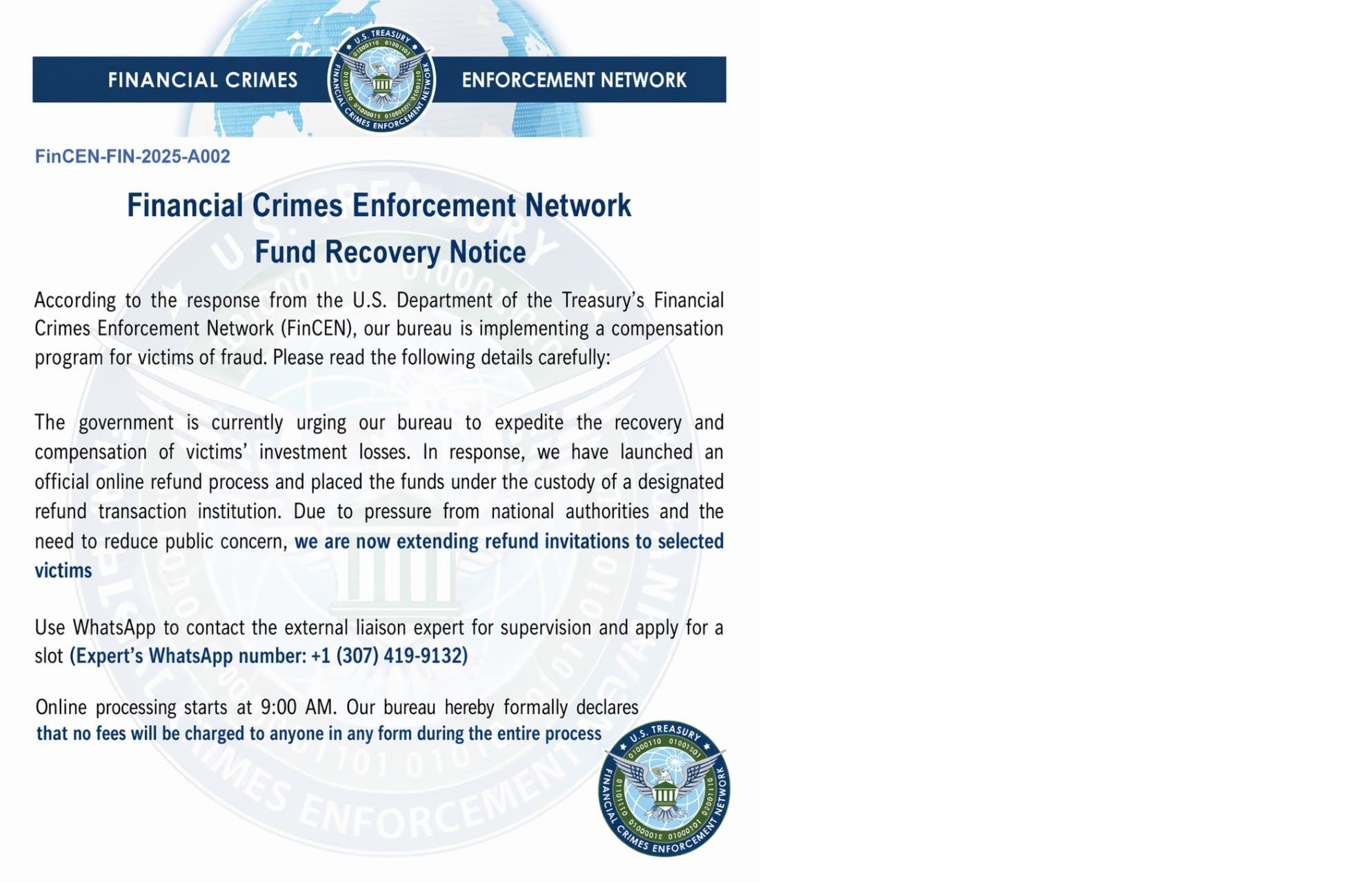
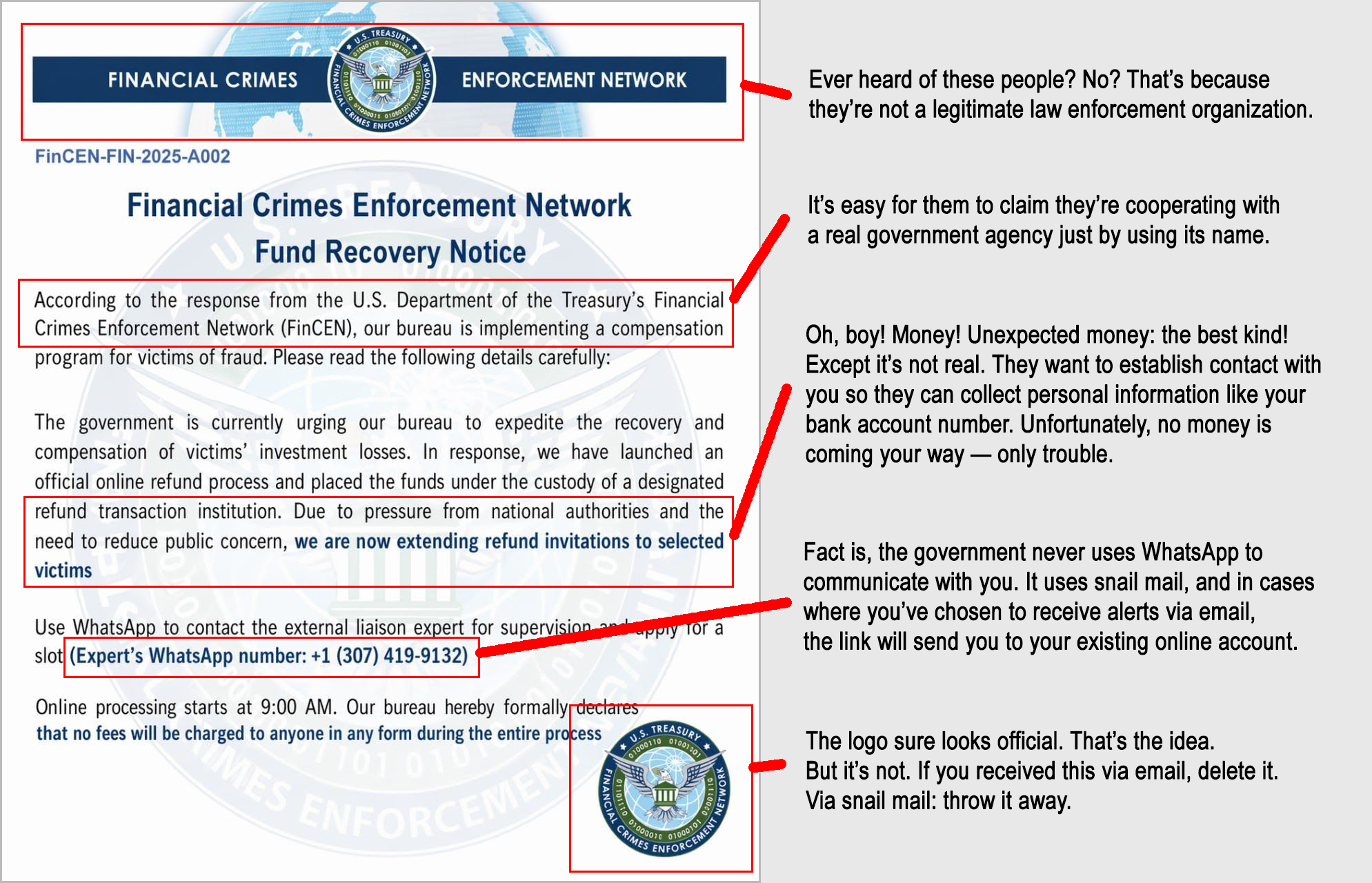
Scammers are blasting out fake “fund recovery” emails pretending to be from a Treasury enforcement network, luring you with promises of refunding investment losses if you contact a so‑called expert over WhatsApp and share personal or banking details.
Click your mouse on the red bar below
and slide it from left to right to spot the clues the email is a scam.
One more thing...
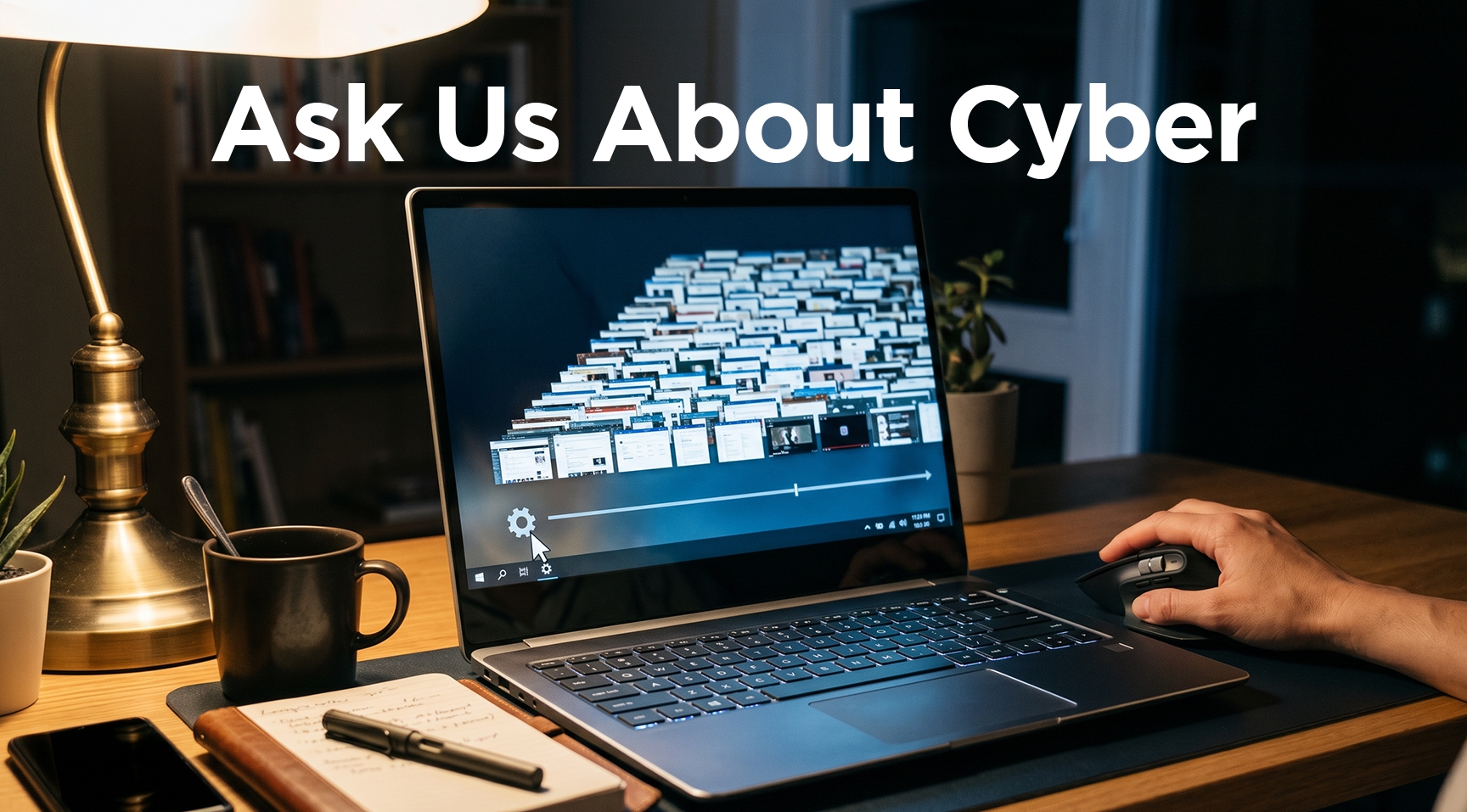
“I’m reading that Windows has some new feature that basically tracks everything you do on your computer. Is that actually true, and should I do something about it?”
What you’re asking about is called “Recall.” It’s a Windows 11 feature in Windows 11 for Copilot+ PCs that periodically takes screenshots of your screen, indexes the text in them locally, so you can quickly search anything you’ve done on the computer. That means it captures the text on banking pages, private messages, and your passwords. The data is stored locally and encrypted on your machine and is not automatically sent to Microsoft. But if malware ever gets loaded onto your computer, a hacker could potentially steal the data, which is why privacy experts are so cautious.
If you are using a Copilot+ PC and want to turn it off, go to Settings → Privacy & security → Recall & snapshots, turn off “Save snapshots,” and then use Delete all to wipe existing snapshots.
“I can’t help it. I know I’m not supposed to, but when I have a health issue, I use ChatGPT to learn more about it. How risky is that?”
Well, let’s go to the source. Here’s the answer from ChatGPT:
Using ChatGPT for health questions is fast and convenient, but it can also be confidently wrong, incomplete, or not quite right for your specific situation.
AI chatbots can miss important context, hallucinate facts, and sometimes give risky or misleading medical advice, which is why they should never replace a doctor for diagnosis or treatment decisions. The safest way to use ChatGPT as a starting point—good for learning basic terms, preparing questions, or translating “doctor speak”—and then checking anything important with a trusted clinician or reputable medical sources before you act on it.
“What are the most dangerous cyber breaches I should be worried about and what should I do?”
Even though we’re getting much better at protecting ourselves online, the threat of cybercrime is real. In the past year, 16 billion passwords have been stolen (that we know about), which criminals are using to break into everything from email to bank accounts.
An example of a major breach that’s still causing big problems: two years ago, an attack on an insurance billing company you’ve probably never heard of, Change Healthcare, exposed health data tied to nearly one in 3 Americans.
And there have been hundreds of other cyber breaches where crooks used stolen passwords to break into accounts. The basic advice on protecting yourself is still true:
- Use unique passwords on every one of your accounts.
- Turn on multi‑factor authentication (where they send you a text or email with a one-time code to log in) for any account that really matters.
- Make time to update the software on your computers, phones and apps when alerted.
- Run reputable security software on your electronic devices.
- And the old standby: be cautious about clicking links or opening attachments in unexpected emails or texts even if they look like they’re from your bank or a delivery service.
Just about everyone’s personal information is available for criminals to buy. Protect yourself by setting up alerts for bank and credit card accounts, setting up a credit freeze, and using your bank’s monitoring tools, or a breach‑alert service like haveibeenpwned.com
Send us your cybersecurity question
for possible use in a future newsletter.
You don’t have to provide your name or email address.
If you do include an email address, we’ll do our best to respond to your question.
Was this content helpful?
Cyber Content Archive: Always Available
Cyber cartoon © 2026 CartoonStock | Original content © 2026 Aware Force LLC