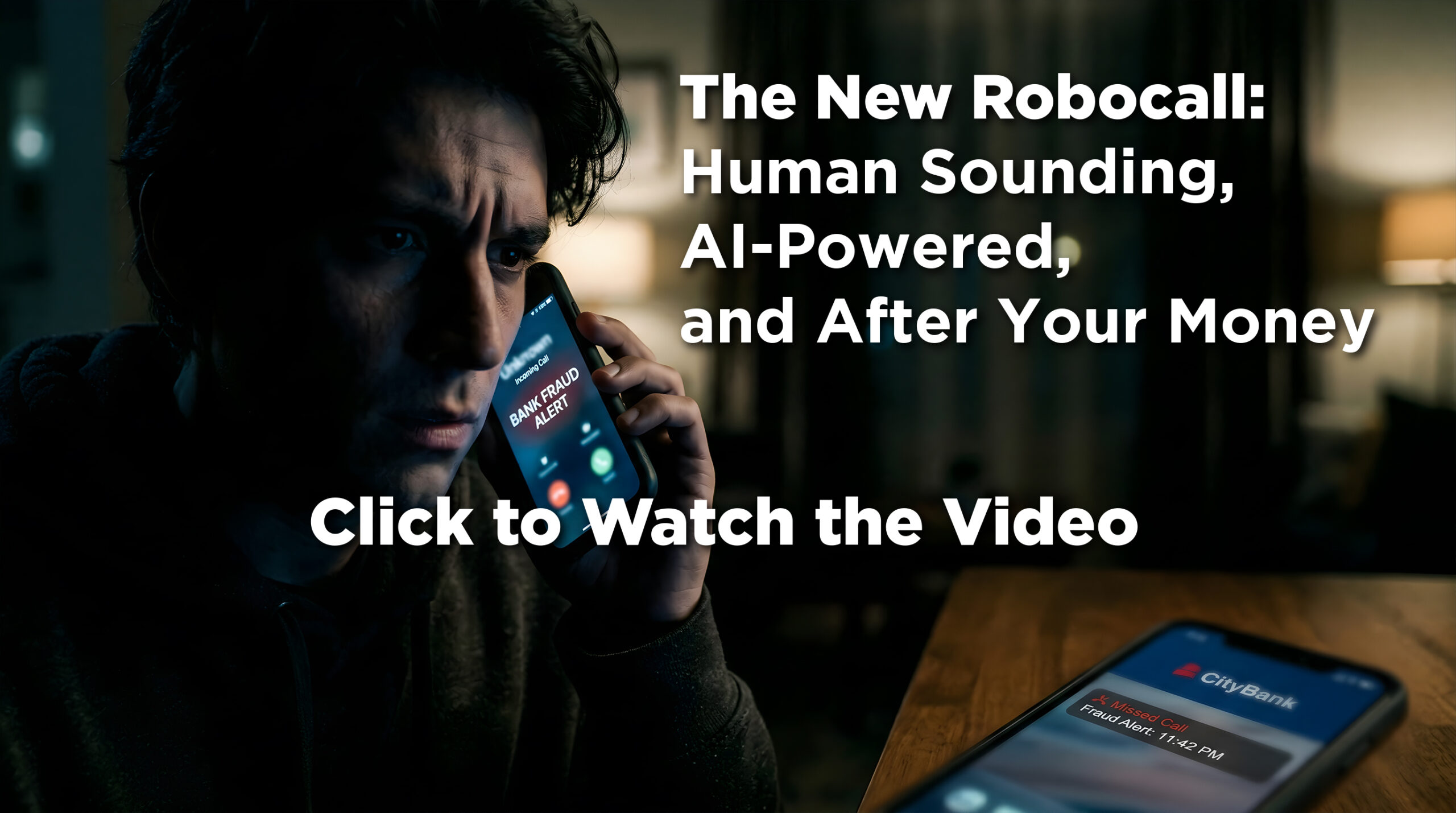
Check it out: AI is now incredibly convincing in scam phone calls
Did you accidentally give LinkedIn access to your home computer?
Infographic tease
Was this content helpful?
Live Cyber Poll
Cybersecurity News You Can Use
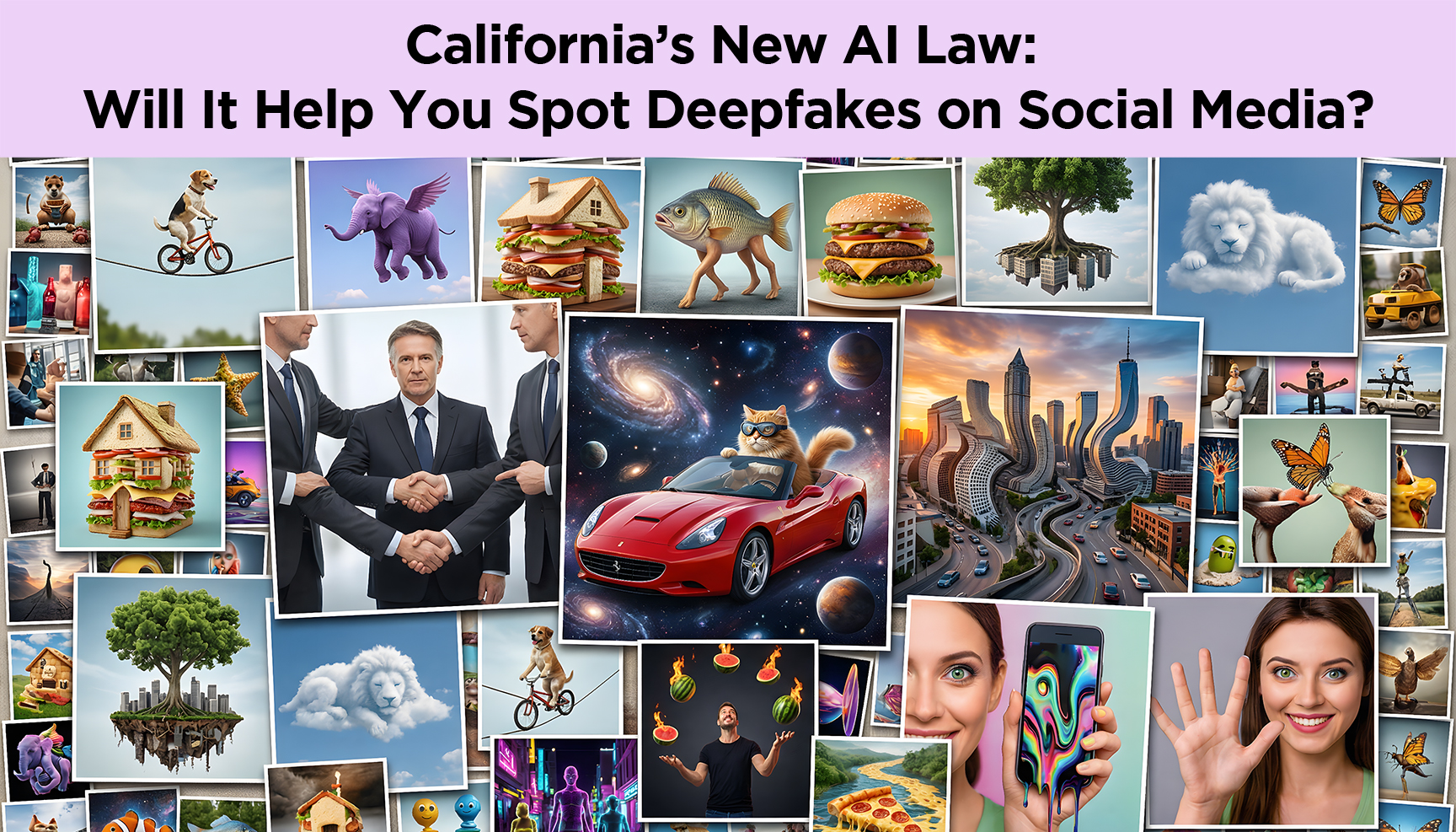
California just passed a law that basically says, “If it’s made by AI, you should know.”
Beginning later this summer, the regulation will require big tech companies to clearly label photos and videos generated by AI, like deepfakes of politicians or celebrities.
The idea is that now, when you see a clip on social media, you’ll have a better chance of noticing a “This was made by AI” warning before you assume it’s real. California is such a big state that the law will impact the rest of the US.
Disclaimer: bad actors will ignore it and post fake AI clips anyway.
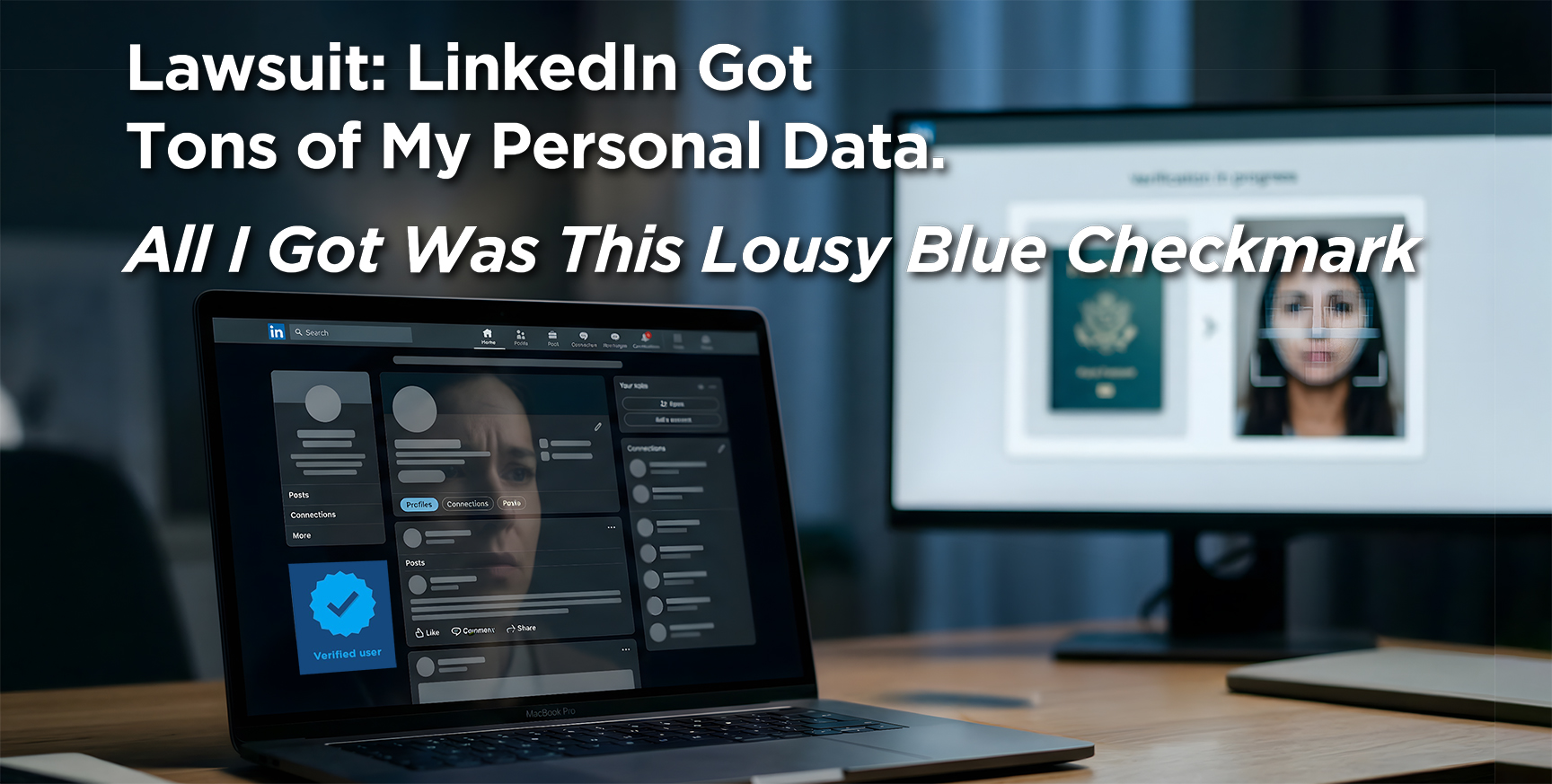
LinkedIn’s new “verified” badge asks users to prove who they are by sending sensitive personal information to a third‑party vendor called Persona. At that point, Persona captures significant details about the person, cross-referenced them with other global databases, and, according to two lawsuits, used the data to train its AI.
Data collected during LinkedIn’s verification process includes:
Full name: first, middle, last
Passport photo: the full document, both sides, all data on the face of it
Selfie: a photo of the face taken in real-time
Facial geometry: biometric data extracted from both images, used to match the selfie to the passport
NFC chip data: the digital info stored on the chip inside the computer
National ID number
Nationality, sex, birthdate, age
Email, phone number, postal address
IP address, device type, MAC address, browser, OS version, language
Geolocation: inferred from IP
The lawsuits claim this is more of a background check than what users agreed to in exchange for a cosmetic blue checkmark on a social network.
Here’s what you can do.
If you’ve already verified on LinkedIn, you can request a copy of your data (send an email to [email protected]) and ask for your ID images and biometrics to be deleted (email: [email protected]).
Phish of the Week
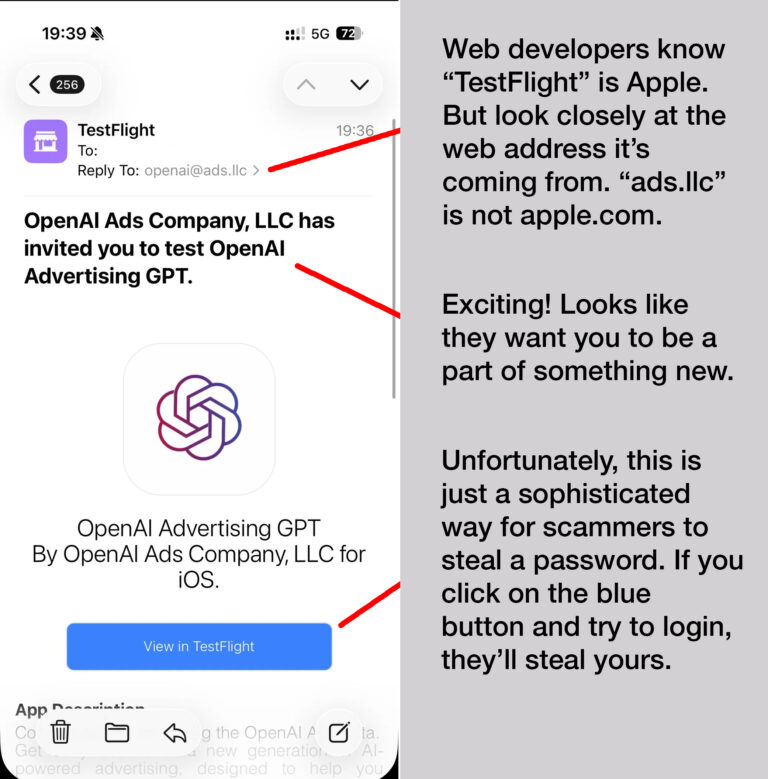
Why This ‘You’re Invited to Try Our New App!’ Email Is So Dangerous
Scammers have found a new way to piggyback on trusted companies like Apple, sending “you’re invited to test our new app” emails that look legitimate. This example is aimed at marketing people, but the same trick could be used to imitate banks, streaming services, schools, or online gamers.
A “beta invite” claims to give you access to a new version of an app and then prompts you to enter login credentials or payment details is a giant red flag.
Get an unexpected email invitation? Don’t tap the button; close it and instead open the company’s official app or website to see if any real beta program is mentioned.
If the app asks for your Facebook, Google, or banking login credentials, do NOT give them that information.
Report the email as phishing and warn coworkers or your family members who might also receive it, so they don’t get caught.
Was this content helpful?
One more thing...
“Is ChatGPT safe to use?”
Your biggest risk using ChatGPT is bad answers: it can sound totally sure of itself and still be wrong, and it’s not great at admitting “I don’t know,” so you can’t treat it like an oracle.
It can also leak your privacy if you paste in sensitive details, so don’t share anything you wouldn’t say in public. That means no Social Security numbers, sensitive health or financial information, and no company secrets.
“My social security number was used recently to file for unemployment benefits. If they had received benefits, would I be liable for paying the money back if I have identity protection?”
In most cases, no, the state is going after the fraudster, not you, as long as you reported the unemployment identity theft promptly and didn’t keep or spend money you knew wasn’t yours. Your identity‑protection service won’t pay the benefits back for you; what it will do is help you file fraud reports with your state unemployment office, put alerts or freezes on your credit, and watch for other accounts opened in your name.
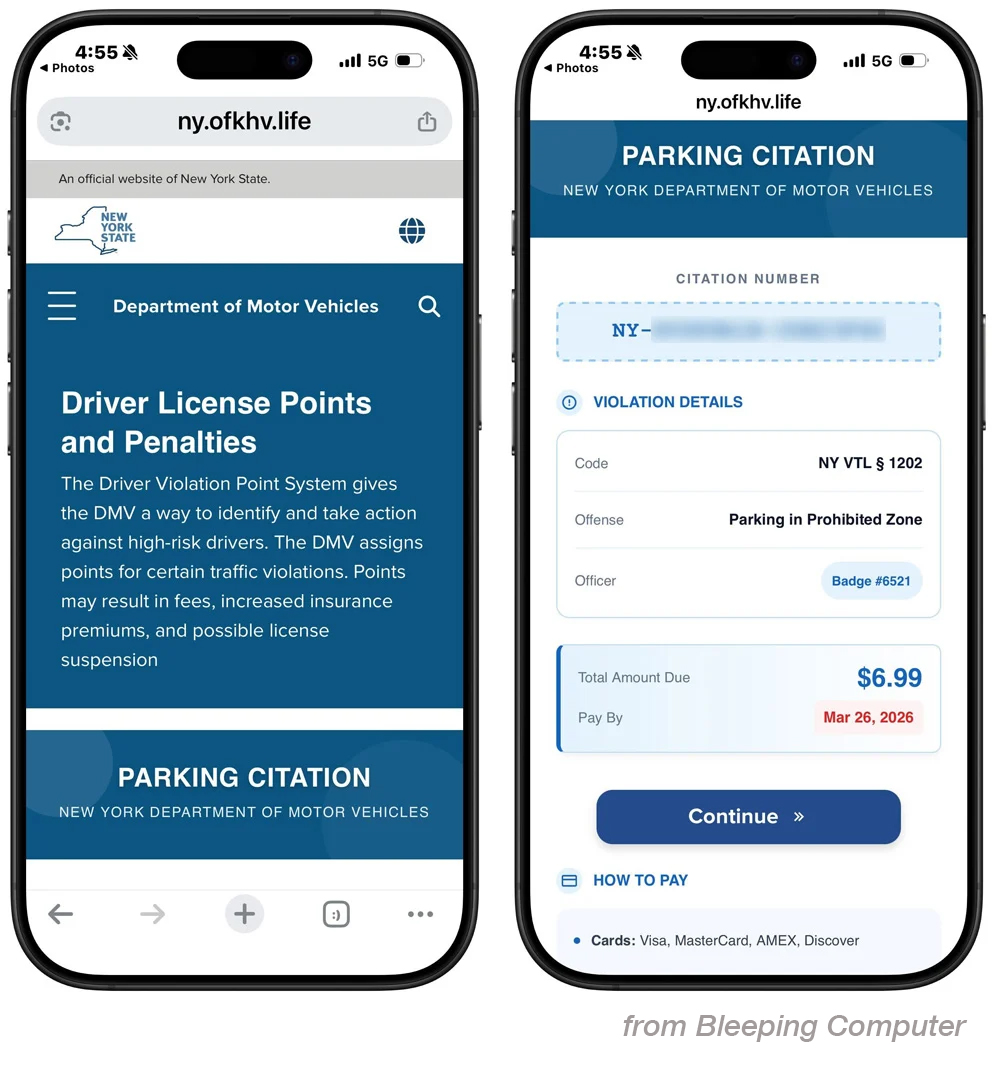
“I got an email from the DMV saying I owed a traffic fine. The QR code took me to a page where I could pay it. The email looked real, but didn’t feel right, so I called the DMV, and they said it was a fake. How am I supposed to tell? How do I know if a QR code is fake?”
You did the right thing by trusting your gut and calling the DMV. There’s no way to “see” a fake QR code just by looking at the squares. Fraudsters across the US, Canada, and Europe are making a lot of money with this scam. They send millions of texts and emails featuring court or DMV logos and QR codes that link to scam payment sites.
Your clue that this is a fake is the email address it came from: ny.ofkhv.life is not a real DMV web address.
If you get a surprise ticket or toll notice by text or email, go directly to the agency’s website or look up the phone number and call them yourself.
Send us your cybersecurity question for possible use in a future newsletter.