
-
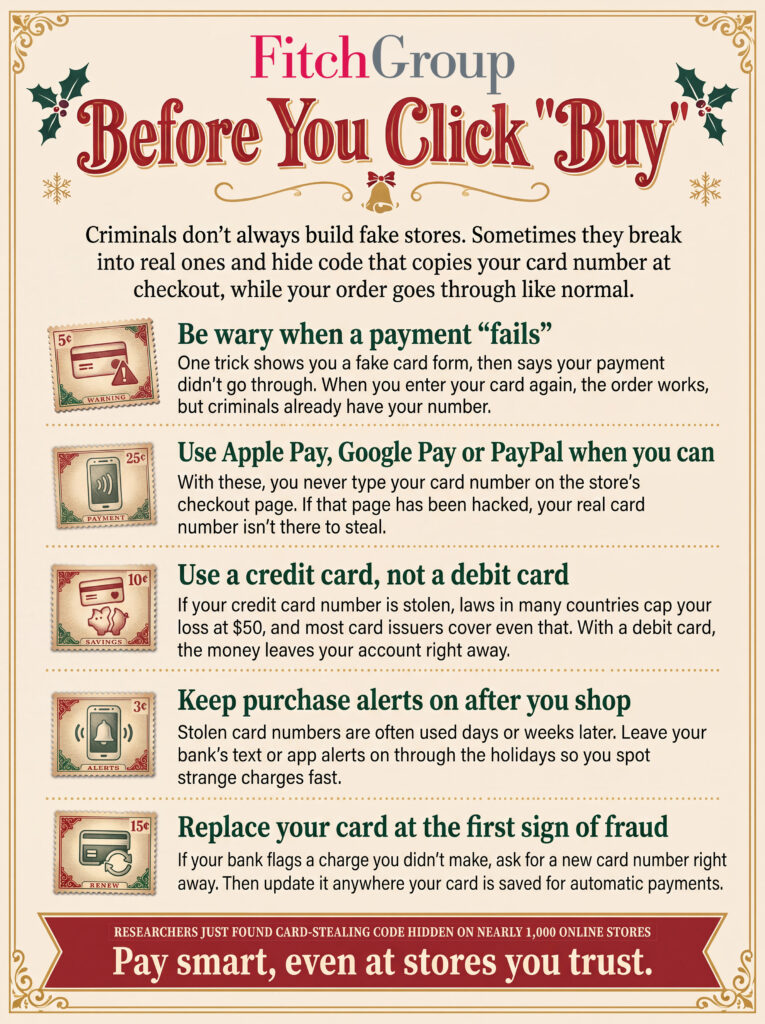
Six of the boldest online scams you might encounter this holiday. How many can you spot?
-
So, exactly who are those strangers texting you as if they know you?
-
And before you scan that QR code, see how scammers use them to steal from victims.
Live Cyber Poll
Was this content helpful?
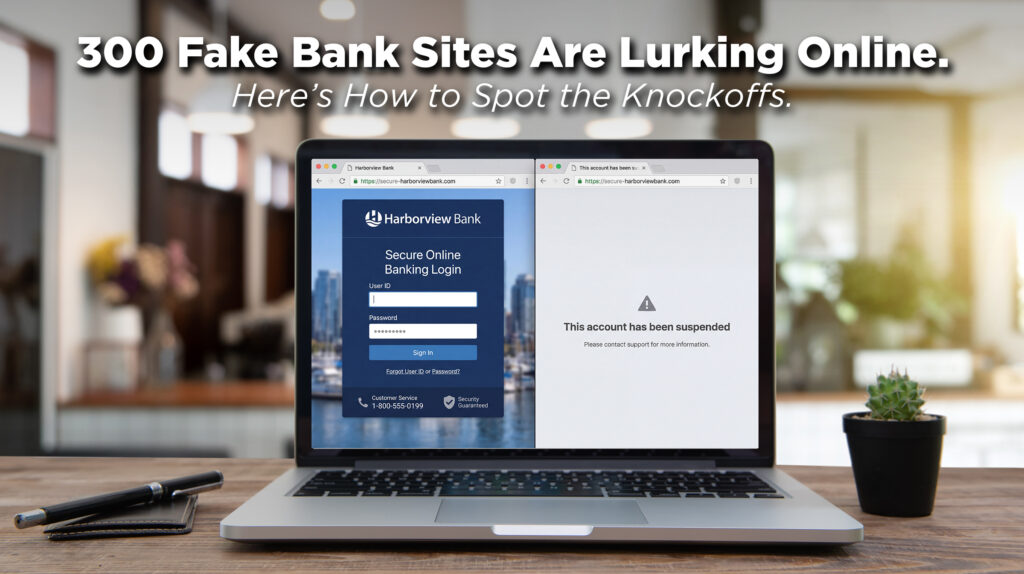
Since May, just one criminal operation has been operating more than 300 fake bank websites. The web addresses they use are your clue and are easy to spot: a warning word, a dash, then your bank’s name. (Think secure-yourbank.com or cancel-yourbank.com instead of just yourbank.com.)
The moment you enter your password and hit “submit,” your credentials are automatically entered into the real bank’s site in the background. The fake site then shows you an error (“incorrect password, try again”) or a “we’re having technical issues” message. You assume you mistyped.
The victim usually has no idea anything happened. There’s no obvious moment of “I got scammed.” The realization comes when they check their balance and see a wire transfer they didn’t make.
One rule that stops this cold: Never sign into your bank through a link in a text, an email, or a link in a search engine. Open your bank’s app directly or type the address yourself. If something really is wrong with your account, it will be visible there.
Was this content helpful?
One more thing...
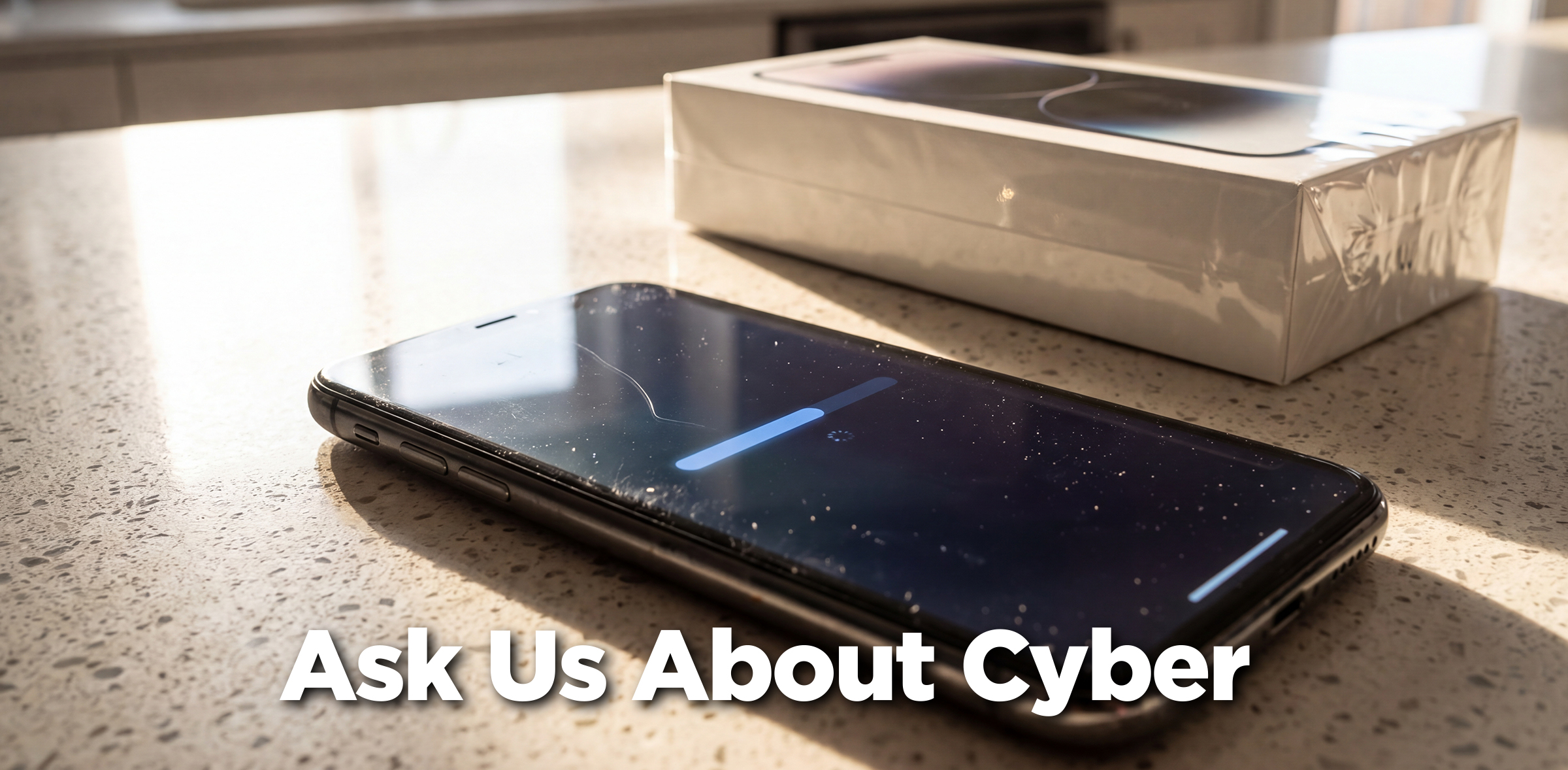
I was listening to a podcaster that recommended replacing older tech hardware, like older cell phones & laptops with newer ones this holiday season to ensure the most up to date production is in the hardware to protect from the security gaps that AI is unlocking. Is this good advice?
What matters isn’t how old your device is. It’s whether it still gets security updates. The podcaster is right that newer devices have better built-in security, and a device that stops getting updates stays vulnerable for good.
But an older phone that still gets updates is usually just as safe as a new one. A new phone also won’t protect you from fake stores, phishing or cloned voices.
So, unless you have to have the latest and greatest, keep your phone if it still gets updates. If your computer runs Windows 10, sign up for Microsoft’s Extended Security Updates, which run through Oct. 12, 2027.
You should, however, replace any router that hasn’t been updated in two years. If you rent yours from the cable company, see if you’re eligible for a free upgrade.
I got hacked after I clicked on a warning in my Facebook feed. What should I do now, and how do I avoid this next time?
Unfortunately, this happens a lot. Scammers set up fake profiles with names like “Meta Support” and write posts saying you broke Facebook’s rules and will be locked out unless you “verify” yourself by clicking a link. So the alert you saw was a real Facebook notification about a fake post!
Here’s what to do.
Step 1: Get back in. Go to (https://www.facebook.com/hacked), ideally on a device you’ve used for Facebook before. If the hacker changed your email address, Meta sends your old address a link to undo it, so check your inbox and spam folder.
Step 2: Lock the hacker out. In Facebook, go to Settings > Accounts Center > Password and security. Sign out of devices you don’t recognize, change your password and turn on two-factor authentication with an authenticator app. Delete any emails, phone numbers or apps that aren’t yours.
Step 3: Now scan your device. Bad links can install malware that steals passwords. Run a full scan with an anti-virus app like Windows Security or Malwarebytes.
Step 4: Protect everything else. Change that password anywhere else you used it, starting with your email. Check for strange charges and warn friends not to click anything that seems to come from you.
And one other alert: Meta has no customer service phone line. Anyone charging to “recover” your account is running a second scam.
How can I delete a text message without opening it?
You don’t have to open a text to delete it!
On an iPhone: Swipe left on the conversation and tap the trash can. If you don’t know the sender, choose “Delete and Report Spam.”
On an Android phone: Press and hold the conversation, then tap the trash can. To report it, tap “Block” and check “Report spam.”
Seeing the preview in your message list won’t hurt your phone, and opening a text is generally safe too. The danger comes from tapping a link, opening an attachment or replying, even with “STOP.” Best course of action: when a text seems suspicious, delete it and move on.
Send us your cybersecurity question for possible use in a future newsletter.
You don’t have to provide your name or email address. If you do include an email address, we’ll do our best to respond to your question.

Original content © 2026 Aware Force LLC