
- AI has created a new scam that even fools computer experts. Here’s how to spot it and avoid it.
- Scammers are getting better at pretending to be people you trust. Learn the signs that give them away.
- Hey, surprise! You’re invited to a party! Or…is it a scammer trying to steal your password?
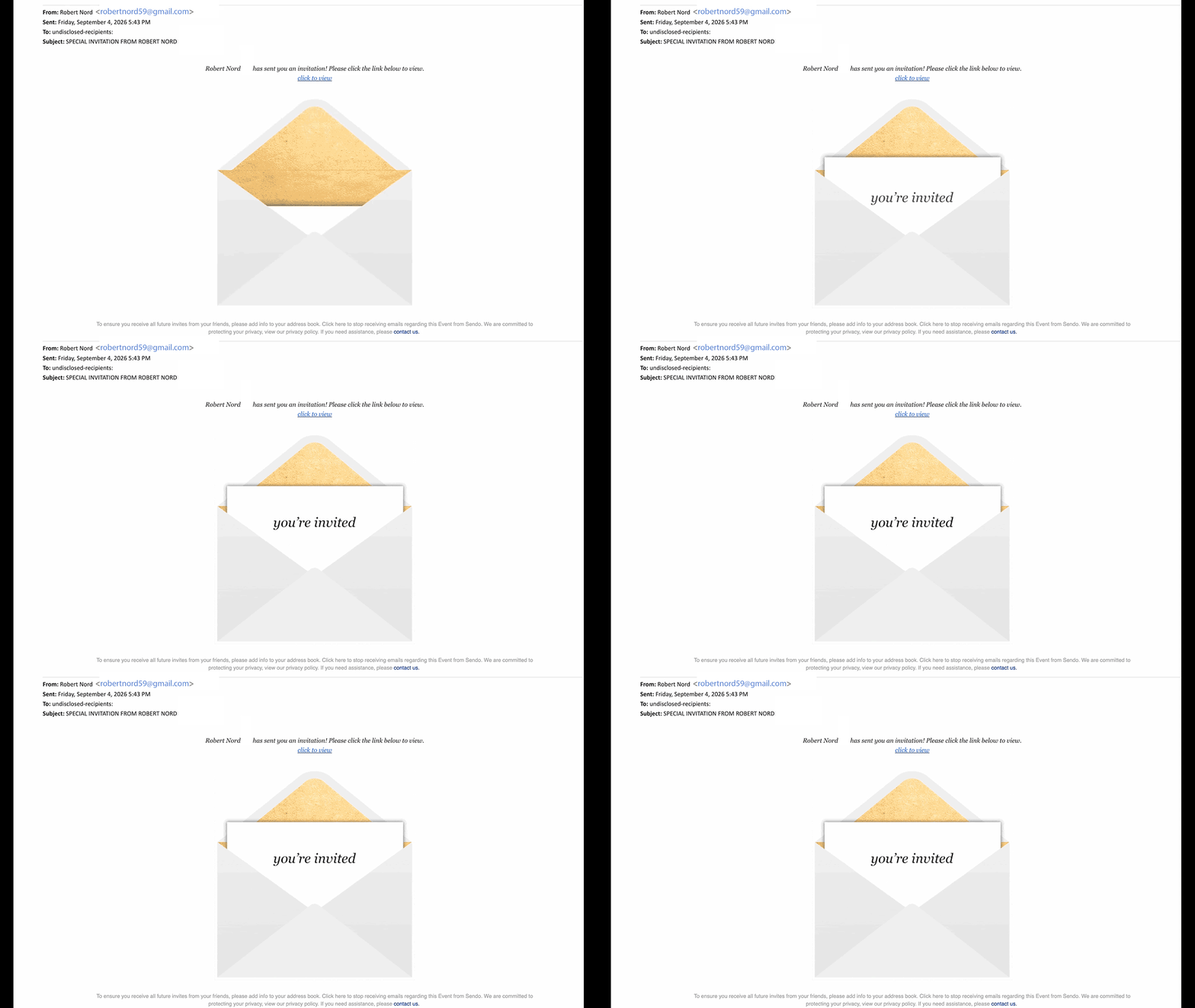
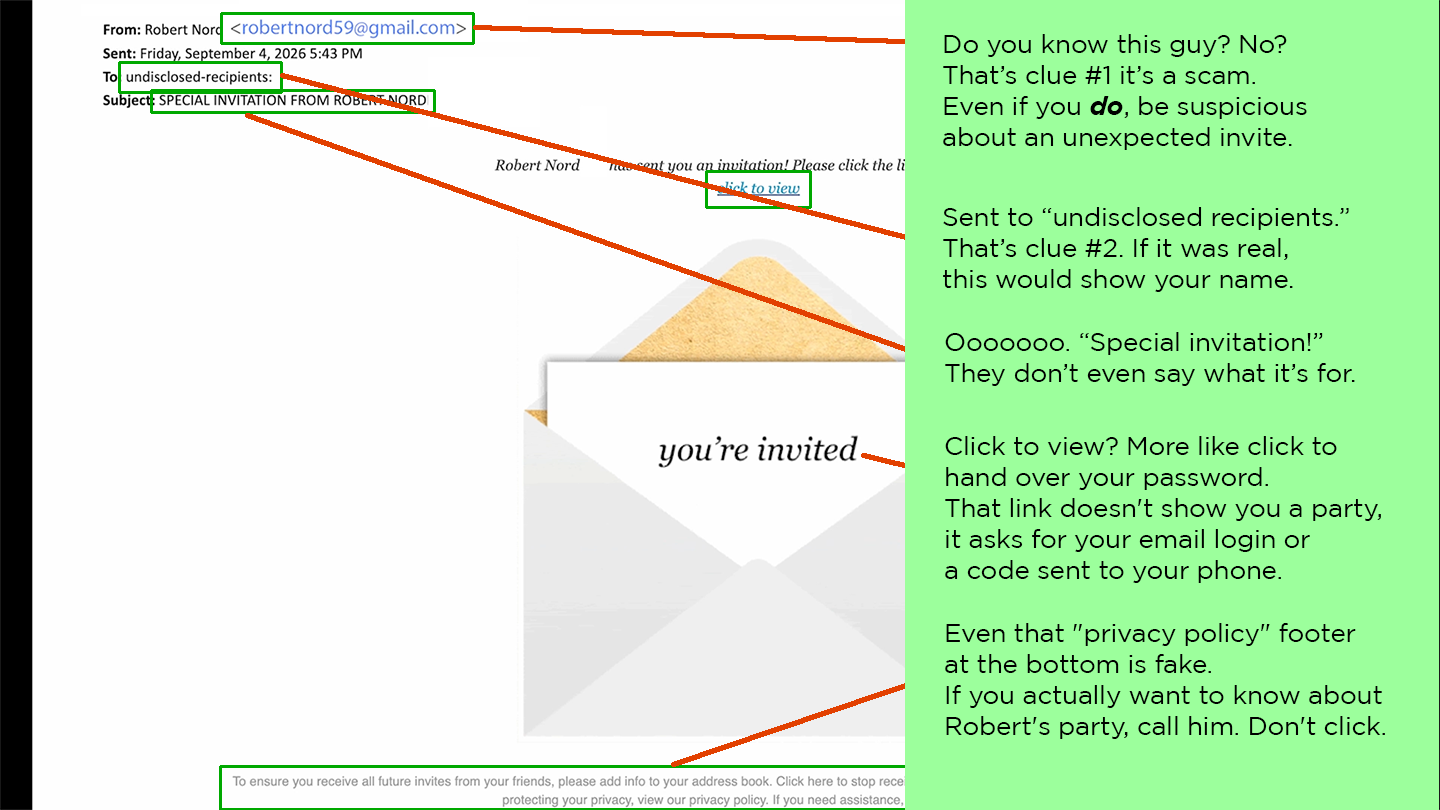
These fake invites arrive out of nowhere looking like Evite or Paperless Post, often themed around a graduation or Halloween party, sometimes naming someone you know as the host.
Clicking to RSVP asks for your email password to “unlock” details, or a phone number plus a code to confirm. Real invites never require that.
![[XSI] Identify and Protect Against Impersonations NO QR Code](https://newsletter.awareforcecyber.com/wp-content/uploads/2026/09/XSI-Identify-and-Protect-Against-Impersonations-NO-QR-Code-scaled.png)
Live Cyber Poll
Cybersecurity News You Can Use
If you’ve ever rented a car, visited a dispensary, or had your ID scanned at a hotel, bar, or retail counter, your driver’s license may now be for sale on the dark web.
A cybercrime marketplace called Nexus surfaced this month advertising more than 153 million driver’s license scans from the U.S. and Canada. Researchers traced the source back to a company you’ve likely never heard of called IDScan.net. It’s a Louisiana-based company that scans IDs for companies like Hertz, banks, and retailers.
This isn’t a list of names and emails. It’s full copies of your actual ID including front, back, even infrared scans with timestamps tied to specific transactions. And unlike a stolen password, you can’t reset a driver’s license photo, birth date, or ID number.
Two things to do right now:
- Freeze your credit at Equifax, Experian, and TransUnion. It’s free and takes about 15 minutes.
- And be very skeptical of any call, text, or email that uses accurate personal details about you. Scammers may now know your real name, address, and birthdate — which can make a fake call sound very convincing.
One more thing...
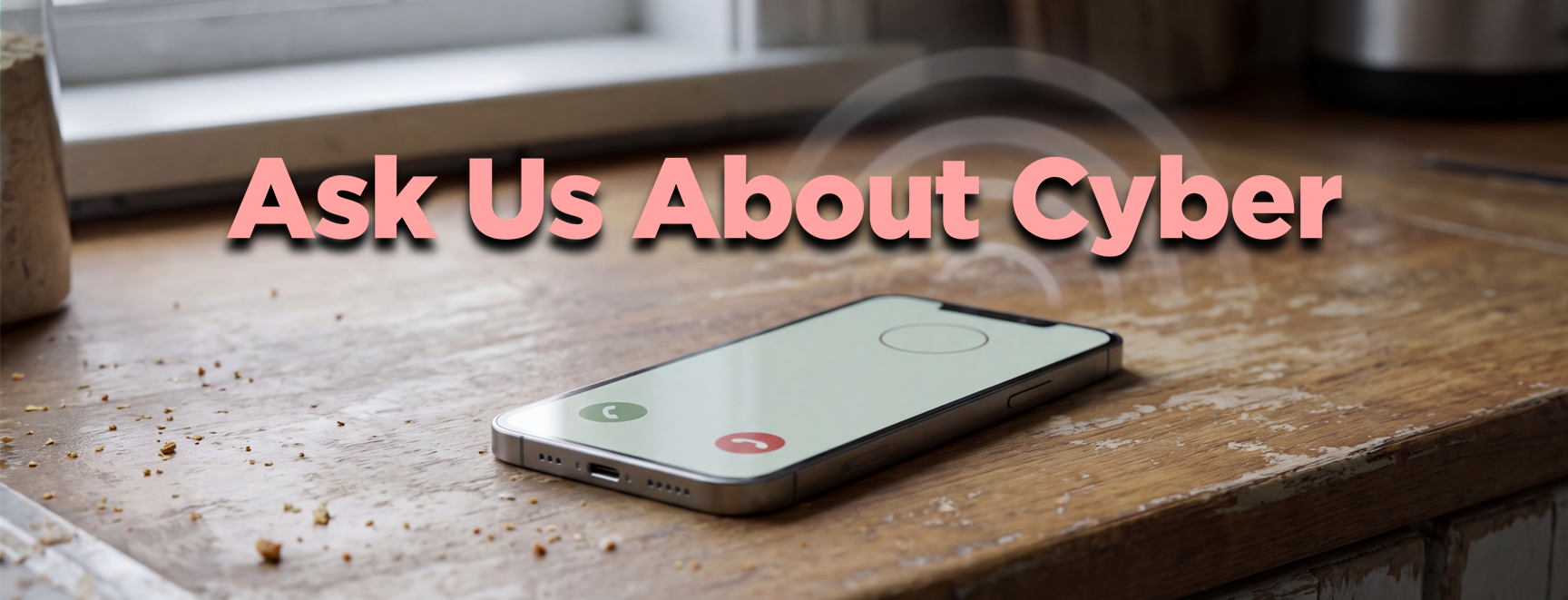
“I keep getting calls from numbers that look legitimate. They don’t show up as ‘Spam’ or ‘Scam Likely.’ But when I answer, there’s no greeting at all, no ‘hello,’ no one introducing themselves. Just silence. After a few seconds, the call hangs up, almost like they’re checking if a real person answered before moving on. Is this some kind of new scam tactic to record my voice?”
Here’s the deal: those mysterious calls are checking to see if someone answers that phone number. If you pick up and say, “hello,” the robotic dialer logs it and puts it in the list of live numbers that scammers can use. So, when you don’t recognize the number, let it go to voice mail.
“I’ve got a bunch of old accounts I haven’t touched in years, things like Yahoo Mail, LinkedIn, and eBay, and I’ve completely forgotten the passwords. How do I go about closing these out?”
Good question and very important. To close an old account, the easy solution is to click on “forgot password,” and have them send you a link to create a new one. Then log in and close it.
OK, but what if you used an old email address to set up the account?
Many services have a link for “I don’t have access to my old email address.” You’ll be asked to answer questions about the account. Answer as accurately as you can, since guessing can lock you out of trying again for days. If that doesn’t work, some platforms let you submit a request explaining that you’ve lost access to the recovery email, along with a photo ID to prove ownership.
But something you might not realize: if the account has sat untouched for over a year, some services (like Yahoo) may have already deleted it automatically, meaning there’s nothing left to close. If you can’t access the account in that case, forget about it and monitor your credit and email for unusual activity.
“I’ve noticed Copilot at work feels pretty limited in what it can do. For example, if I could connect my email and let it read my calendar, or my VP’s calendar, I could pull up every standing meeting from the past two years and figure out what open time slots exist without overlapping anything. Is it okay to link my accounts to something like that?”
Here’s the rule at work: stick to company-approved AI tools for anything work-related, never link a personal AI account to a work email or calendar, and if you want broader calendar access for a legitimate reason, ask IT or your manager.
At home, only connect accounts you’d be okay with an outsider glancing through, and skip anything tied to banking, taxes, or health records. Turn off “automatically add invitations” in Google Calendar so random invites can’t quietly land in your synced calendar.
Send us your cybersecurity question
for possible use in a future newsletter.
You don’t have to provide your name or email address.
If you do include an email address, we’ll do our best to respond to your question.
Was this content helpful?

Cyber Content Archive: Always Available
Original content © 2026 Aware Force LLC