
- Big changes are coming this month to the ways companies handle your privacy online.
- We think you can outsmart the 5 most common scams of 2026.
- Here’s what a convincing robocall sounds like; and no, it’s not really Walmart.
Live Cyber Poll
Cybersecurity News You Can Use
Uh-oh. LastPass, one of the world’s top password manager apps, is dealing with a cyber breach. One of the companies LastPass partners with – got hacked. Think of this incident as someone getting access to a company’s customer service Rolodex, not the safe where the valuables are kept. That’s what happened here.
The lesson: when you subscribe to LastPass (or any app), make sure the password you create to log in to it is long and strong.
Used correctly, password managers are trustworthy and give you far better protection than reusing the same few passwords across all your accounts.

No more skipping! Have you noticed that you have to sit through ads online more often now?
Google’s latest Chrome web browser is phasing out the system that made ad blockers like uBlock Origin so effective, which means some of those tools are about to stop working. The easiest workaround is to use Firefox or another browser that still lets full‑featured ad blockers run normally.
Meanwhile, YouTube is actively detecting popular blockers and either stopping videos from playing or hiding things like comments and descriptions until the blocker is turned off or you pay for YouTube Premium.
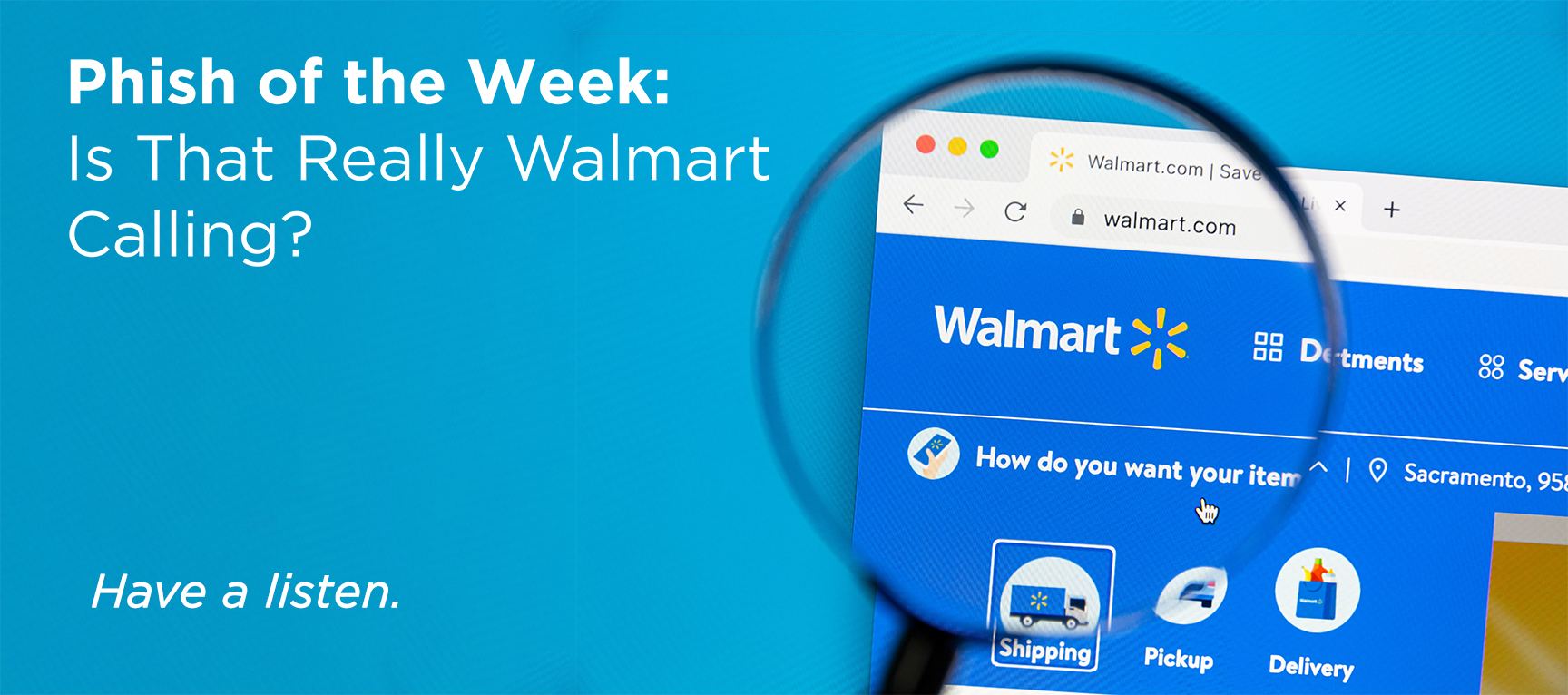
Click the link to hear how a fake ‘Walmart’ robocall sounds so you can spot it in seconds the next time your phone rings.
Scammers aren’t just posing as Walmart. The same playbook is used with Apple, Microsoft, Amazon, and other big names, always claiming there’s a problem with a charge or your account.
The rule of thumb is simple: if a call or text pressures you to act fast and asks for your password, PIN, credit card, or Social Security number, hang up and ignore any links or “press 1” instructions.
Instead, go directly to the company’s official app or website, or call the number printed on your card or statement, and check your account there before you do anything else.
One more thing...

Passkeys are slowly replacing passwords on websites and apps. We recently ran a video explaining passkeys and invited readers to share their questions…and the response was amazing!
Here are answers to the questions asked most often.
What exactly is a passkey?
A passkey is something like Face ID, your fingerprint, or a device PIN on your phone, tablet, or computer that logs you into a website or app without you typing a password.
How do I get started using passkeys?
Usually, a site that supports passkeys will offer it as an option right after you log in with your password. Look for “Set up a passkey” or “Use passkey.” Click that, follow a short on‑screen wizard, and your device saves the passkey automatically.
Do I need a special device or app for passkeys?
Most newer phones, tablets, and laptops already support passkeys through built‑in features like iCloud Keychain, Google Password Manager, or your browser’s password manager. You don’t need a separate app. Just keep your device and operating system up to date.
Are passkeys more secure than passwords?
Yes, because passkeys can’t be reused on another site, guessed, or stolen in phishing emails. That’s because it never actually leaves your device. Even if a hacker tricks you with a fake login page, there’s nothing for you to “type in” that they can capture.
Can someone break in if they steal my face or fingerprint data?
Your face or fingerprint never gets sent to the website; it stays on your device in a secure chip. The site only sees a yes/no answer from your device, so even if a website is hacked, your biometric data isn’t sitting there to be stolen.
What if I lose the phone that has all my passkeys?
Think of passkeys like house keys: you should always have a backup plan. Make sure at least one other trusted device (like a laptop or tablet) also has your passkeys or enable account recovery options your provider offers so you can restore them on a new device.
What happens if the fingerprint reader or Face ID stops working?
Passkeys always have a fallback, usually your device PIN or password. If biometrics fail (let’s say you have a bandaged finger), you can still unlock the device with your PIN.
How do I share access with a spouse or family member if I’m using passkeys?
Most platforms let you share a passkey with another person’s device or set up “family” password managers so both of you have access. You can also keep at least one shared login in a trusted password manager as a backup for important accounts.
What about my accounts after I die. Can someone still get in?
Treat passkeys like you would other digital assets in your estate planning. Use the “legacy contact” or “account recovery contact” options for many services and device makers provide, so a trusted person can regain access with proper documentation.
Do I have to switch everything to passkeys right away?
No, you can start with one or two important accounts like email or banking, get comfortable, and then add more over time. Think of passkeys as an upgrade path: every account you move off passwords reduces your overall risk without forcing a painful all‑at‑once change.
Send us your cybersecurity question
for possible use in a future newsletter.
You don’t have to provide your name or email address.
If you do include an email address, we’ll do our best to respond to your question.
Was this content helpful?

Cyber cartoon © 2026 CartoonStock | Original content © 2026 Aware Force LLC