- One powerful way to stay cyber safe on vacation this year
- Alert: your main social media accounts have been suspended! (Really?)
- It’s a little hassle, but it will protect your bank account from scammers
Was this content helpful?
Live Cyber Poll
Phish of the Week
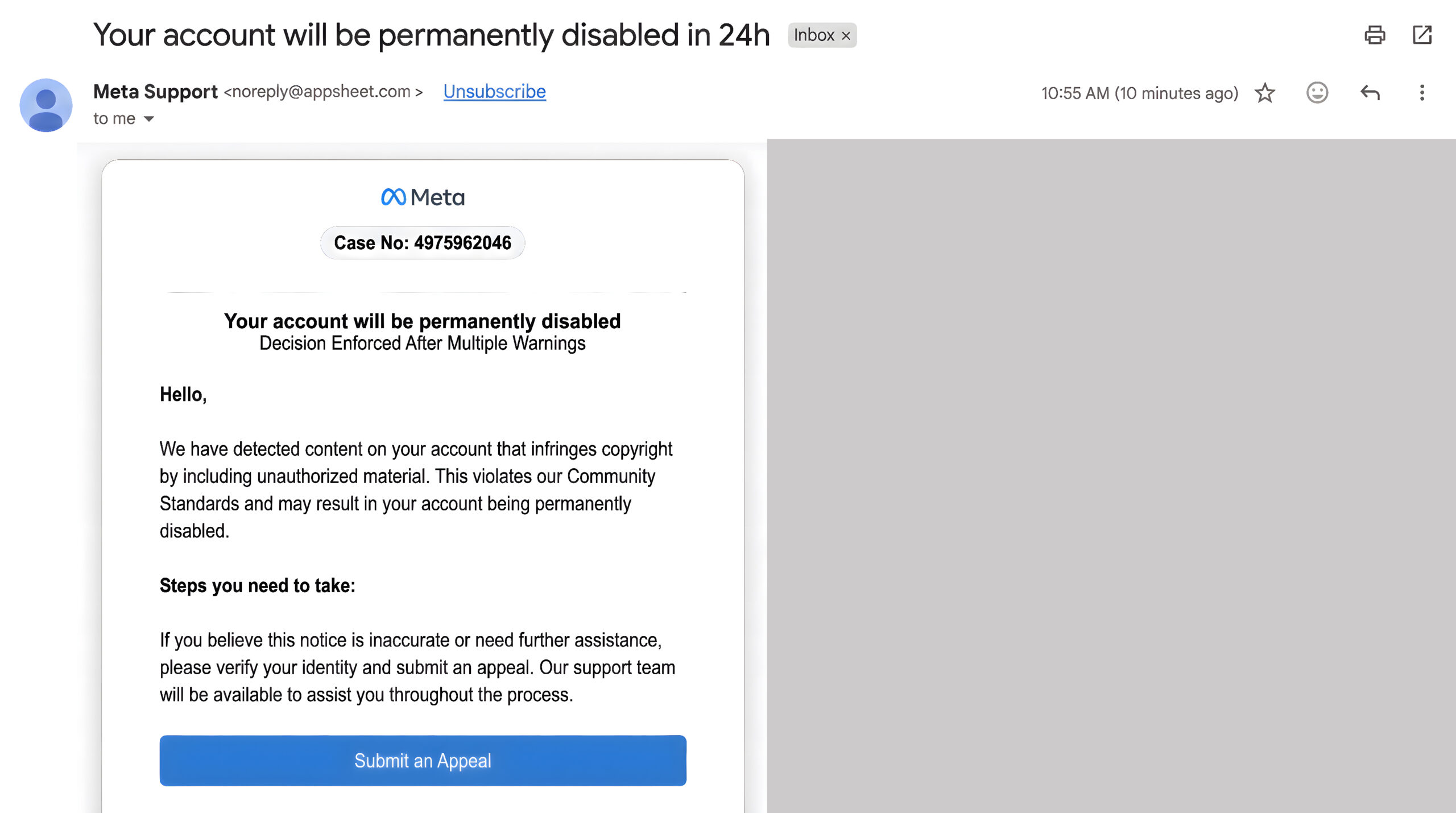
“Meta Support” emailed you
about serious account violations.
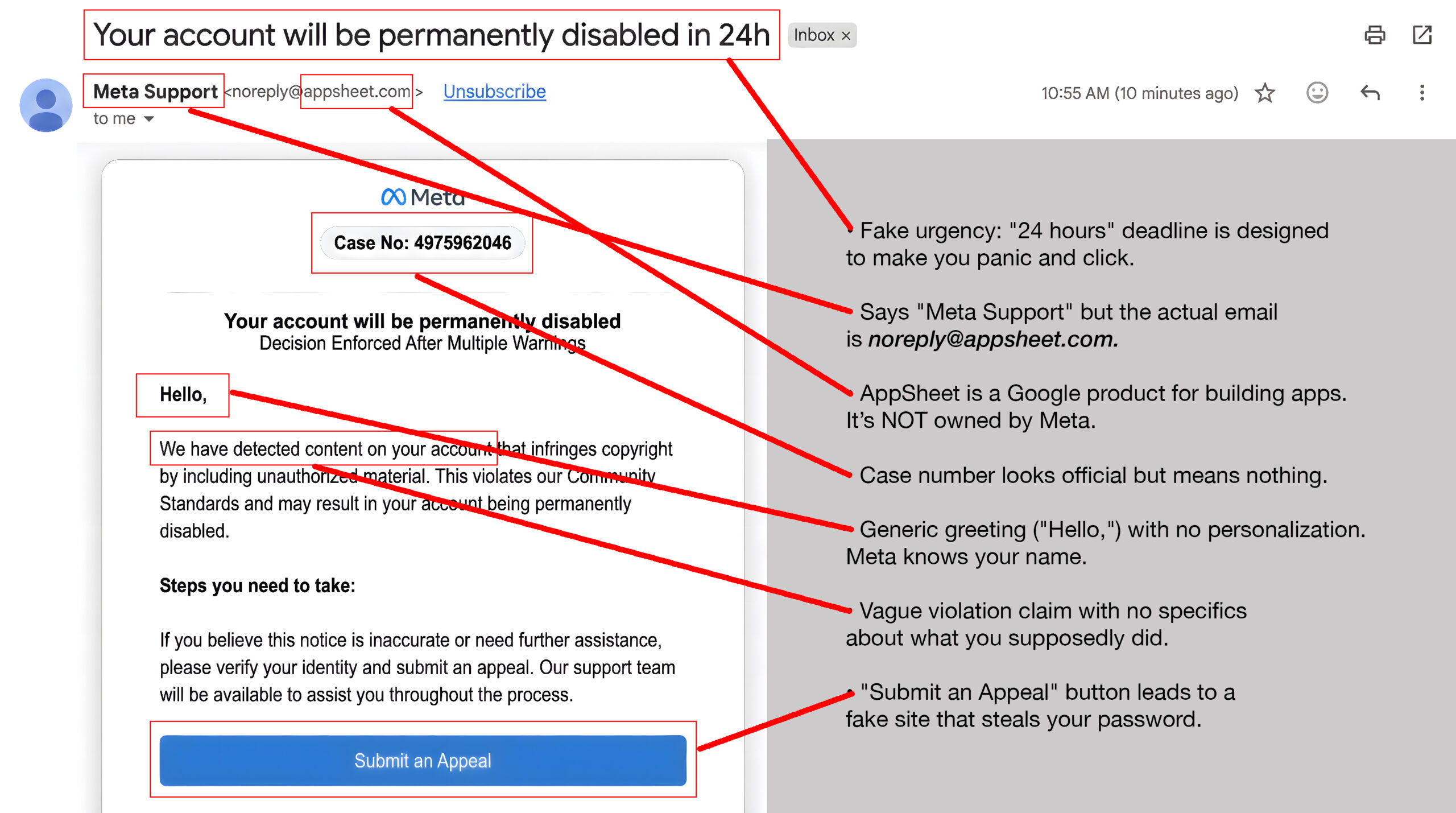
Uh-oh! It’s a trap.
Use your mouse to drag the slider bar from right to left and spot the clues.
If you didn’t click on the link:
Delete it immediately.
Report phishing in your email.
Check your actual Facebook account by going to Facebook.com directly (type it yourself).
If you DID click and entered your password:
Change your Facebook password NOW (go to Facebook.com directly, not via any link).
Turn on two-factor authentication immediately.
Cybersecurity News You Can Use
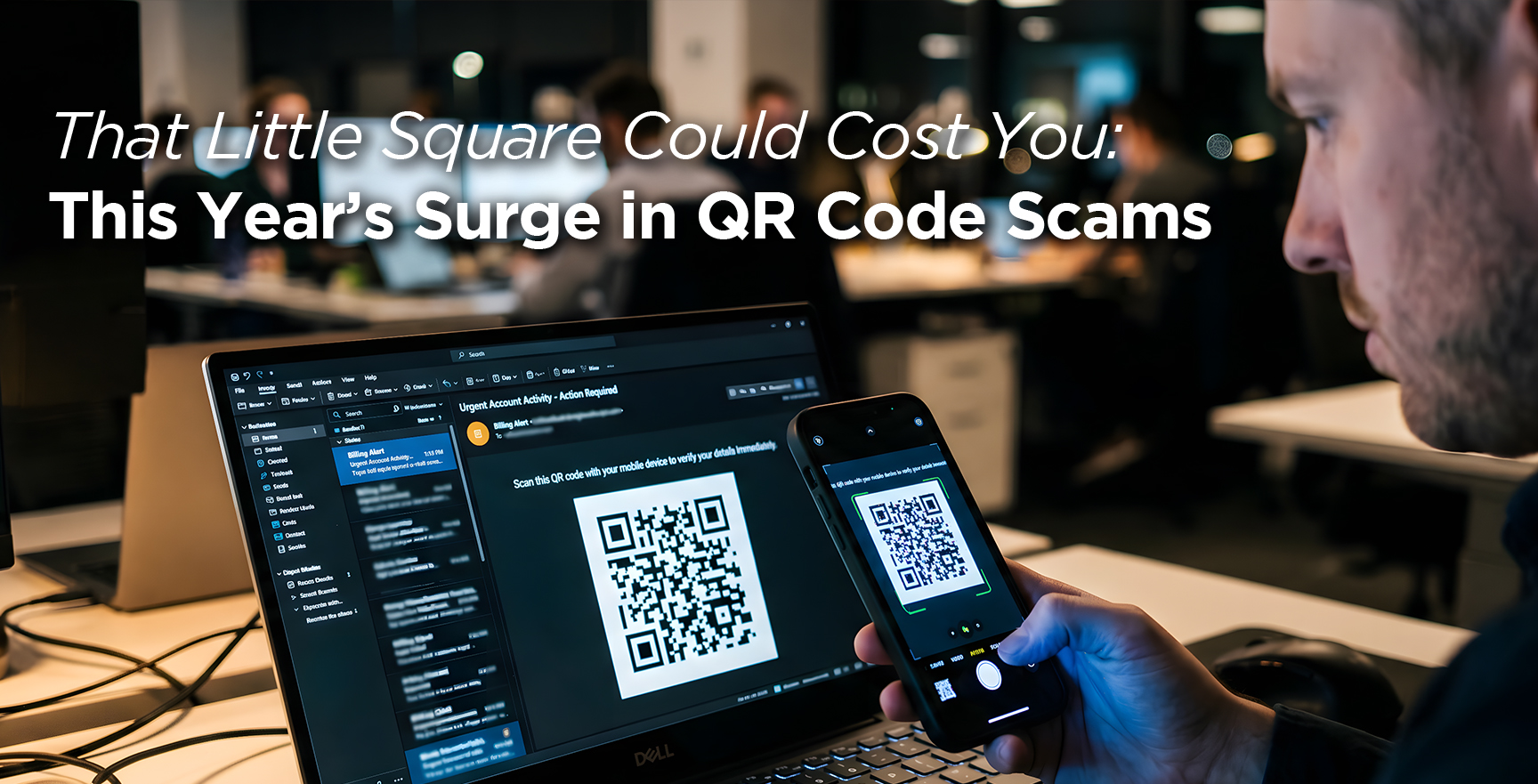
Since January of this year, using QR codes have become one of scammers’ favorite tricks, because a single scan can bypass your company’s filters and drop you straight onto a fake site before security tools ever see it.
The numbers are ugly: Microsoft says QR‑code phishing (“quishing”) jumped 146% in early 2026 across 8.3 billion emails, increasingly targeting mobile users and executives.
The most common QR‑phishing themes mimic classic email lures: “unpaid invoice” or “credit hold,” “401(k) update,” tax or payroll changes, package‑delivery problems, and generic “suspicious activity” alerts that ask you to scan a QR code instead of clicking a link.
Some campaigns use QR codes in PDFs or email images that open login pages for Microsoft 365, banks, or crypto/wallet apps, aiming to harvest passwords and MFA tokens so attackers can take over accounts.
- Anti-virus programs for home computers are beginning to spot and stop scam stores on Facebook and Instagram.
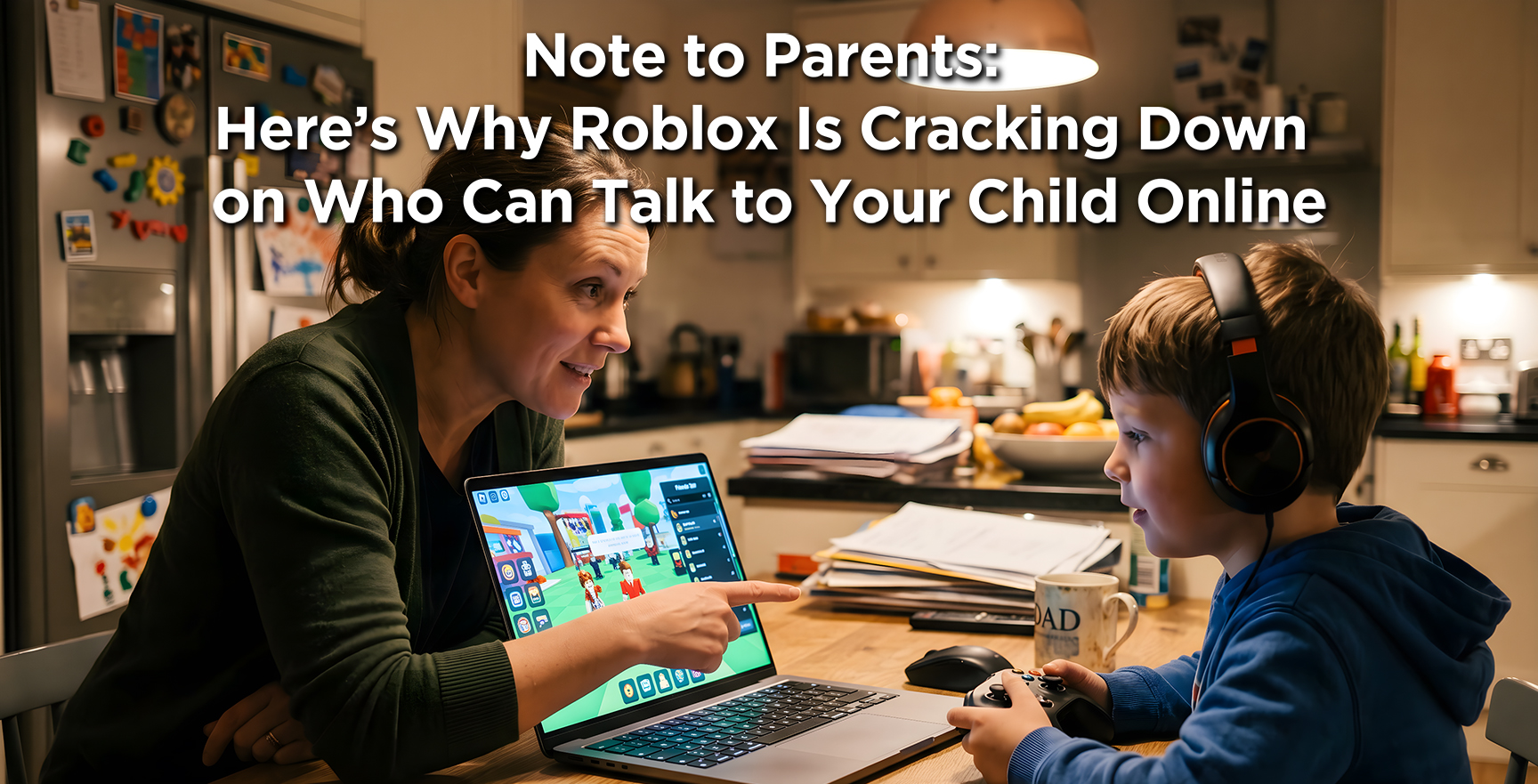
Roblox, the wildly popular online gaming platform, is now rolling out some of its strictest safety rules yet following a wave of lawsuits from states accusing the platform of failing to protect kids from predators. Of its 85 million daily active users, about 40% are under the age of 13 and roughly 20% are under 9.
Effective immediately, Roblox must age‑check all users with facial analysis or a government ID, monitor behavior for fake ages, block adults from chatting with under‑16s unless they’re on a “trusted friend” list, and prevent anyone who skips verification from chatting at all; in June, kids’ accounts split into “Roblox Kids” (ages 5–8, no chat, only minimal‑maturity games) and “Roblox Select” (9–15, tightly limited chat).
Be careful with third‑party age‑scanning apps: Some states have already flagged Roblox’s Persona age‑check system for misclassifying users and data‑handling concerns, and investigators say they found evidence it was doing more than just checking age. Parents should avoid sharing IDs or kids’ selfies with unofficial “verification” sites and lock age‑checks to in‑app tools only.
Treat Roblox like any other social app: sit with your kids as these new tiers roll out, review who is on their “trusted friend” list, turn off or tighten chat in settings, and stay vigilant for workarounds such as kids swapping QR invite codes or using third-party account marketplaces. This can help parents to better protect children online.
![[AWF] MFA](https://newsletter.awareforcecyber.com/wp-content/uploads/2026/05/AWF-MFA-scaled.jpg)
One more thing...
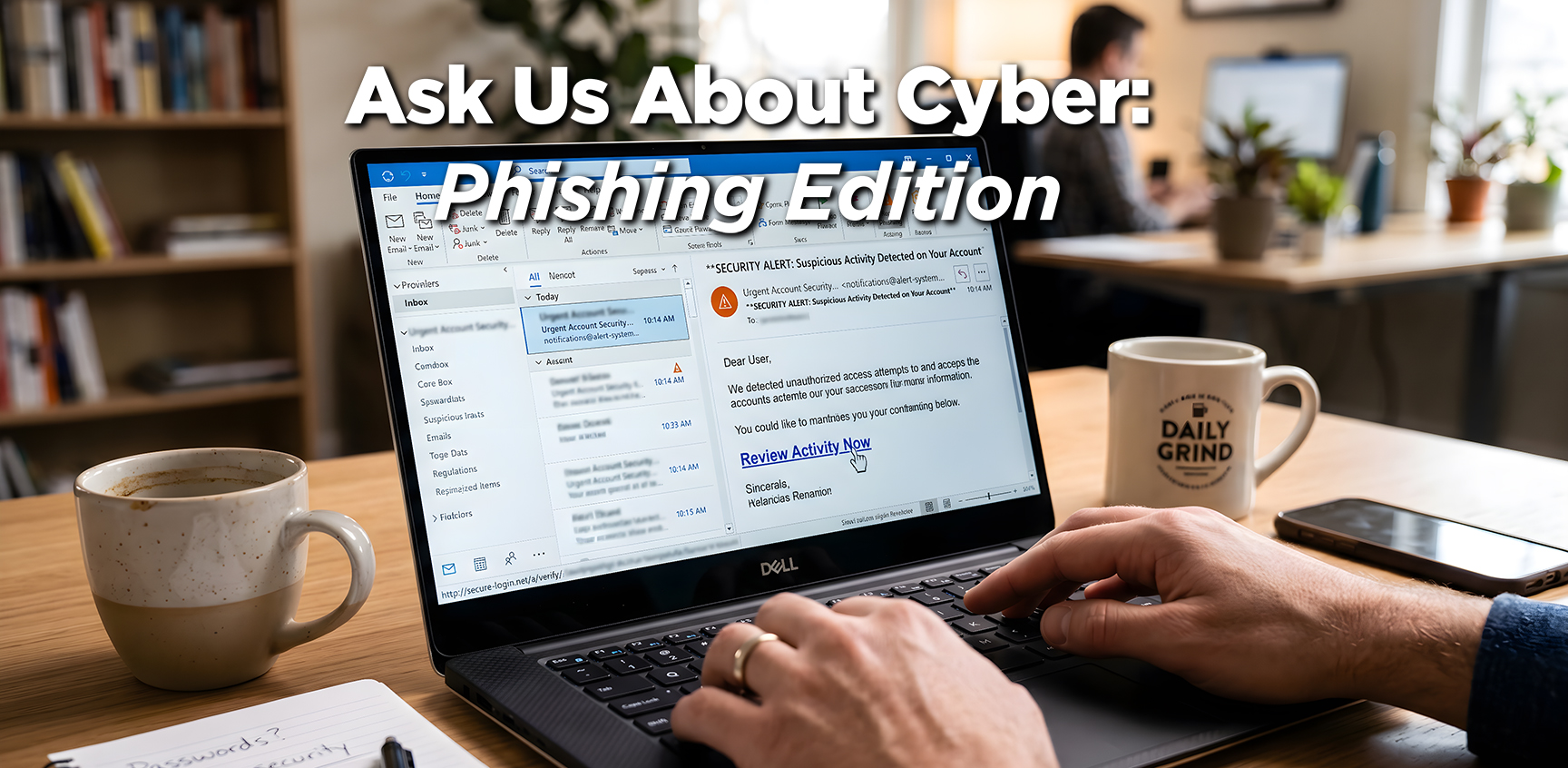
Someone has been using my phone number to get medical appointments from Benefeds (a federal benefits site). Today I got an email message about the appointment being rescheduled. Is this a phishing scam?
If someone is using your phone number for medical appointments, treat every message as both a possible scam and a sign of identity theft.
Ignore the links and phone numbers in emails. Visit the official website by typing the address into your browser manually or call the number printed on your card or on the site. Find out if there an account or appointment tied to you.
Treat this as identity theft. Ask them to close or lock the bogus account or appointment, send you everything about your account in writing, and have them flag your record as compromised.
Then check your insurance and medical statements for services you don’t recognize, get copies of your free credit reports to look for unauthorized accounts, and consider placing a fraud alert or credit freeze with those credit bureaus.
I received an email from amazon.com about being blocked from my account because of unusual activity. The email address it came from is amazon.com, but one of the links takes me to an X-rated website. How does this happen?
Scammers can make an email look like it came from “amazon.com”, just like writing any return address you want on a paper envelope. Behind the scenes, the links inside can send you to fake login sites that try to steal passwords or install malware.
So, remember, you can’t automatically trust the name in the “From” line of an email. Hover your mouse over it and the real address it came from will pop up.
Instead of using links or phone numbers in that email, go directly to Amazon by typing the address yourself or using the official app. If there’s no alert in your account, there’s proof the message is a scam.
I am always flagging emails as a phishing attempt out of caution. But there are so many! What are some examples of what should be reported as spam vs. which ones should just be deleted?
At work, ask yourself: “Could this fool someone on my team?” Click the “Report Phish” button if the email mentions accounts, money, or sensitive info, and asks you to click a link, open an attachment, scan a QR code, or log in (examples: “payroll issue,” “package held,” “invoice overdue,” MFA reset, DocuSign, Microsoft 365, bank, HR portal).
At home, use the “Report Spam” button in your email app for emails that feel deceptive (fake urgency, “we spoke last week,” odd links), or it’s clearly trying to sell you something or get you to click a link or open an attachment. That trains your spam filter what to look out for.
Send us your cybersecurity question
for possible use in a future newsletter.
You don’t have to provide your name or email address.
If you do include an email address, we’ll do our best to respond to your question.
Was this content helpful?
Cyber Content Archive: Always Available
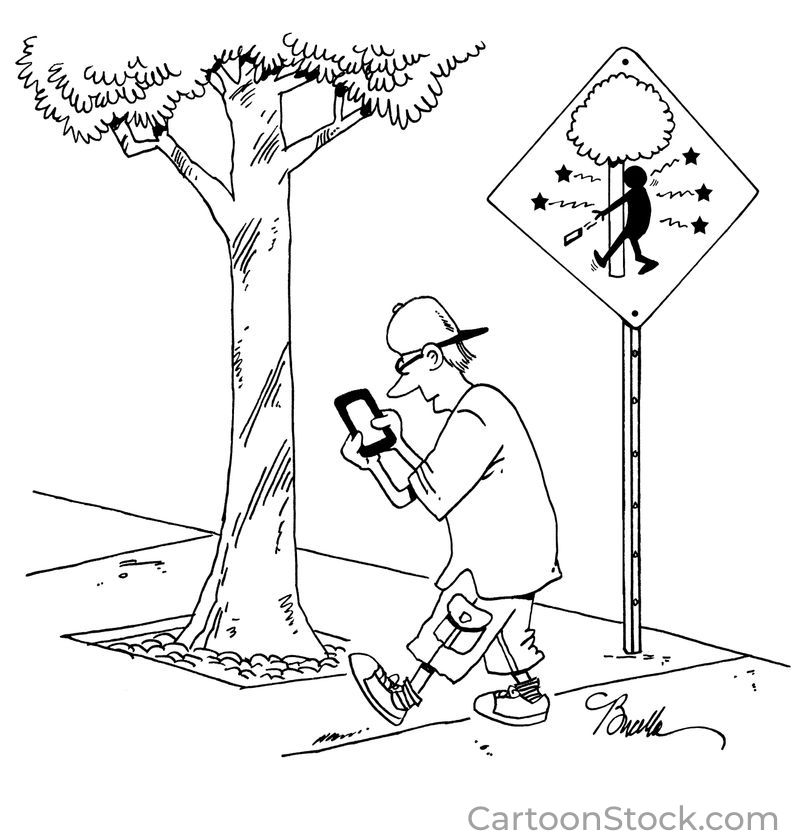
Cyber cartoon © 2026 CartoonStock | Original content © 2026 Aware Force LLC