September 2025 | 10 minute read
The Information Security Team is excited to provide its monthly newsletter,
keeping the Fitch community informed and engaged in cybersecurity.
This October, Fitch is kicking off Cybersecurity Awareness Month under the global “Secure Our World” theme with CISA and the National Cybersecurity Alliance.
Cybersecurity is business-critical at Fitch—it protects client trust, safeguards proprietary research and data, helps meet regulatory obligations, and keeps our global operations running smoothly. From practical skills to community impact, here’s what’s coming up this October.
Participate to learn how employees can help protect clients, data, and each other—at work and at home.
What's happening:
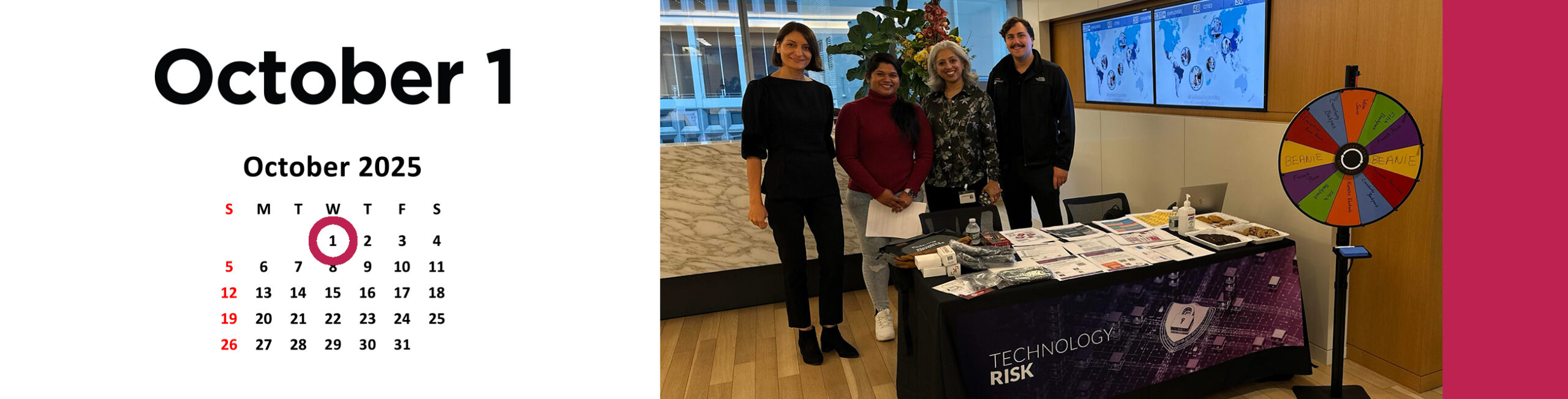
Cybersecurity Booths in various office locations around the world
Chat with experts, answer trivia, and pick up Fitch swag.

Chicago Fireside Chat with
CISO Devin Rudnicki
hosted with the Fitch Women’s Network
Learn practical security tips for work and home
with Devin Rudnicki and moderator Sarah Jamieson. (In-person, Chicago only)
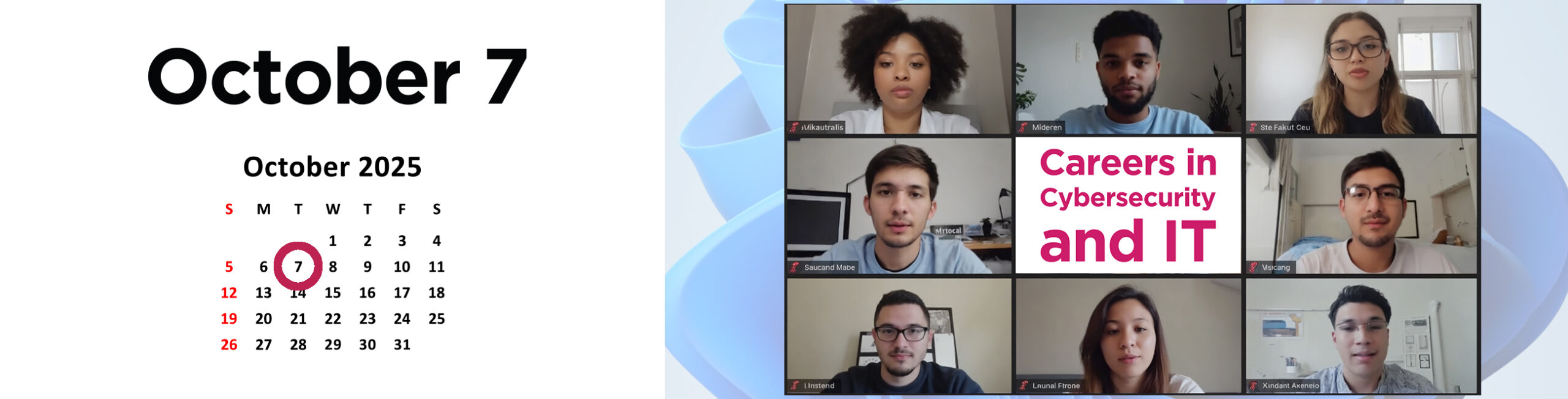
Virtual Higher Education Careers Talk – Cybersecurity/IT in partnership with ELBA
Fitch professionals share career paths, day-to-day work,
and sector insights with university students.
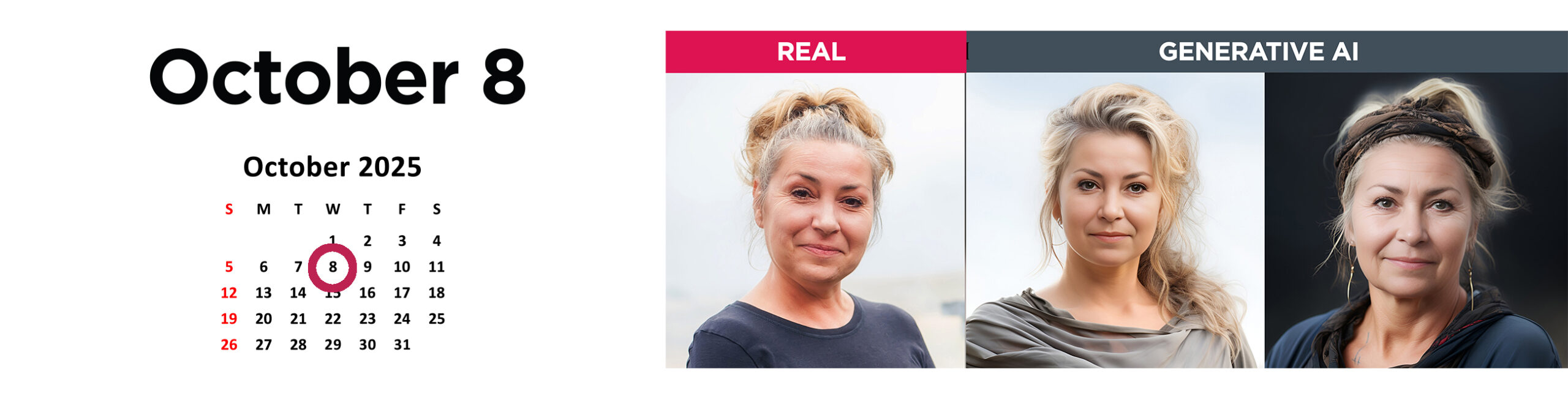
Getting Real with Deepfakes
Virtual Info Session with Brian Rosenkranz,
Associate Director, Information Security Awareness and Training—
how deepfakes work and how to protect yourself and Fitch.

The Magic Behind the Hack:
How Cybercriminals Trick Your Mind
Hear from master mentalist, Paul Draper,
and learn how social engineers think, how to spot their tactics, and how to stay ahead.
Hear how social engineers think, spot their tactics, and stay ahead.
Join online or attend a watch party in the Whitehall Social Hub.
Volunteer to be part of Paul Draper’s interactive performance
by emailing infosecawareness@

Project in a Box:
Inspire Young Programmers
Join us in the Chicago (22nd-floor Social Hub)
and Whitehall (18th-floor Social Hub) offices
for “Project in a Box: Inspire Young Programmers,” where volunteers will assemble
Learning-to-Code Kits, including a binary code bracelet,
Programmer Card Game, and an interactive coding and cybersecurity booklet,
to help young learners code securely and confidently.
Register here:
Learn More and Register!
Go to FX to get full event details,
locations, and registration links.
Your participation strengthens our defenses,
supports compliance, and protects client trust.
You can review our Privacy Policy here.
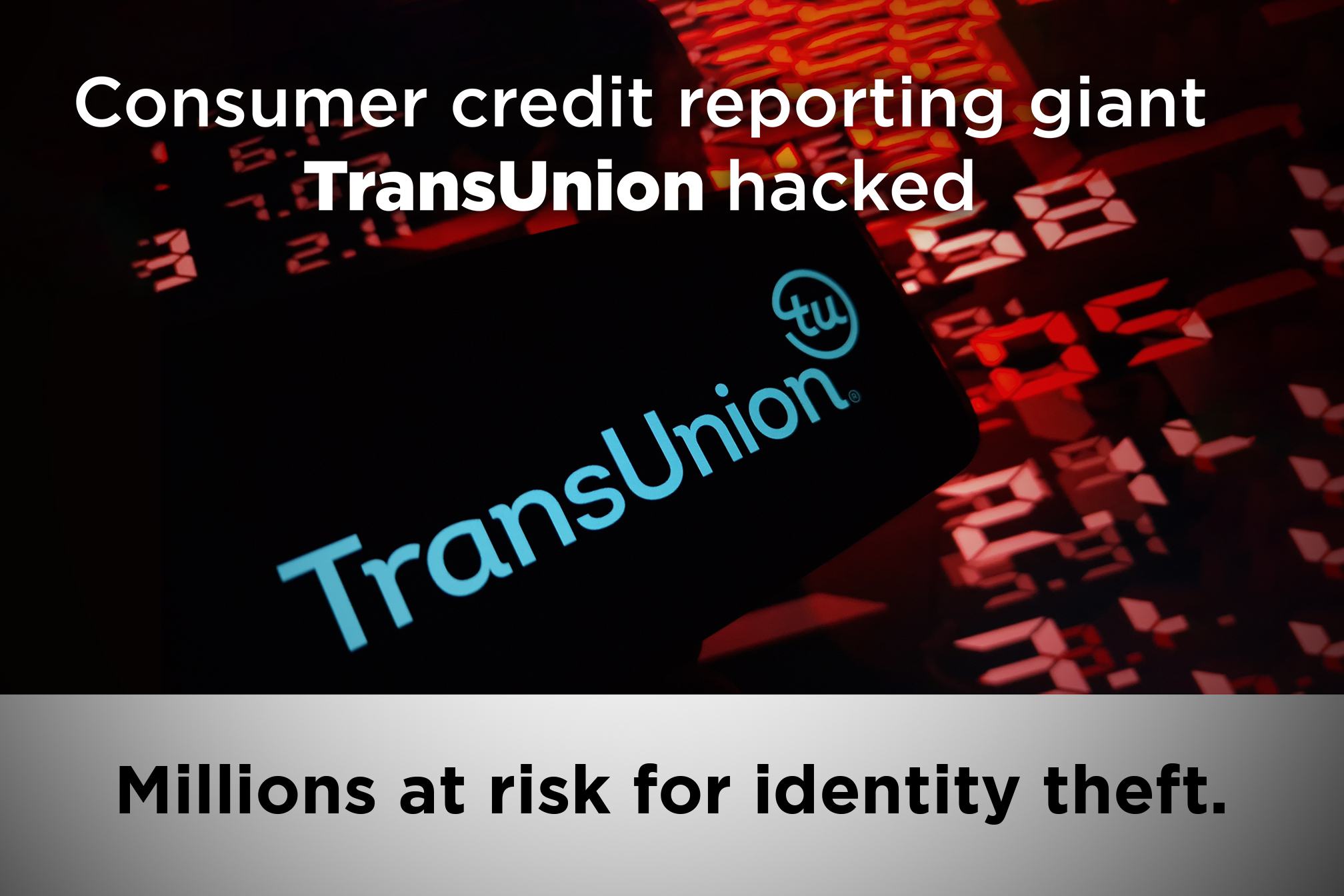
The TransUnion breach exposed the personal information of over 4.4 million people, including names and Social Security numbers, due to a hack into a third-party customer support application.
This puts everyday consumers at serious risk of identity theft and financial fraud, as criminals can misuse these details to open fake accounts or obtain loans.
For a straightforward look at what happened and steps to protect yourself, check out our new video and podcast about identity theft.

Join us for a powerful podcast featuring Eva Velasquez, CEO of the Identity Theft Resource Center, as she shares real-life stories of identity theft and the hard-earned lessons victims have learned. Her insights will help you recognize the risks and take smarter steps to protect yourself.
Cybersecurity News You Can Use
Earlier this summer, hackers stole a database containing 2.5 billion Gmail accounts, increasing the risk to individuals and businesses. Since the breach, scammers posing as Google employees have been calling and emailing users, urging them to reset their passwords. These attacks are designed to trick people into giving up login details, which can lead to even more serious scams.
Google is now urging users to strengthen security settings on their personal accounts, report any suspicious calls or emails to their IT department, and never share account information over the phone.
How to improve Gmail security.
- Go to myaccount.google.com/security-checkup.
- Sign in to your Google account.
- Google will guide you through a checklist that includes recent sign-ins, connected devices, account permissions, recovery phone number/email, and 2-step verification settings.
- Follow the prompts to remove old devices, revoke access to risky apps, and tighten security settings.
![[fitch]data collected by cars](https://cdn.awareforcecyber.com/wp-content/uploads/2025/08/FitchData-Collected-by-cars.png)
Update Your Passwords
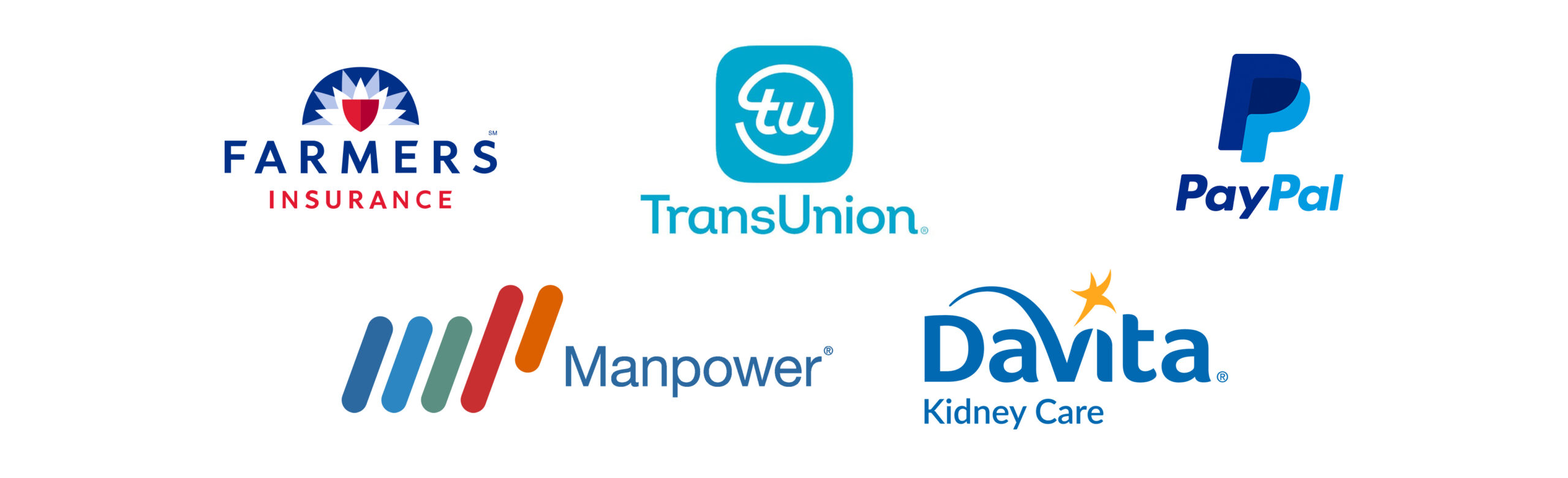
These organizations say they have been hacked recently. If you do business with any of these companies, change your account password and use two-factor authentication wherever possible.
Want to learn more?
Visit us at the Information Security Team FX site for helpful resources
or contact us at information.securitygroup@
to share interesting articles or suggestions for future newsletter topics.

One more thing...
Answers to Your
Cybersecurity Questions
“How do I use a Password Manager on my computer and which providers are best?”
A Password Manager app makes it easy to store and organize all login credentials in one place, so you don’t have to mess with remembering passwords for all the places you visit. The same app should be installed on all the devices you use. You should still use two-factor authentication, where you’re sent a code every time you log in.
Many readers want to know if it’s safe to use this software. After all, it means putting all your passwords in one place. But your chances of suffering a breach are much lower than trying to manage passwords yourself. (Note: a password manager requires a “master password” to use. Once you are assigned one, do NOT lose it!)
To determine which password manager is the best choice for you, conduct a web search. Some apps cost more than others, some offer other valuable features, and some are more complicated to use. Consumer Reports suggests trying free versions of popular password managers like NordPass, 1Password, Dashlane, Bitwarden, or RoboForm to see which one works best for you.
Note: Google Chrome’s Password Manager is the only approved password manager for Fitch.
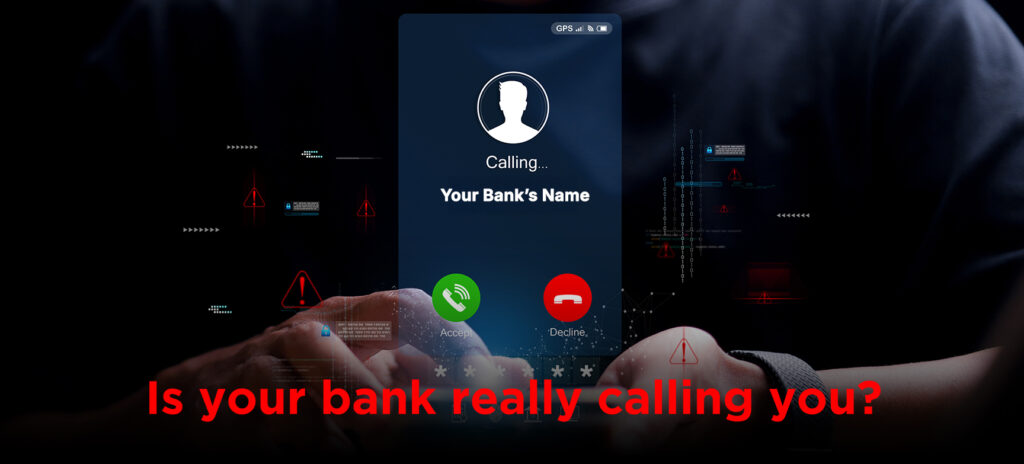
A reader wanted you to know about his experience receiving a call that appeared on his phone as “Chase Bank.” The voice on the other end claimed that a suspicious Zelle transaction had been made from an old iPhone 8 linked to his account. Then they gave him “security codes” and transferred him to another person.
“When I questioned why the transaction didn’t appear in my account, they insisted they could see it on their end. I texted a friend who works at Chase to verify the names they gave me. Neither showed up in Chase’s internal directory. When I confronted the caller about it, she immediately hung up.
Bottom line: Always call the bank back directly through their official number. And remember that any number that shows up on your phone can easily be faked.
“Is it possible to track my every keystroke on messages I send?”
Yes, it is. Some cybercriminals use “keyloggers,” which are software programs that can record everything you do on your computer. They can steal private messages, passwords, and personal information. Keyloggers are usually installed when someone clicks on suspicious links in emails or downloads unsafe files.
How do you avoid keyloggers? Three steps: Install antivirus software on your home computer, keep software updated, and avoid those unfamiliar downloads or links.
See? This is why we keep bringing it up!
Cyber cartoon © 2025 Cartoonstock | Original content © 2025 Aware Force LLC