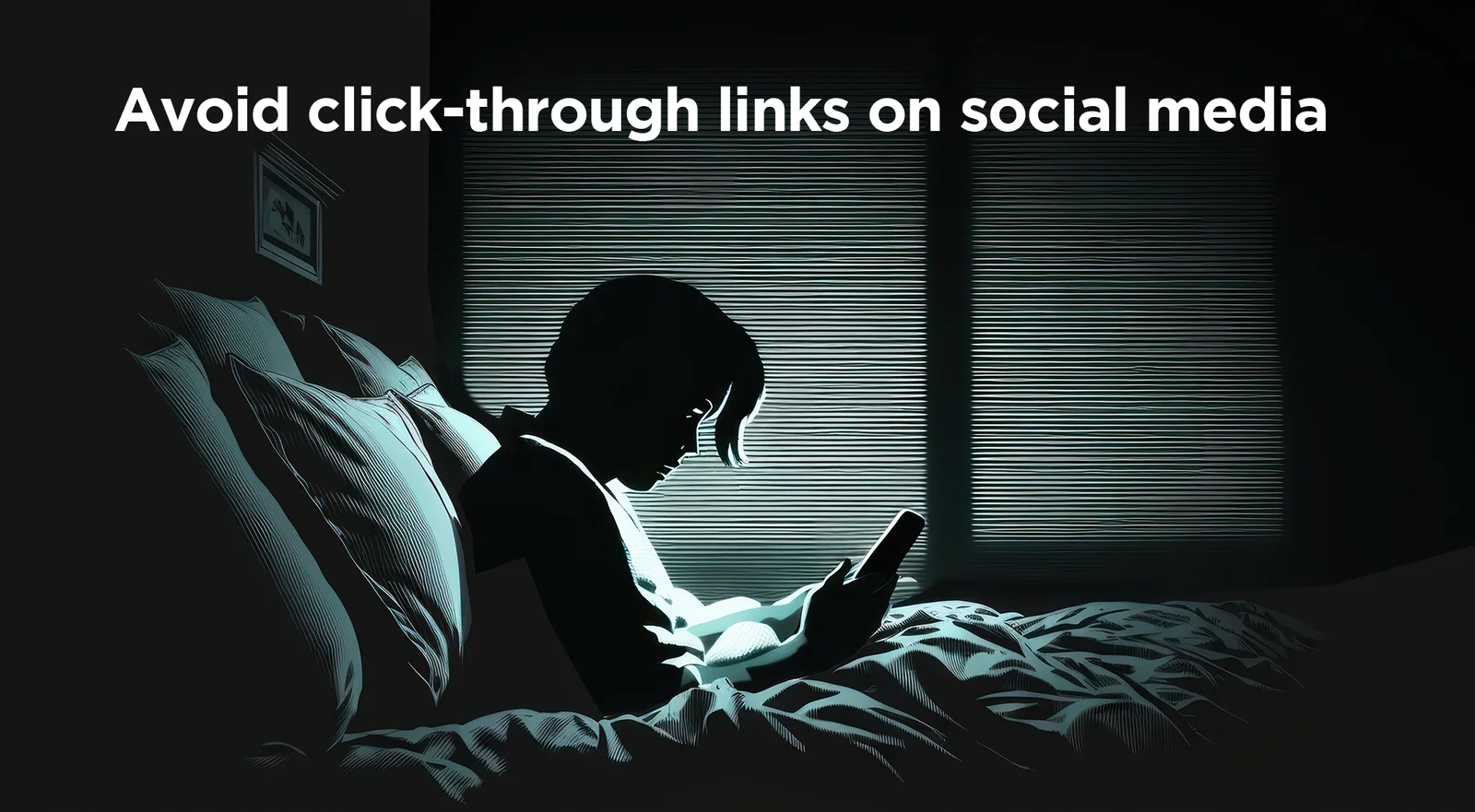
Picture this. You are scrolling through your social media feed, and you see that your favorite brand is having a major sale.
70 percent off… Today only… You better act fast!
Next thing you know, you’ve clicked on the advertisement, thrown three items into your shopping bag, and you’re suddenly inputting credit card information. Transaction complete.
You’re feeling accomplished because you took advantage of a major deal. However, you’ve just put your credit card info into a scam site, and sadly, you will not receive your purchase anytime soon.
Social media always seems to know what’s on your shopping list, and scammers have taken note.
Scammers are impersonating real companies in ads on Facebook, Instagram, and other social media platforms. In fact, security researchers have uncovered a sophisticated information-stealing campaign that has compromised hundreds of merchant websites.
The campaign steals online shoppers’ funds, card data, and personally identifiable information (PII), often luring its victims with steep discounts and limited-time offers.
Here’s how to protect yourself from scammers and phony ads
Your best bet is to go straight to the source. Avoid clicking on links on social media altogether and navigate to the merchant’s website to ensure you are purchasing from a legitimate website. If you find yourself still pondering whether the ad and its enticing deal are real, take a look at the guidance outlined below:
- Investigate the URL:
- First look for discrepancies in the URL. Scammers often use URLs that mimic legitimate sites but have slight differences.
- Ensure the website uses HTTPS (secure) rather than HTTP.
- Verify the advertiser by copying their website and entering it into the ICANN WhoIs database at https://lookup.icann.org/en. If the site was recently registered, traces back to a random individual, or to a country that doesn’t match the alleged business, it’s likely a scam site.
- Inspect the ad’s images: If they appear blurry, photoshopped, or like stock photos, this should ring alarms.
- If it seems too good to be true, it probably is: Be skeptical of extremely low prices or unbelievable deals. This likely isn’t financially sustainable for your favorite brands to offer.
- Pay by credit card: Credit cards offer more protections; you can dispute charges if what you receive is not what you ordered, or if you receive nothing at all.
Check out this example of a scam ad running on Facebook:
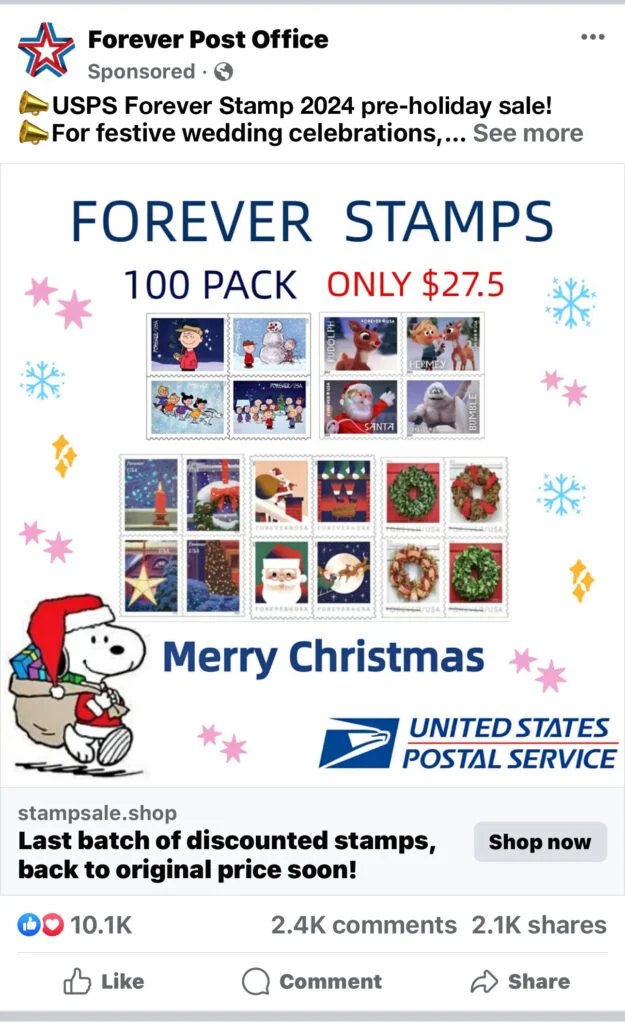
- A postage stamp in the US costs 73¢, so 100 of them would cost $73.
- This ad, running on Facebook, claims you can get 100 stamps for $27.50. Wow!
- Except postage stamps never go on sale.
- The web address is not usps.gov…it’s stampsale.shop.
- Clicking on the link takes you to a website that looks legit but is designed to capture your credit card and personal information.
What to do if you’re scammed.
Take a look at the Federal Trade Commission’s website which provides detailed guidance on what to do if you’ve paid a scammer or disclosed personal information.
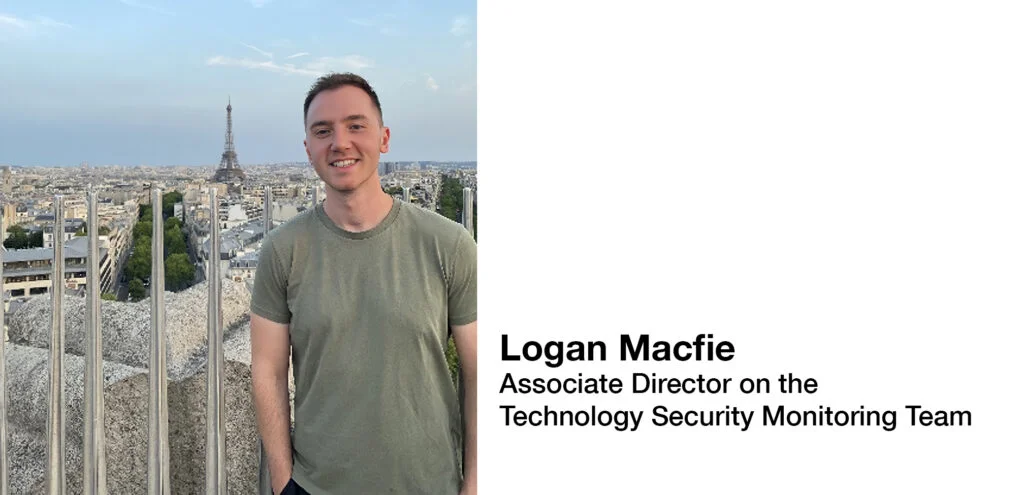
Tell us about yourself:
I joined Fitch in 2018 as an Information Security Analyst. My background was in technology audit, risk and compliance and those skills helped me quickly get up to speed with Fitch’s control environment. I went to college at Rutgers University and earned a bachelor’s degree in management information systems. I also hold two professional certifications; the Certified Information System Officer (CISA) and Certified in Risk and Information Systems Control (CRISC).
Tell us about your role:
I am responsible for Identity & Access Management (IAM) governance and Privileged Access Management (PAM). My role involves designing and demonstrating control competencies, and managing access certifications, segregation of duties, and role management. Additionally, I liaise with internal compliance and audit teams at both Fitch and Hearst, demonstrating control effectiveness and managing remediation activities.
Biggest challenge(s) you face in your role?
My role is multifaceted and requires a high level of multitasking and communication skills. I really enjoy the challenge but sometimes it can be difficult to adapt to ever-changing priorities. The nature of the line of work, I suppose!
Favorite thing about working in security?
I enjoy the mental challenges that come from having to keep up to date with the latest security trends related to access management and really enjoy being able to talk to such a wide audience of individuals and teams. I’ve been part of so many interesting projects and have had the chance to work with and learn from many smart people at Fitch.

Cybersecurity News You Can Use
THE FBI IS INTRODUCING A SCAM ALERT SYSTEM: The FBI says these scams commonly push people to act quickly, so the agency is launching the “Take a Beat” campaign to urge people to resist those quick responses.
Click the graphic below to watch this report on the new initiative, with some amazing facts about how big a problem online scams have become.

HEADS UP, WINDOWS AND MAC USERS: Trustwave says Facebook ads promoting cool Windows desktop background apps are actually malware designed to lift personal information off a victim’s personal computer. And Mac users: Beware of texts and emails warning you about issues with your iCloud account. These phishing messages are designed to steal your Apple username and password and take over your Apple account.
These companies have been hacked recently. If you do business with any of them, change the password on your account and add two-factor authentication protection wherever it’s offered.
Phish of the Week
“Phishes” are scam emails from scammers.
“Vishes” are scam voicemails.
So, what’s a “quish?”
That’s where a scammer sticks a fake QR code on top of a real one,
sending you to a website designed to get you to enter your personal information.
Click to watch an example of a quish at a car charging station.
DailyDay® via Instagram

2024 AI week is around the corner, running from Monday, September 9, to Friday, September 13. AI Week is a series of events, workshops, and demos to give you a front-row seat to the latest AI technologies and strategies. Expect to see demos of tools like FitchGPT and Tech Talks covering Agents, Machine Learning, Retrieval Augmented Generation (RAG), and more, all held virtually and in person.
Business-specific engagements will showcase practical use cases and best practices from our Ratings, Solutions, and Group colleagues. Plus, don’t miss out on the interactive AI Trivia! You can find more details on AI week here.

Are you aware that several countries are currently on the sanctions list?
Check out this FX article to learn about network access policies for the sanctioned countries.
One more thing...
Frustrated with passwords? You’ll identify with this.
Click to watch.
mohankarthik821 via Instagram
Answers to Your
Cybersecurity Questions
“Is there a way to find out who has hacked you?” — Timothy K.
Unfortunately, there is not a straightforward method. Begin with local law enforcement and file a complaint with the FBI’s Internet Crime Complaint Center at www.ic3.gov. LinkedIn says law enforcement agencies and cybersecurity experts use IP address tracking, GPS location tracking, and forensic analysis of the hacked device to identify the attacker’s location and identity. If you still have access to your account, log in from a trusted computer and reset your password with a new, unique and strong password — the longer the better.
Bankrate says bank apps are safe — but be alert. Only download a banking app from the bank’s website or your official app store — never from an email or text message. Use a long password and two-factor authentication with your account. And never click a link in an email instructing you to change your password or login even if looks like it came from a bank.
“I needed a font for my personal computer and found a website that offered it for free. Are free fonts safe to download and install?” — AnnH1
Monotype says you should be cautious about installing fonts. A normal-looking font from a shady website could contain code that infects your computer. Criminals can also use free fonts to trick you into downloading malware: a website you visit might suddenly become unreadable, and a warning instructs you to download a dangerous file to fix the issue. Anti-virus programs installed and running on your personal computer are engineered to protect you from this risk.
Want to know more?
Visit us at Technology Risk intranet site for helpful resources
or contact us at [email protected]
to share interesting articles or suggestions for future newsletter topics.
Original content © 2024 Aware Force LLC